
TL;DR: Choosing a smart TV is easier than you think. Our handy checklist highlights key factors like screen size, resolution, and sound so you can find a TV that suits your space and budget.
Ever feel lost in the sea of smart TV options? You’re not alone. Our guide breaks down the important specs, from smart platforms to connectivity, in clear, everyday language. We tested these tips to help you pick a TV that fits perfectly into your room while keeping costs in check. Enjoy watching your favorite shows on a TV that truly meets your needs.
Smart TV Buying Checklist: Enjoy Your Savvy Choice
Choosing your next smart TV doesn't have to be overwhelming. We’ve broken down the must-know features to help you quickly compare models and pick the one that fits your needs.
Here are the top points to consider:
- Screen size: Use the rule of thumb, divide your viewing distance in inches by 1.5 to find the best size for a 4K TV.
- Resolution: Look for 4K UHD (2160p) as standard, and check out 8K and HDR options for brighter colors and better contrast.
- Smart Platform: Find models that run on systems like Google TV, Roku, webOS, or Tizen for a smooth built-in app experience.
- Connectivity: Make sure the TV has at least three HDMI ports, along with Wi-Fi and Ethernet, to stay connected easily.
- Audio: Consider whether the built-in speakers will work for you or if you might need an external soundbar or home theater system.
- Budget: 4K TVs often deliver great value, giving you reliable performance without breaking the bank.
- Extra Tips: Refer to our tech buyer checklist for any additional factors you might want to compare.
This guide is here to help you review all the important specifications and choose the right smart TV for your viewing space. Happy shopping!
Screen Size Recommendations in Your Smart TV Buying Checklist

Finding the right TV size for your room doesn’t have to be hard. For 4K TVs, a good rule is to divide your viewing distance (measured in inches) by 1.5. For example, if you sit about 108 inches (or 9 feet) away from the screen, a TV between 55 and 65 inches should work well. For Full HD TVs, use a divisor of 2.5 to pick a slightly smaller screen that still feels right.
Be sure to measure your wall or entertainment stand before buying so you don’t end up with a TV that’s too large. If your wall is narrow, a 50-inch 4K TV might be a more comfortable fit. Consider your room’s layout and where you usually sit to choose the display that suits your viewing habits best.
| Type | Calculation |
|---|---|
| 4K TV | Viewing distance (in inches) / 1.5 |
| Full HD TV | Viewing distance (in inches) / 2.5 |
Resolution Quality Assessment for Smart TV Purchases
Today, most living rooms enjoy the clear, sharp images that come with 4K UHD (2160p). Many TVs stick with this trusted resolution while others try something new with 8K panels. These next-generation 8K TVs, like Samsung’s Q900R, use smart upscaling (a feature that boosts lower resolution content) to improve the picture, but they usually cost more. In short, you need to weigh the extra cost against the visible benefits.
| Resolution | Pixel Count | Ideal Screen Range | Typical Price |
|---|---|---|---|
| 720p | 1280 x 720 | Below 32 inches | Budget-friendly |
| 1080p | 1920 x 1080 | 32 to 50 inches | Mid-range |
| 4K UHD | 3840 x 2160 | 50 to 70 inches | Standard |
| 8K | 7680 x 4320 | 65 inches and above | Premium |
High dynamic range (HDR) takes picture quality a step further by adding brighter whites, deeper blacks, and richer colors. Most TVs support HDR10, while Dolby Vision steps it up with frame-by-frame detail adjustments. You can find Dolby Vision on some models from LG, Panasonic, Sony, and Philips, though Samsung skips it. Plus, the Ultra HD Premium badge means the TV meets strict standards for both 4K and HDR. Ultimately, choosing between 4K and 8K comes down to your budget and whether the extra detail and smarter processing of 8K are worth the higher price.
Operating System Comparison in Your Smart TV Buying Checklist
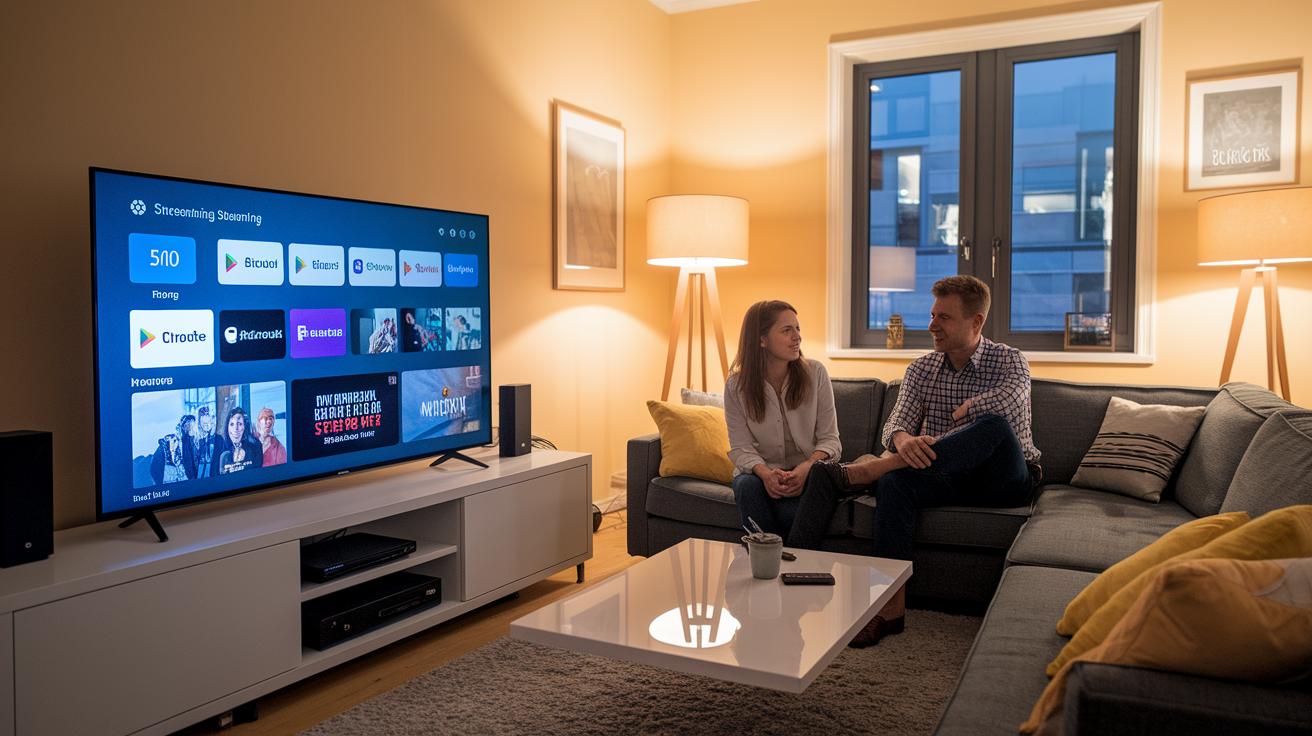
A smart TV’s operating system plays a key role in how comfortable your viewing experience is. Picking the right one comes down to which features matter most to you, from app options to voice control.
Google TV makes it easy to use your voice and works smoothly with Chromecast. Its clean menu lets you reach popular streaming apps quickly, and regular updates keep things fresh for hands-free control.
Roku is popular for its wide app selection and simple interface. If you want lots of streaming choices and straightforward navigation, Roku is a great option. Even during heavy viewing, it stays responsive and reliable.
LG webOS feels natural and approachable. With built-in voice control and an easy layout, finding your favorite shows is hassle-free. Quick-launch features and smart shortcuts add a modern touch to the overall experience.
Samsung Tizen offers smooth app switching and steady performance. It is built for a smooth multimedia experience, letting you move quickly between channels and apps. Plus, it supports well-known voice assistants like Alexa and Google Assistant, making voice control a breeze.
When choosing among these systems, think about the ecosystem you already enjoy and the apps you need most. Also, consider how often each system updates and whether its interface fits your streaming habits. For more tips on comparing features, check out our guide on evaluating tech products.
Connectivity Standards Overview for Smart TV Connections
Smart TV connectivity is key when choosing your new TV because it keeps your system powerful and ready for new technology. Today's smart TVs offer a mix of wired and wireless options to help you stream, game, and enjoy your shows without any hassles. It's a good idea to check the connection options before you buy so you avoid any setup troubles later.
If you enjoy gaming or watching multimedia content, look for a TV with at least three HDMI 2.1 ports. These ports support 4K at 120 Hz for smooth visuals and quick responses during gameplay with the latest consoles. Two USB ports let you play media files directly, meaning you can easily connect your storage device for photos, videos, or music. An Ethernet port also provides a more steady connection for streaming, especially in homes where Wi-Fi might not be strong enough.
Wireless features matter too. Modern smart TVs increasingly offer Wi-Fi 6, which means faster streaming speeds and a broader range. They also come with Bluetooth so you can wirelessly connect speakers, keyboards, or other devices. Added support for Chromecast, Apple AirPlay, and HDMI CEC makes it even easier to link up your devices and control them with one remote.
- HDMI 2.1: At least three ports for smooth 4K@120 Hz gaming
- USB: Two ports for simple media playback
- Ethernet: A steady wired connection for smooth streaming
- Wi-Fi 6: Faster speeds and a wider wireless reach
- Bluetooth: Easy connection for a range of peripherals
Keep your setup neat by using cable management solutions. This way, your entertainment area stays tidy and you’re ready for future tech upgrades.
Audio Performance Review in Your Smart TV Buying Checklist
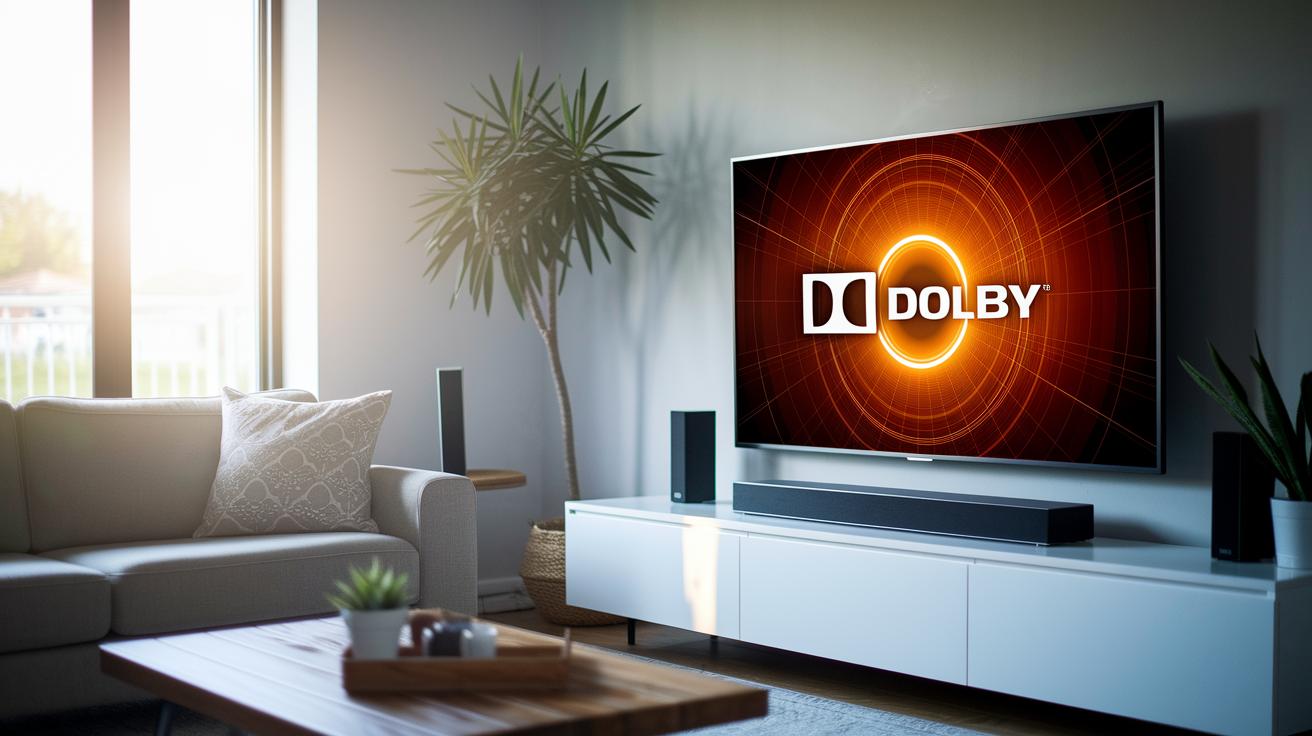
Most smart TVs come with built-in speakers that often don't deliver the deep bass or clear sound many of us look for. They usually support basic modes like Movie or Music, but the sound just isn't as rich or detailed as what you get from a dedicated system. Even with design tweaks, these internal speakers struggle to create the immersive experience needed for dramatic scenes or booming audio tracks.
Many newer models now offer features like Dolby Atmos and optical audio outputs. This means you have the option to hook up external solutions such as soundbars or AV receivers for a cleaner, fuller sound. By using these dedicated audio ports, you can bypass the limitations of the inbuilt speakers and enjoy a richer listening experience. Pairing your TV with a quality soundbar or even a complete home theater system ensures every whisper and explosion is delivered just as intended. For home entertainment enthusiasts, investing in external audio accessories is a smart upgrade.
Budget-Friendly Smart TV Options and Price Comparison Strategy
TL;DR: If you want a great picture without overspending, a 4K TV is a smart choice. It offers clear visuals and good color at a price that won't break the bank.
The 4K TV market hits a sweet spot by giving you sharp images and vibrant colors without the steep cost of 8K models. For most buyers, this means you get an impressive entertainment setup that still keeps your budget in check.
Start by checking out the average price ranges. Most 4K TVs come in at a friendly price, while 8K TVs, which pack extra features like advanced upscaling, can be quite a bit more expensive. Big sale events like Black Friday and Prime Day are great times to buy. A little tip: set reminders before these sales so you don't miss out on the best deals.
Next, compare prices from certified retailers. Looking at multiple sources helps you understand all the current offers. Certified refurbished TVs can also be a smart pick, as they often save you money without sacrificing performance. Using price-tracking tools that send alerts when prices drop can take the hassle out of this process.
Lastly, read user reviews, especially about warranty and after-sale service. Sometimes the lowest price might come with less reliable customer support. Keep an eye on updates around popular sale events and check retailer certifications to ensure you're getting a quality deal. These simple steps will help you stay on top of price changes and make a well-informed smart TV purchase.
Warranty Coverage Check and Energy Consumption Ratings for Smart TV Buyers
Most smart TVs come with a basic warranty that lasts 1 or 2 years. This warranty covers usual defects and repairs. If you plan to use your TV for many years, it might be a good idea to look into extended warranty plans. Checking the warranty details can help you know what to expect from the after-sale service and potential repair costs.
How much power your TV uses can affect your monthly bills. TVs that have the ENERGY STAR label meet efficiency rules, and they can help lower your electricity costs. LED TVs usually draw less power than QLED or OLED models, which look amazing but may use more energy. Many newer models come with eco modes that adjust brightness and power use based on room light. This feature can truly help save money, especially if you watch TV for long stretches.
By looking at both warranty coverage and energy ratings, you get a clearer picture of a TV's overall value. Considering repair costs alongside energy savings can help you choose a smart TV that not only delivers great visuals but also keeps costs down over time.
Final Words
In the action, we broke down key areas like screen size, resolution, operating systems, connectivity, audio, budget, and warranty checks. Each section provided clear data and practical advice to shape your smart TV buying checklist. With real-world tips from testing and hands-on reviews, you now have a simple roadmap to match your needs and budget. This guide helps reduce research time and removes guesswork. Enjoy the journey toward a smart TV purchase that delivers value and performance, leaving you confident in your choice.