
TL;DR: Turn your cluttered workspace into a clear, efficient home office without breaking the bank. Read on for easy tips on what gear to pick and mistakes to avoid.
Does your home office help you work smoothly or just add to the mess? You don't need to splurge on fancy gadgets to get things in order. With a few smart choices, you can upgrade your tech and boost your efficiency without overspending. Picture your cramped desk transformed into a neat, organized spot that reduces stress and brightens your workday.
This guide walks you through the key tools you need and shows you how to sidestep common buying pitfalls. Keep reading to shop smart and build a home office that truly works for you.
Comprehensive Home Office Tech Buying Checklist Overview
A well-planned home office makes you more productive and helps keep you healthy. This guide shows you a clear path to set up a workspace that works for you. First, review your current setup, then invest in smart essentials like a sturdy desk, a comfy chair, and proper lighting. Following this checklist helps you avoid impulse buys and choose gear that truly meets your needs.
- Review your space to see what needs fixing.
- Choose a desk that fits your room perfectly.
- Pick an adjustable, comfortable chair for long workdays.
- Position your monitor to help reduce eye strain.
- Use reliable peripherals like a keyboard, mouse, and docking station.
- Select a computer that fits your workload.
- Install lighting that meets recommended brightness levels.
- Ensure you have steady broadband and good network gear.
- Protect your equipment with surge protectors and a UPS.
- Keep your cables organized and add smart storage solutions.
This checklist guides you to make smart tech purchases while keeping your build cost-effective and efficient. For more tips, check out our detailed guide at https://getitreviews.com?p=1577.
Assessing Your Home Office Space for Tech Purchases
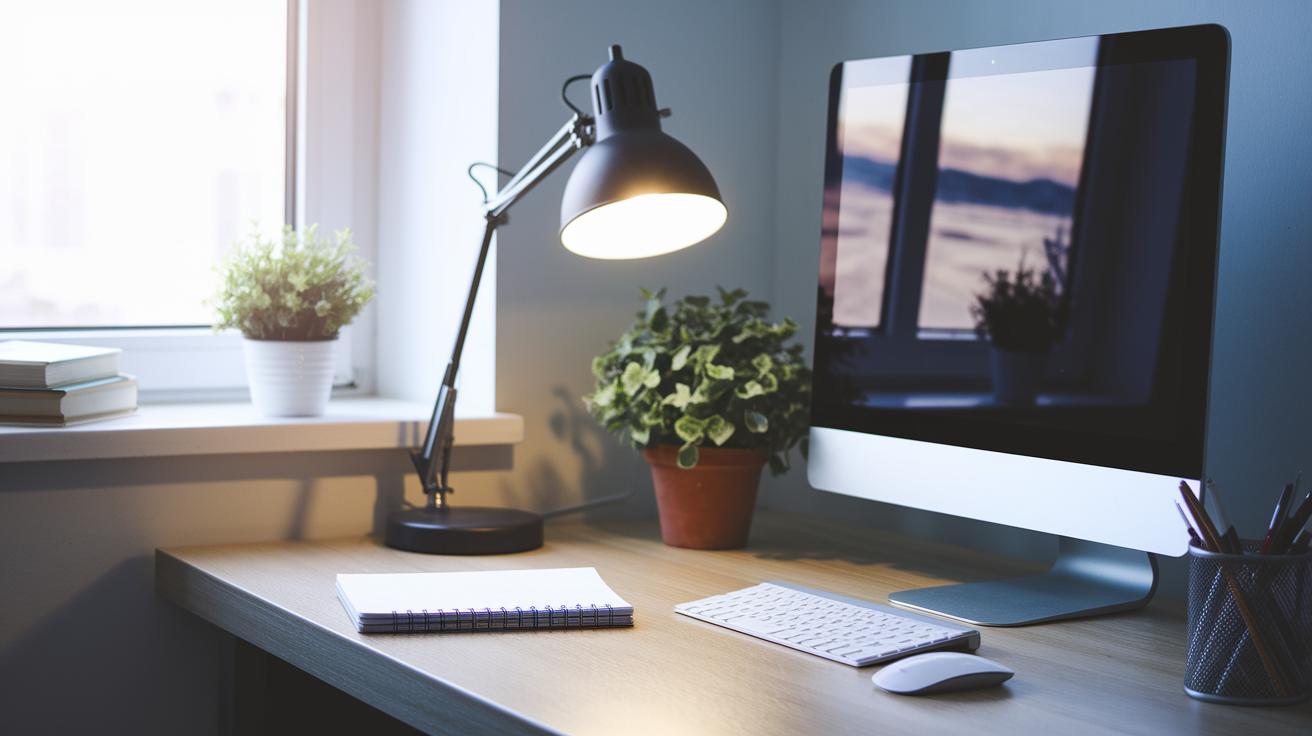
Before buying new tech, it's smart to take a good look at your workspace. A quick check-up can reveal what you already have and spotlight any gaps, saving you money and boosting your productivity.
Start by checking your room's lighting during both day and night. Make sure the noise level is low enough for you to focus and that there's plenty of space for your devices. These simple checks help you tailor your setup to your work style and needs.
Before you spend on new gear, ask yourself:
- Can my current space support a productive setup?
- Do I have enough good lighting and few distractions?
- Will my workspace fit new devices without feeling cluttered?
Choosing Your Desk, Chair, and Lighting in the Home Office Tech Buying Checklist
TL;DR: A smart home office starts with a desk and chair that fit your space and support your body, plus lighting that keeps your eyes comfortable even when you work late.
Start with the basics. Choose a desk that fits well in your room and gives you plenty of space for your devices and work materials. Pair this with an adjustable chair that supports your back and lets you change the height easily. Imagine a chair that moves with you so you don't feel uncomfortable during long work sessions. These choices can help cut down on fatigue and keep you more productive during the day.
Lighting is also key. A task light with 300-500 lumens is perfect for focused work because it brightens your work area without causing harsh glare. Place your lights so they reduce shadows and prevent eye strain, especially when you work into the night. With adjustable lighting, you can set the brightness just right to make sure every detail on your screen stands out clearly, even when the room is dim.
Finally, use ergonomic tips like the 90-Degree Rule, which means keeping your hips, knees, and elbows at right angles. This simple habit can prevent long-term strain and help you feel good while you work from home.
Selecting Core Computing and Display Devices for Home Office Tech
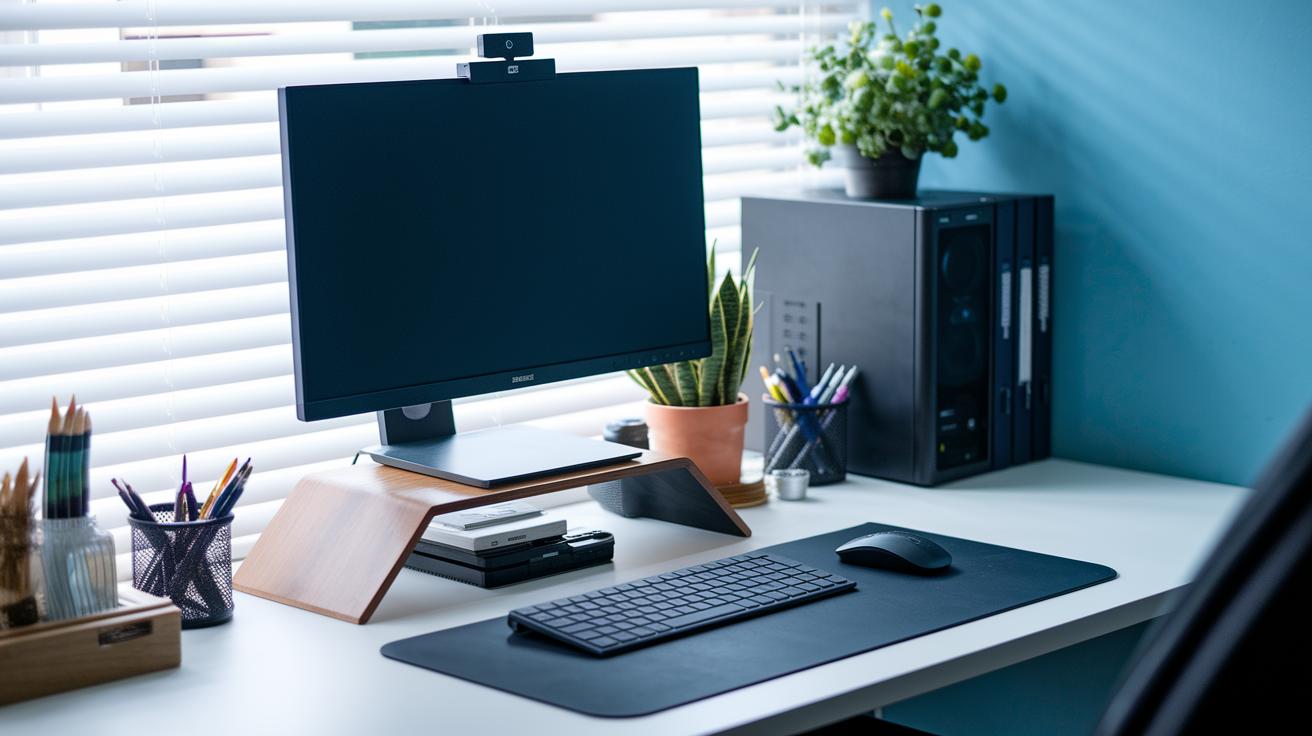
Matching your computer’s power to your daily tasks is crucial. Choosing a system that fits the work you do can boost your efficiency and keep projects running smoothly. Whether you mainly browse the web, edit documents, or work with heavy multimedia files, understanding your performance needs helps you pick the right device.
A good computer system is only part of the equation. A quality monitor with an adjustable stand and high resolution eases eye strain and makes viewing more comfortable. Reliable peripherals and docking stations also play a big role in connecting multiple devices easily, so your workflow stays smooth all day.
| Device | Recommended Specs | Use Case |
|---|---|---|
| Basic | Intel i3 or AMD Ryzen 3, 4GB RAM, 128GB SSD | Web/email tasks |
| Standard | Intel i5 or AMD Ryzen 5, 8GB RAM, 256GB SSD | Office apps and multi-tasking |
| High-end | Intel i7 or AMD Ryzen 7+, 16GB+ RAM, 512GB+ SSD | Video editing and 3D work |
It helps to strike a balance between performance and budget. Choose high-end specs only if your work requires advanced processing or graphics, and consider basic or standard setups for everyday tasks. This strategy lets you invest wisely without overspending while building a workstation that meets both your technical needs and your financial limits.
Ensuring Reliable Connectivity and Network Gear for Home Office Tech
A strong internet connection is key to a smooth home office experience. For clear HD video calls and uninterrupted online meetings, aim for speeds of at least 25 Mbps. A wired Ethernet connection is even better for critical work situations since it offers consistent speeds and low lag. Setting a clear speed goal from the start helps avoid surprises and keeps your work on track.
When picking network gear, a dual-band Wi-Fi router is a practical choice. It manages both everyday tasks and high-speed data needs. If your space is large or has obstacles, adding a mesh system or a network switch can fill in the gaps. One user even found that installing a mesh system in a multi-story home got rid of dead zones and steadied video calls. Investing in solid network hardware can make your work sessions smooth and efficient.
Evaluating Peripherals and Accessories in Your Home Office Tech Buying Checklist
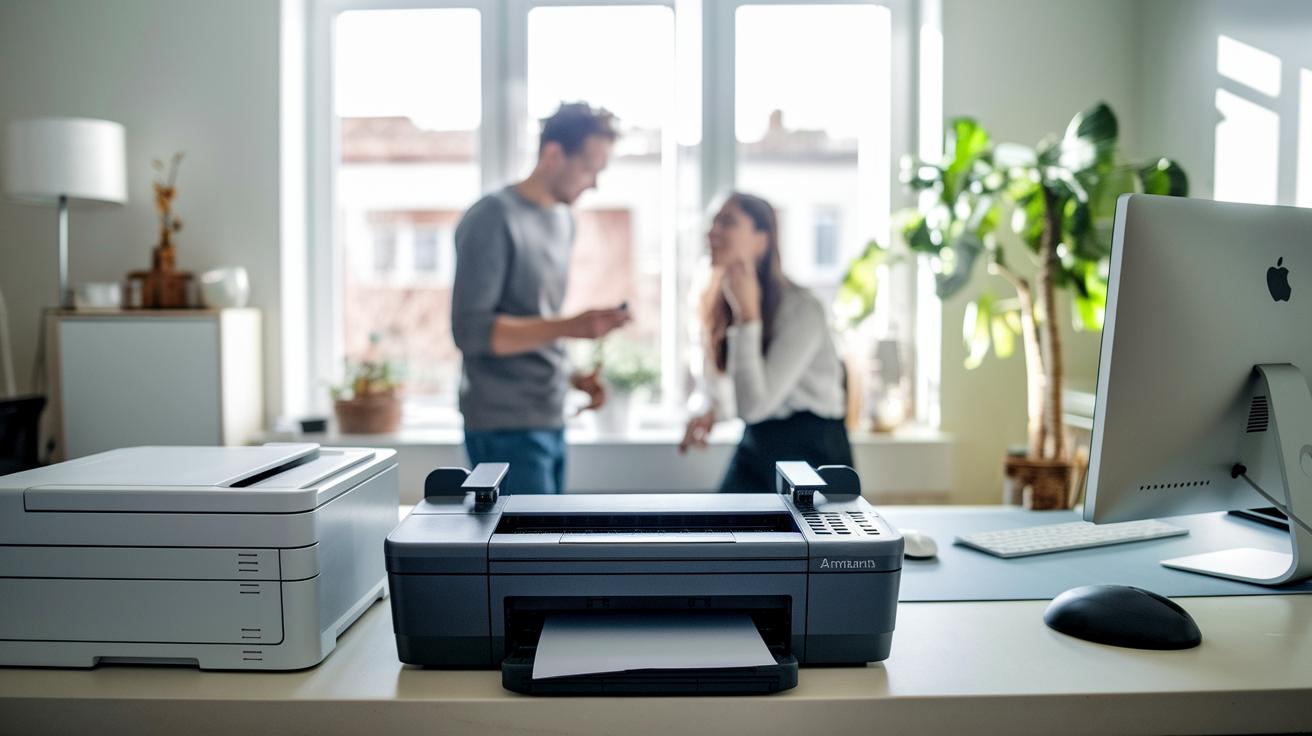
When you choose a printer or scanner, ask yourself if you need a device that does just one thing or an all-in-one machine that handles printing, scanning, and copying. An all-in-one option works well for occasional use and saves space, reducing clutter and cutting out extra features you may never use.
Clear sound and video play a big role in effective virtual meetings. USB headsets and conference speakers deliver crisp audio for online calls, while a good webcam makes your video chats much clearer. These tools are easy to set up, helping you stay connected with colleagues without any fuss.
A tidy workspace makes it easier to focus on your work. Desk organizers and smart storage keep your documents and accessories neatly arranged so you can concentrate on your projects. Keeping your desk clear not only cuts down on visual clutter but also creates a more professional vibe during meetings and creative sessions.
Power Protection, Backup, and Security Essentials for Home Office Tech
Surge protectors help guard your equipment from unexpected voltage spikes. Look for models with high joule ratings to handle sudden power changes. Pair these with a UPS that offers enough battery capacity (measured in VA) so your devices stay powered during outages. This two-step approach can help reduce the risk of data loss and hardware damage when the power flickers.
Backing up your data is just as important. Use local backup drives, whether speedy solid-state or larger traditional hard drives, to complement your cloud storage. Set up an automatic schedule that fits your work routine, whether it's daily or weekly. Regular backups make sure your essential files are safe, so you can bounce back quickly if something goes wrong.
Add extra layers of protection with both physical and digital security measures. A paper shredder is handy for destroying sensitive hard copies, and a secure safe box can store your most important documents. Meanwhile, encrypted storage keeps your digital data out of reach from unauthorized users. Together, these steps form a complete plan to keep your home office tech secure and running smoothly.
Software, Collaboration Tools, and After-Sales Support in the Home Office Tech Buying Checklist

When you pick software for your home office, start by matching it to your business size and work needs. Small teams might do fine with basic office tools, while larger companies could need specialized apps with extra features. Choose software that syncs well with both cloud backups and local storage so your files stay secure and easy to access. It's also smart to look for vendors that offer regular updates and reliable support to keep downtime to a minimum. For more tips on comparing tech products, take a look at our guide here: “how to compare tech products effectively” (https://getitreviews.com?p=1626).
Next, make sure the software is a good match with your current devices and setup. Check if it allows real-time editing and secure file sharing so your team can work together without fuss. This smooth connectivity keeps your workflow on track and cuts down on frequent troubleshooting. Plus, knowing the vendor’s update schedule and support channels can really help avoid unexpected technical hiccups.
When choosing collaboration tools, here are some options:
- Teams
- Zoom
- Slack
- Asana
- Google Workspace
Don't forget to check the after-sales support. Look at the warranty details and whether there are tiered support plans available. Clear warranty terms, fast customer service, and easy replacement options are vital to keeping your productivity high. Tailoring support to your business needs gives you peace of mind as you invest in technology that should reliably perform over the long term.
Final Words
In the action, our home office tech buying checklist covers a detailed workspace audit, ergonomic furniture selection, computing and display device specs, and reliable connectivity. We reviewed key peripherals, power protection, and software essentials, all practical tips for setting up an efficient workspace.
Our guide simplifies planning and aids confident tech purchases that fit your needs and budget. Use this home office tech buying checklist as your trusted companion to make smart, secure choices.
FAQ
What is the best home office tech buying checklist?
The best home office tech buying checklist outlines essential items like a quality desk, ergonomic chair, reliable devices, and proper connectivity to help you create a productive and comfortable workspace.
What does a home office setup checklist include?
The home office setup checklist includes steps such as auditing your workspace, selecting ergonomic furniture, choosing core computing devices, ensuring reliable connectivity, and adding necessary peripherals for efficient work.
How do I create the best home office setup for productivity?
Creating the best home office setup for productivity means choosing the right ergonomic furniture, setting up high-performance computing gear, organizing your accessories, and optimizing lighting to support long work sessions.
What are some home office setup ideas for an improved work environment?
Home office setup ideas focus on layout optimization, ergonomic adjustments, quality tech purchases, and cost-effective options like IKEA furniture to make your workspace both stylish and efficient.
What home office essentials should I consider when working from home?
Home office essentials cover a quality desk, adjustable ergonomic chair, dependable computer and peripherals, proper lighting, and workspace organizers designed to boost efficiency and maintain comfort.
What work-from-home accessories are necessary for a small space desk setup?
Work-from-home accessories for small spaces include compact desks, space-saving organizers, adjustable seating, and essential tech gear, all tailored to maximize functionality and comfort in limited areas.