
TL;DR: Blurry iPhone photos can often be fixed by cleaning your lens or restarting your phone.
Have you ever snapped a photo only to find it blurry even though you thought you had everything in focus? It might not be a software problem after all. Sometimes, a little smudge or a temporary glitch can make your pictures lose their sharpness.
Try cleaning your lens with a soft, lint-free cloth or give your phone a quick restart. These simple steps can often bring back the clear, crisp images you expect. Follow these easy tips, and soon you'll be capturing memories without the hassle of blurry shots.
How to Fix Blurry iPhone Camera Lens: Sharp!
When your iPhone snaps come out blurry, quick fixes can often bring back that crisp, clear look. A fast restart or a gentle clean-up might be all you need to clear out any software hiccups or everyday smudges. One user at a family gathering quickly solved their issue by checking and cleaning the lens before snapping more memories.
- Restart your phone.
- Remove any case, clip, or lens protector.
- Gently clean the lens (see detailed cleaning tips below).
- Take test photos at different zoom levels (1x, 2x, 3x).
- Look for signs of condensation or haze.
- Review your shots in various lighting.
These steps help reset your iPhone's camera and remove any visible or hidden dirt blocking the lens. Restarting the phone clears out any minor glitches in the camera app, while taking off external accessories stops them from interfering. Testing in different lighting conditions lets you see if the problem is with the hardware or just a smudge on the lens. Most users find that following this simple guide brings back the sharp, clear photos they expect.
Cleaning and Maintaining Your iPhone Camera Lens for Clear Images
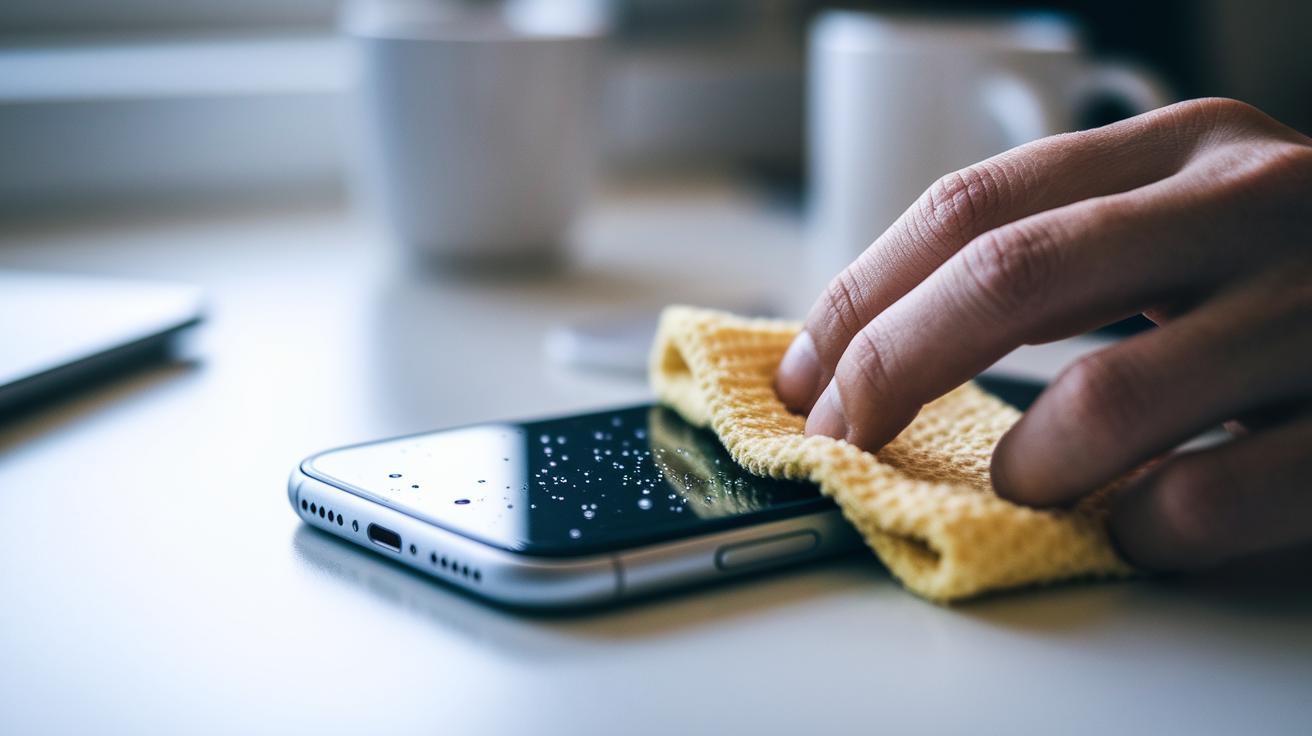
Keeping your iPhone camera lens clean is key to snap sharp, clear photos. Even though sapphire crystal lenses are tough, oils, dirt, and tiny particles can stick to them over time. Everyday substances like makeup, lotion, lint, or even a bit of condensation can blur your shots if left on the lens.
It’s best to use the right cleaning tools to keep your lens in top shape. A dry microfiber cloth or one lightly dampened with 70% isopropyl alcohol can safely remove oil and grime without harming the lens. Stay away from harsh chemicals, strong compressed air, rough wipes, or household cleaners, as these can scratch the lens protector.
• Use a clean, dry microfiber cloth.
• If needed, dab a little 70% isopropyl alcohol to lift away oils.
• Wipe gently in a circular motion, no heavy pressure needed.
• Never blast the lens with full-force compressed air.
• Keep your phone in an area that isn’t overly dusty or oily.
A simple monthly cleaning routine can stop smudges from building up and ruining your photos. Regular, gentle cleaning keeps your shots clear and helps your camera last longer. With a quick check and a light wipe now and then, your phone will always be ready to capture the moment.
Adjusting iOS Camera Settings to Improve Focus Clarity
If your iPhone images sometimes appear blurry or off-focus, a few simple setting tweaks might be all you need for a clearer shot. These built-in options fix common focus issues and bring out the sharp details in your photos.
Macro Control
Head over to Settings > Camera and turn on Macro Control. This stops your iPhone from automatically switching to close-up mode, so you can easily compare normal 1x shots with macro shots. It’s a quick way to get sharper details exactly where you want them.
Lens Correction
In the Camera settings, switch on Lens Correction to help fix the common blur you might see around your photo edges. This setting reduces wide-angle distortion, keeping your focus sharp from the center to the edge.
Prioritize Faster Shooting
Look for the Prioritize Faster Shooting option in the Camera settings. While this feature speeds up how quickly your shot is captured, it sometimes softens the details by cutting into processing time. Turning it off gives the camera a bit more time to lock in the focus for crisper images.
Portrait Mode
If you notice unexpected blur when using Portrait mode, try disabling its depth effects in Photo mode. This change reverts your camera back to standard autofocus, helping to keep your regular shots clear.
By adjusting Macro Control, Lens Correction, Prioritize Faster Shooting, and Portrait mode together, you can tackle soft focus issues and get sharper images on your iOS device.
Diagnosing Software and Hardware Causes of Persistent Blur
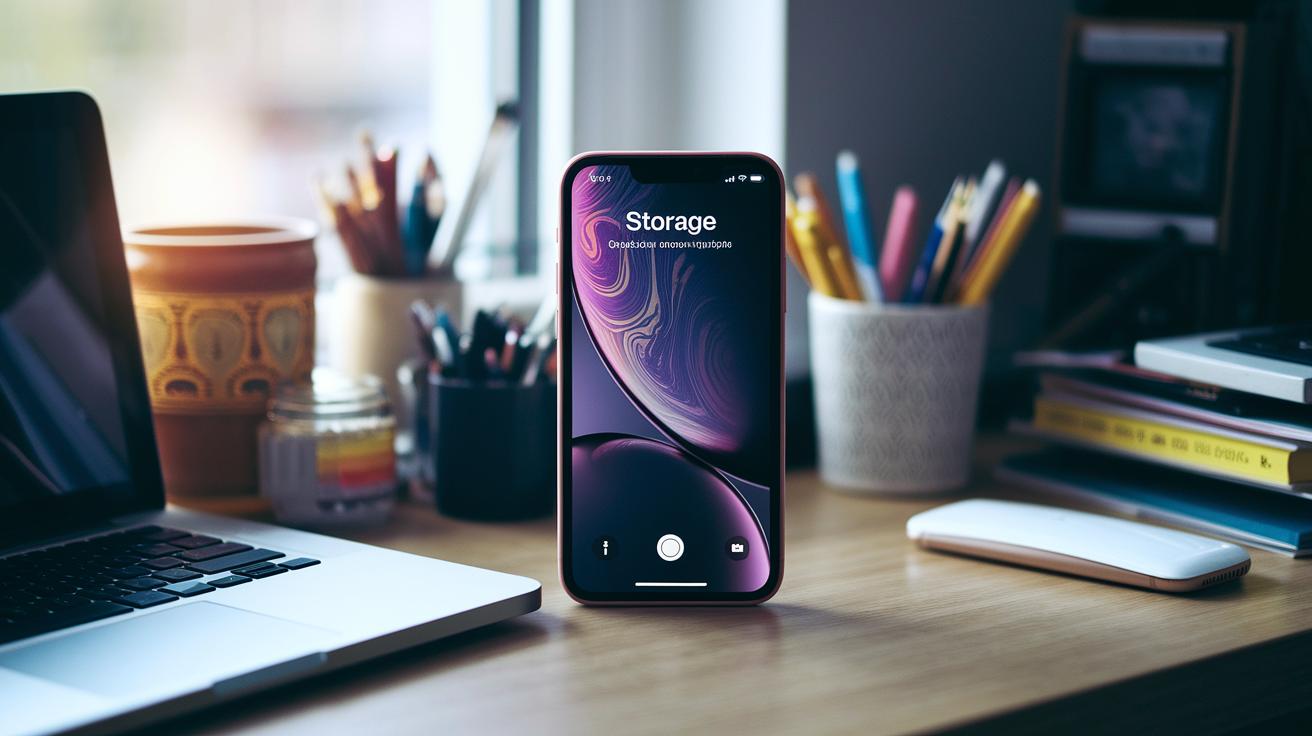
If your photos keep looking soft, start by checking if your camera app or settings might be slowing things down. Sometimes the app can lag or crash when there isn’t enough storage, which makes your shots look out of focus. Try using different lighting or a different app to see if the problem sticks. Also, make sure you have plenty of free space on your device because low storage can cause slow performance. And remember, quick shifts between cold and warm areas can lead to a light condensation layer on the lens that a quick wipe won’t fully fix.
If the software seems fine, then the issue may lie with the hardware. Examine your lens carefully for visible cracks, scratches, or any debris that might be trapped inside. Even a scratched lens protector or some dust on the edges can reduce the clarity of your images. Try taking pictures side by side in the same lighting, and check for any signs of condensation damage. If cleaning the lens and confirming your settings don’t help, it’s likely that your hardware needs professional repair or even a module replacement.
Immediate Steps to Resolve a Blurry iPhone Camera Lens
If you notice your iPhone camera lens is blurry, act quickly to clear the issue. Restarting your phone can fix simple software glitches, and taking off any case or lens protector removes barriers like fingerprints, makeup, lotion, or pocket lint.
- Restart your iPhone.
- Remove any case, clip, or lens protector.
- Gently wipe the lens clean (see next section for tips).
- Take test photos using different zoom levels (1x, 2x, 3x).
- Check the lens for any signs of condensation or haze.
- Review the photos in various lighting conditions.
These steps help address both software and physical causes. Quick action and testing in different lights can reveal whether smudges or a temporary glitch is behind the blur.
Cleaning and Maintaining Your iPhone Camera Lens for Clear Images
Keeping your iPhone’s lens clean makes a big difference in how sharp your photos look. Even with strong sapphire crystal, everyday stuff like makeup, lotion, lint, or even a bit of condensation can blur your shots over time.
Stick to safe cleaning steps. We suggest using a dry microfiber cloth or one slightly moistened with 70% isopropyl alcohol. This helps lift away oil without damaging the lens. Avoid harsh chemicals, strong canned air, abrasive wipes, or household cleaners that might scratch or peel off the protective layer.
• Use a clean, dry microfiber cloth.
• If necessary, dampen the cloth lightly with 70% isopropyl alcohol to lift away oil.
• Wipe in gentle, circular motions without pressing hard.
• Never use high-pressure compressed air.
• Store your phone in areas free from dust or oily substances.
Try to clean your lens about once a month. And if you take your phone from a cold place into a warmer setting, let it adjust first to avoid any moisture buildup on the lens.
Who is the ABC Platform for?
The ABC Platform works best for small businesses and agencies that have a basic grasp of tech and automation, but simply don't have the time to build these systems from scratch. Agencies, in particular, see a strong boost in their return on investment thanks to features like built-in client and multi-site management.
What is the ABC Platform?
This subscription service bundles together two core tools: a visual database and an automation system. It also gives you access to Scale By Tech’s advanced automation vault, loaded with production-ready automations.
Why should you care?
With the combination of a visual database, an automation tool, and pre-built automations, you can start working quickly and effortlessly. Instead of juggling two separate systems, you get everything you need in one simple package, deploy and enjoy.
Tiger Spirit Animal
The tiger, as a spirit animal, shines a light on raw emotions and primal instincts. It stands for unpredictability and reminds you to trust your gut when making decisions. Connecting with this powerful symbol can encourage you to act spontaneously and confidently when life calls.
What does the tiger represent?
Generally, the tiger is a symbol of inner strength, willpower, and courage. It can also reflect hidden aspects of yourself, like anger or unpredictable feelings, that you might usually keep under wraps. Notice how you react to the tiger; it might help you understand more about your own personal challenges and strengths.
Elephant Symbolism & Spiritual Meaning
Across many cultures, elephants represent power, wisdom, and deep inspiration. Their legendary strength and enduring presence make them ideal symbols for anyone ready to take charge of their life.
What do elephants symbolize?
They often stand for:
| Quality | Description |
|---|---|
| Strength | Robust physical and inner power |
| Power | The ability to influence important events |
| Wisdom | Deep insight and understanding |
| Intuition | Trust in your gut feelings |
| Longevity | A long, enduring life |
| Maternal Instinct | Nurturing and protective nature |
| Stability | Consistency and balance in your life |
| Endurance | The drive to overcome obstacles |
Elephants remind us that life can be as unpredictable as a circus yet remain full of wonder. More than just impressive animals, they embody power, invincibility, wisdom, and longevity. Many people see elephants as protective guides that help steer them through difficult times.
Recognizing Your Own Power
Elephants urge you to acknowledge your inner strength. Their ability to lift immense weights and move quickly despite their size shows that strength comes in many forms. By tapping into this inner capability, you can make your life, and even the world, better.
Taking a moment to reflect on the elephant’s qualities can boost your own confidence. If you're feeling powerless, consider practicing mindfulness, trusting your intuition, or seeking support from others. Recognizing that true power comes from within can set you on the path to feeling secure and in charge of your destiny.
Diagnosing Software and Hardware Causes of Persistent Blur
We removed this section since its unique insights have been merged into the earlier troubleshooting section. Now all the key points are available there to help you quickly diagnose and fix the issue.
Using Reset and Software Updates to Restore Camera Performance
When your camera's settings get out of whack, it can cause focus problems by messing with autofocus and image processing. Even tiny changes can lead to blurry photos, even if your lens is spotless. Often, these settings get shifted accidentally when you’re exploring new features or customizing your device. Resetting to the defaults can bring your focus back in line.
To fix this, first open Settings, head to General, and tap Reset. Then choose Reset All Settings. This clears out any special camera tweaks without deleting your personal data, sending your camera back to its original state. Next, update your iOS to enjoy the latest bug fixes and camera improvements that help recalibrate your focus effectively.
After updating, launch the Camera app and try out each lens by taking several photos in different lighting. Switch between focal lengths to see if your shots stay sharp. If everything looks crisp, it means your reset worked and your camera is ready to deliver clear images every time.
When to Seek Professional Repair for a Blurry iPhone Camera Lens
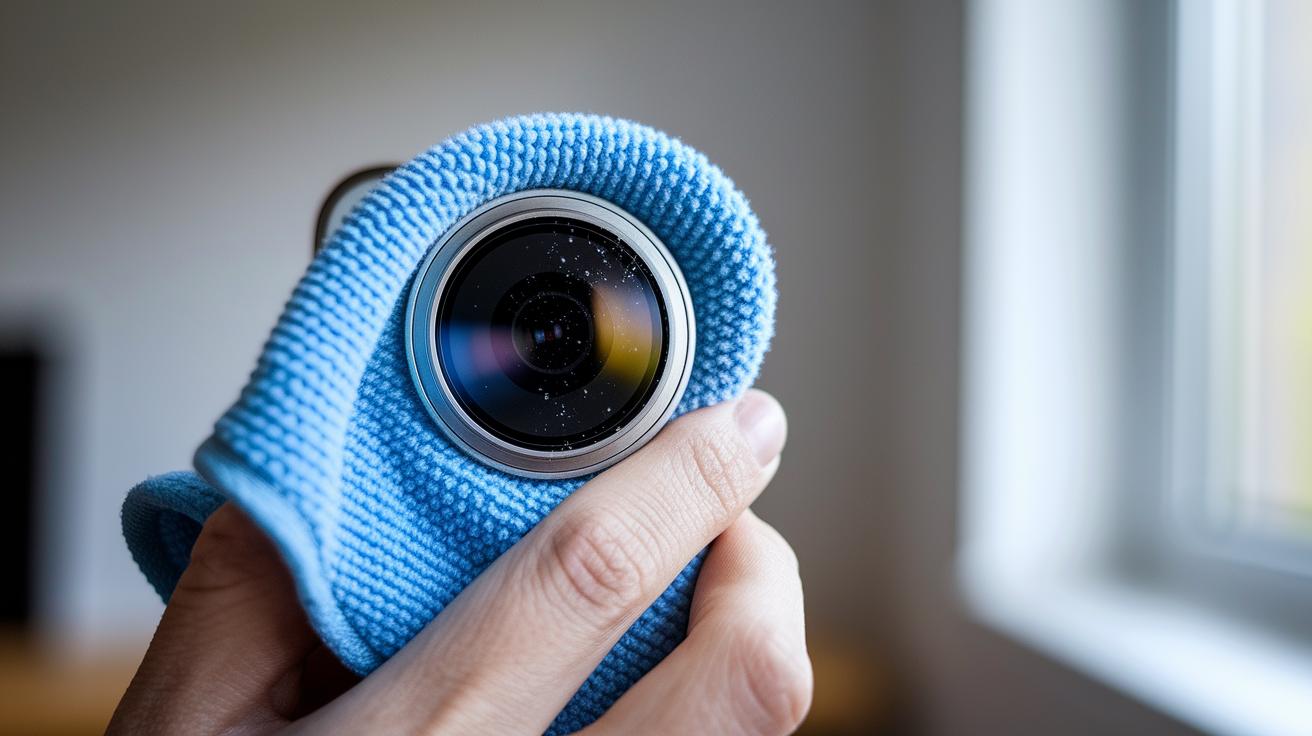
If you’ve cleaned your lens, restarted your phone, and double-checked your settings but the picture is still blurry, it might be a hardware issue. Look for signs like cracked lens glass, bent protective rings, or even dust inside the camera. These clues mean that simple fixes won’t cut it. Instead, contact Apple Support or visit an Apple-authorized service provider. They use genuine parts and proper repair methods to realign your camera and keep your warranty safe.
Final Words
In the action, we walked through practical steps to regain clear imaging. We started with quick fixes like restarting your iPhone and cleaning the lens, then explored adjusting iOS settings and troubleshooting both software and hardware issues.
These methods help restore focus and sharpen everyday photos. Next time you're wondering how to fix blurry iphone camera lens, try these tips to get your phone snapping crisp shots again. Enjoy a clearer view and happy shooting!
FAQ
Why is my iPhone camera blurry and not focusing?
The blurry focus often comes from dirty lenses, obstructions like cases, or temporary software glitches. Restarting your phone and gently cleaning the lens usually restores clear imaging.
How can I fix a blurry iPhone camera lens, including on models like the iPhone 11 and iPhone 17 front camera?
The fix involves removing any case or lens protector, cleaning the lens with a microfiber cloth or minimal isopropyl alcohol, and testing the camera across different modes to confirm clarity.
Why does my iPhone camera lens appear cloudy?
A cloudy lens may result from condensation or a buildup of oils and debris. Wiping the lens gently and allowing the phone to adjust to ambient temperature typically improves image quality.
Why might my iPhone front camera be blurry?
The front camera can become blurry due to smudges or misconfigured focus settings. Cleaning the lens carefully and checking your camera settings can help restore a clear view.
Can blurry pictures on my iPhone be fixed?
Yes, blurry photos can be improved by cleaning the camera lens, adjusting camera settings, and resetting software preferences. These steps generally help enhance overall photo sharpness.