
Ever worry if your Android privacy is really secure? With cyber risks on the rise, the right VPN can make a big difference. In this post, we review seven VPN apps that each bring unique strengths, whether you need fast streaming, low-cost protection, or a design that’s easy to use. We tested each one so you can pick the best match to keep your data safe when you’re on the go.
7 best vpn apps for android: Boost Privacy
| VPN App | Pricing Tier | Standout Features |
|---|---|---|
| NordVPN | Paid (30-day money-back guarantee) | Fast NordLynx protocol, built-in kill switch, split tunneling, works on up to 10 devices |
| Surfshark | Paid (budget-friendly) | Great for streaming on Android, unlimited devices, cost-effective option |
| ProtonVPN | Free & Paid | No-logs policy, unlimited free servers, supports up to 10 devices |
| ExpressVPN | Paid (7-day free trial) | TrustedServer technology with RAM-only servers, steady speeds |
| Private Internet Access | Paid | Thousands of servers across 91 locations and flexible settings |
| TunnelBear | Freemium | Audited security, user-friendly design, 2GB free monthly data cap |
| PrivadoVPN | Free & Paid | Access to US Netflix, HBO Max, Disney+; connects in 14 cities across 11 countries; unlimited torrenting |
All of these VPN apps combine different pricing options with key features that work for a variety of online needs. If you’re looking for fast streaming and extra safety with a kill switch, NordVPN is a smart pick. On the other hand, ProtonVPN offers a reliable no-log free plan for those keeping an eye on their budget.
If you value simplicity and a broad network around the world, Private Internet Access stands out with servers in 91 locations for a steady connection, even under heavy load. And if speed is your main concern, ExpressVPN uses RAM-only servers to keep your data moving quickly.
For those new to VPNs, TunnelBear offers a clear, user-friendly experience along with a small free data allowance so you can try it out without worry. Across the board, these top choices deliver a solid mix of speed, privacy, and compatibility with your Android device, making it easier to pick the right VPN for your needs.
How to Compare VPN Apps on Android

When choosing a VPN for Android, we focus on several key factors that can make or break your experience. First up is privacy at 20%, which means the VPN should have a solid no-logs policy and strong encryption to keep your data safe. Next, streaming earns 15% of the total score since bypassing geo-restrictions on services like US Netflix or HBO Max is a deal maker for many. Speed also counts for 15% because a slow connection can ruin video calls and slow down your browsing.
Security is another big part of the equation, representing 15% of the score. We look for features like kill switches and split tunneling that help protect you if there’s ever a hiccup. Server locations matter too, contributing 10% since a broad network often means steadier speeds and smoother streaming across different regions. We also give 10% to user experience because an app that’s easy to navigate makes your setup and everyday use much more enjoyable.
Torrenting and device compatibility are each given 5%, ensuring that your VPN not only handles secure file-sharing but also works well across all your Android devices. Finally, an extra 5% is reserved for additional features that might give one service an edge. Think of it like upgrading from a tricycle to a sports bike, a noticeable boost in speed can really enhance your experience.
Security and Encryption Features of Android VPN Apps
NordVPN uses the WireGuard protocol along with its own NordLynx protocol to protect your data with strong encryption. It even has a built-in kill switch that cuts off your connection if something goes wrong so your information stays secure. This is very useful for anyone who cares about their privacy.
ExpressVPN works a bit differently by using TrustedServer technology. Their servers run in RAM (temporary memory), which means no data is stored on disk. This helps lower the risk of data breaches. If you care about both speed and safety, this setup could be a good choice.
ProtonVPN has a feature called VPN Accelerator that lowers delays while keeping your data encrypted and private with a strict no-logs policy. The split tunneling option lets you choose which apps use the VPN tunnel, so your device stays faster overall.
Free VPN services usually cannot match the high level of encryption and advanced security features that premium options offer. If you need reliable and secure online access on your Android, a premium VPN is the better way to go.
Speed and Performance of the Best VPN Apps for Android
Choosing a VPN for Android means prioritizing speed. Fast throughput, low latency, and steady connections matter for streaming, browsing, and more. Our tests focused on these key areas so you can understand how each service performs in real-world conditions.
NordVPN’s NordLynx protocol stood out in our benchmarks. It delivered fast mobile connections without losing reliability. Even when connecting to faraway servers, we saw smooth, continuous performance that kept your online activities uninterrupted.
ExpressVPN takes a different route with its RAM-only servers. By running on temporary memory, ExpressVPN minimizes delays and keeps speeds consistent over long sessions. Many users have commented that its performance makes high-speed tasks feel almost seamless.
ProtonVPN uses Accelerator technology to cut down on latency. This leads to faster response times for tasks that need a quick connection. In our tests, we noticed a clear drop in lag when switching servers, showing how this advanced feature can enhance your experience.
Even as a free option, Hotspot Shield Basic is known for its speed. It pushes data quickly through its network, making it the fastest free VPN available. However, performance can drop when connecting over long distances, especially internationally.
Overall, each VPN app brings its own strengths to the table. If speed is your main concern, consider both the throughput numbers and how server distance may impact your experience.
Free vs Paid VPN Apps on Android: Pros and Cons
When it comes to protecting your online privacy on Android, free and paid VPN apps each come with their own pros and cons. Free services like ProtonVPN let you use the app without logs and without a data cap, giving you a basic level of privacy. But other free options such as PrivadoVPN (10 GB monthly), TunnelBear (2 GB monthly), and ZoogVPN (10 GB monthly) will limit how much you can do online.
Free VPNs usually have fewer servers, which can slow things down if you're connecting from a far-off location. Their limited data often means you might not be able to stream videos or download large files without interruptions. Think of it like driving a car with a tiny gas tank, you might run out of fuel before reaching your destination. Also, many free VPN apps don’t offer extra security features such as split tunneling (a tool that lets you choose which apps use the VPN) or a kill switch that cuts your connection if the VPN fails.
Paid VPN apps, on the other hand, open up a wider selection of servers all around the world. They typically deliver faster speeds and come packed with advanced features for better protection. Plus, you get reliable customer support to help if anything goes wrong. This makes paid VPN services a strong choice for anyone who needs steady performance and strong security without worrying about data limits.
Key considerations include:
- Data limits and how reliable the network is
- Access to advanced security features and responsive customer support
- The need to access content from different regions without lag
By weighing these factors, you can decide which type of VPN best fits your needs.
Advanced Features and Setup for VPN Apps on Android
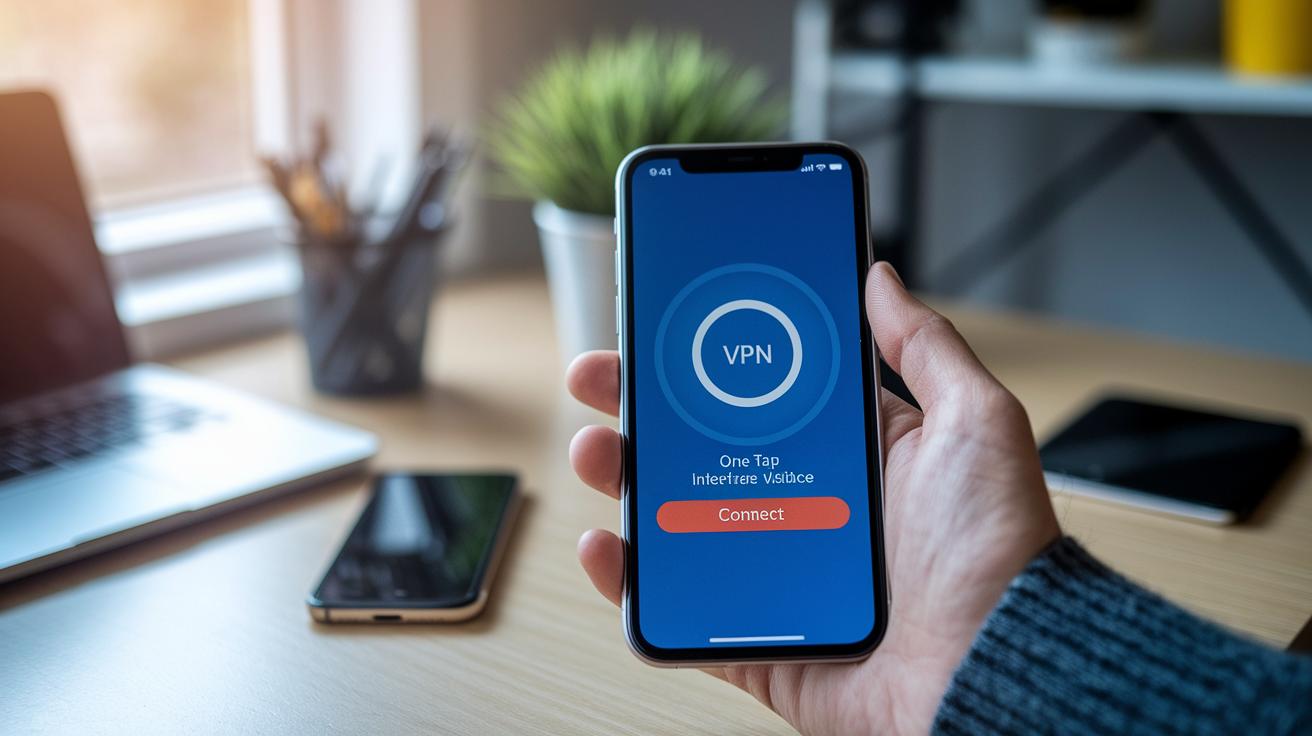
Installing a VPN app on your Android device is simple if you follow a few easy steps. First, grab your chosen VPN from Google Play. When you open the app, it will ask for VPN permissions. Tap to allow and the app will automatically set up a secure connection without any extra sign-up process.
After installation, you’ll see a one-tap connect button that makes logging in a breeze. For example, ExpressVPN cleanly shows where to tap, while NordVPN can easily connect up to 10 devices. These clear layouts let you secure your connection in just seconds.
Once you are connected, it’s a good idea to explore the advanced settings. Look for the split tunneling option in the menu. This setting lets you decide which apps use the VPN and which use your regular internet, so you can enjoy fast speeds for local apps while still protecting sensitive data. You might see a note that says, "Choose the apps you want routed through the tunnel."
Another key feature to check out is the kill switch. This feature stops all internet access if your VPN unexpectedly disconnects, adding an extra layer of security. Also, try out the multi-server selection tool; it lets you pick servers from different countries. You can switch from a nearby server to one in another region to get around geo-restrictions.
Many VPN providers even offer trial periods or money-back guarantees. This gives you a chance to test all these useful features before making a long-term commitment. Following these steps will help you set up a customized and secure VPN connection on your Android device.
Tips for Optimizing VPN Performance on Your Android Device
When it comes to speeding up your VPN on Android, choosing a server close to you makes a big difference. Open your VPN app’s settings and pick a server nearby. For example, when I switched to a nearby server, my streaming lag dropped noticeably.
Another way to boost performance is to use modern protocols like WireGuard. This protocol reduces overhead (extra work done by the device) and moves your data faster. Also, keeping your app updated is key because updates often include improvements and bug fixes.
Try out several servers at different times of the day to avoid crowded ones. During busy hours, your connection might slow down, so compare speeds to see which server works best. Adding an Android ad blocker can also help by cutting down unnecessary background traffic.
Lastly, keep an eye on battery usage. Some protocols use more power than others, so check your battery stats under different settings. And remember, closing any background apps while using your VPN can help you get a smoother and faster experience.
Final Words
In the action, we walked through top picks, performance tests, and setup tips. We examined security protocols, free versus paid options, and advanced features that matter for everyday use. This hands-on guide breaks down key selection factors so you can quickly decide which apps work best for your needs.
Our focus remains on finding the best vpn apps for android while keeping your browsing secure and fast. Enjoy smoother online browsing and choose with confidence.
FAQ
What are the best free VPN apps for Android?
The best free VPN apps for Android include options like ProtonVPN, TunnelBear, and PrivadoVPN, which offer secure connections and privacy features even though some may have data limits or smaller server networks.
What is the best 100% free VPN available for Android?
The best 100% free VPN for Android is typically ProtonVPN, known for its unlimited free servers and strict no-logs policy, offering a reliable choice for users who want strong privacy without cost.
Which VPN options are most trusted on Android?
Trusted VPN choices on Android include ExpressVPN and NordVPN, recognized for their independent audits, secure encryption, and reliable performance, making them dependable options for maintaining online privacy.
What benefits does ProtonVPN offer on Android devices?
ProtonVPN for Android delivers unlimited free servers, a robust no-logs policy, and an easy-to-use interface, making it an attractive choice for users needing solid protection without a subscription.
Do Android phones need a VPN?
Android phones benefit from a VPN because it protects online activity, secures data over public networks, and masks IP addresses, which is especially important for maintaining privacy while on the go.