
Ever thought about boosting your home security while adding a cool, modern look? Smart deadbolt locks aren’t just about keyless entry, they give you solid protection along with easy access right at your door. We tried out several models, checking their wireless connection, design, and smart features to see which ones mix safety and simplicity in the best way. Our review cuts through the noise so you can find the smart lock that fits your online lifestyle perfectly. Keep reading to find out how these sleek options can change your everyday security routine.
Top Picks for Best Smart Deadbolt Locks: Security, Features & Pricing Comparison
Smart deadbolt locks are a smart way to secure your home with strong protection, easy setup, and a modern look. In our tests we checked how well each lock connected wirelessly, worked with its app, and fit into a smart home system. In short, we made sure every lock had solid security and user-friendly features that let you forget about carrying keys.
We tested each lock for its safety features, how simple it was to install, and the extra smart options that can add convenience to your daily routine. The Schlage Arrive Smart WiFi Deadbolt stood out because of its clean design and reliable performance. The Yale Assure Lock 2 offers a nice mix of style and function that we appreciated. If you are an Apple user, the Aqara Smart Lock U100 pairs well with HomeKit and even has two-factor app security. For those on a tighter budget, the Eufy Smart Lock C34 delivers dependable features without costing too much. We also looked at the Yale Approach Lock with Wi-Fi and a keypad, which is great if you want to update an old lock rather than replace it completely. Lastly, the Schlage Encode Smart WiFi Lever brings a fresh take on door hardware by combining a lever design with strong smart features.
If you are looking for a high-tech lock that fits into your connected lifestyle, our selection has you covered. Below is a table that compares the key specs, best use cases, and price ranges for each top-rated smart deadbolt lock.
| Lock Model | Best For | Price |
|---|---|---|
| Schlage Arrive Smart WiFi Deadbolt | Strong security and ease of use | Varies |
| Yale Assure Lock 2 | Reliable performance and modern design | $134 |
| Aqara Smart Lock U100 | Apple Home integration and two-factor app security | Varies |
| Eufy Smart Lock C34 | Budget-friendly option | Varies |
| Yale Approach Lock with Wi-Fi + Keypad | Retrofit ease with keypad access | Varies |
| Schlage Encode Smart WiFi Lever | Doorknob replacement with smart features | Varies |
How to Choose the Best Smart Deadbolt Locks: Key Criteria for Buyers
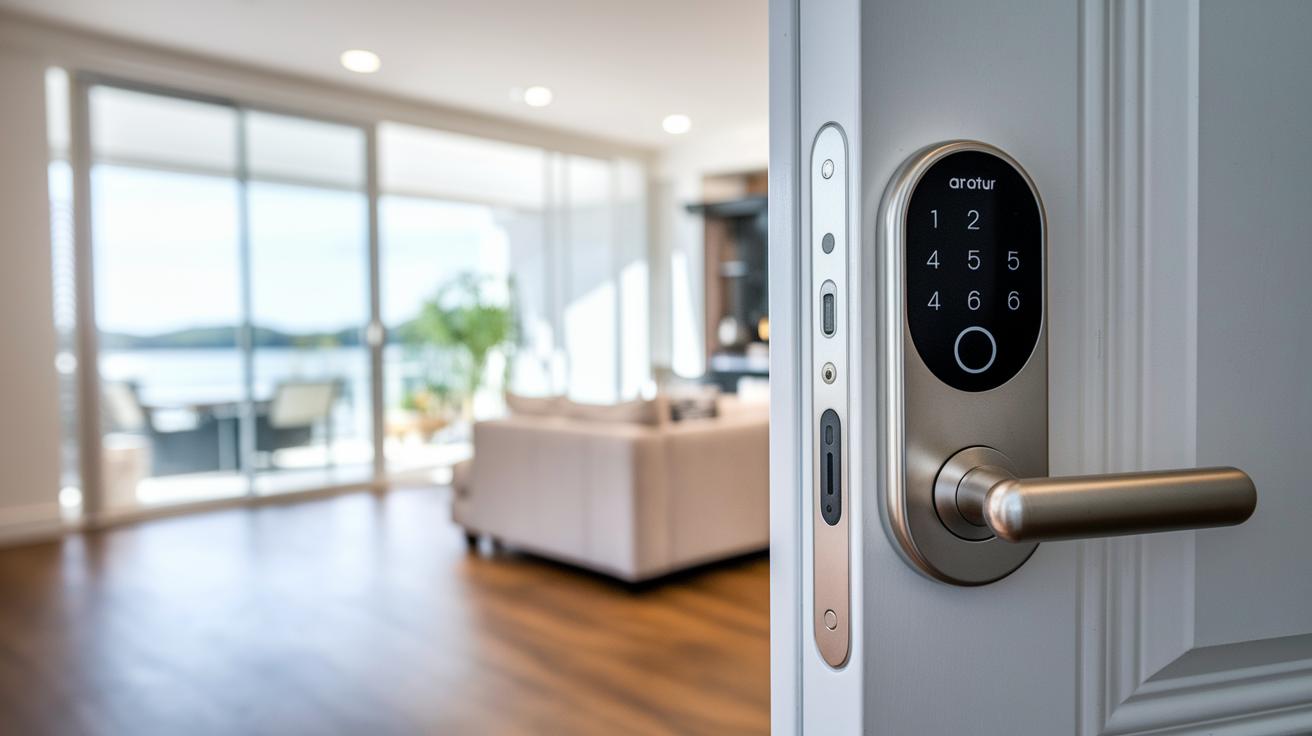
When picking a smart deadbolt lock, it's important to focus on a few key points that affect security, ease of use, and overall performance. First, check if the lock fits your door. Decide whether you need a complete replacement or if a retrofit option will work better with your current setup.
Next, think about how you want to open the lock. Options include using a smartphone app, a PIN keypad, or even a fingerprint sensor. Good security is a must, so look for locks that use strong encryption like AES-128 or AES-256 and support two-factor authentication to protect against breaches.
Installation is another factor to keep in mind. Many models promise easy, DIY installation that takes about an hour with basic tools. Also, consider battery life, knowing the battery type and how long it lasts under normal use helps ensure your lock keeps working when you need it most.
If you have other smart devices at home, check that the lock can integrate with your system for remote or voice control. Lastly, review the manufacturer’s data privacy policies. It’s important to know how they handle your lock-event data and whether they collect personal information for improvements or marketing.
Key buying tips:
- Door fit: full replacement vs retrofit
- Access options: smartphone app, PIN keypad, fingerprint sensor
- Security: strong encryption and two-factor authentication
- Installation: average DIY time and tool needs
- Power: battery type and lifespan
- Smart home support: compatibility with your system
- Data privacy: how your information is handled
How to Compare Tech Products Effectively – https://getitreviews.com?p=1626
Installation & Setup for Modern Smart Deadbolt Locks
Begin by taking out your old deadbolt. This first step helps you decide whether you need a retrofit kit or a full replacement, depending on your door design and how much you want to integrate wireless security.
Next, follow the lock’s pairing instructions to get started. Most smart locks connect via Bluetooth or Wi-Fi in about 5 minutes. For example, secure the deadbolt, then open the dedicated app on your smartphone and follow the on-screen steps, with the devices held close together.
After pairing, fine-tune the bolt’s alignment so it moves smoothly. A little misalignment can lead to slow responses or false alerts, so adjust carefully until it glides effortlessly within the door frame.
Finally, update the lock’s firmware over the air to gain the latest security fixes and performance improvements. Overall, you can expect the whole process to take about 1 hour using a standard screwdriver, a level, and basic tools, making it simple even if you’re new to smart home tech.
Security Protocols in Best Smart Deadbolt Locks
Encryption & Authentication
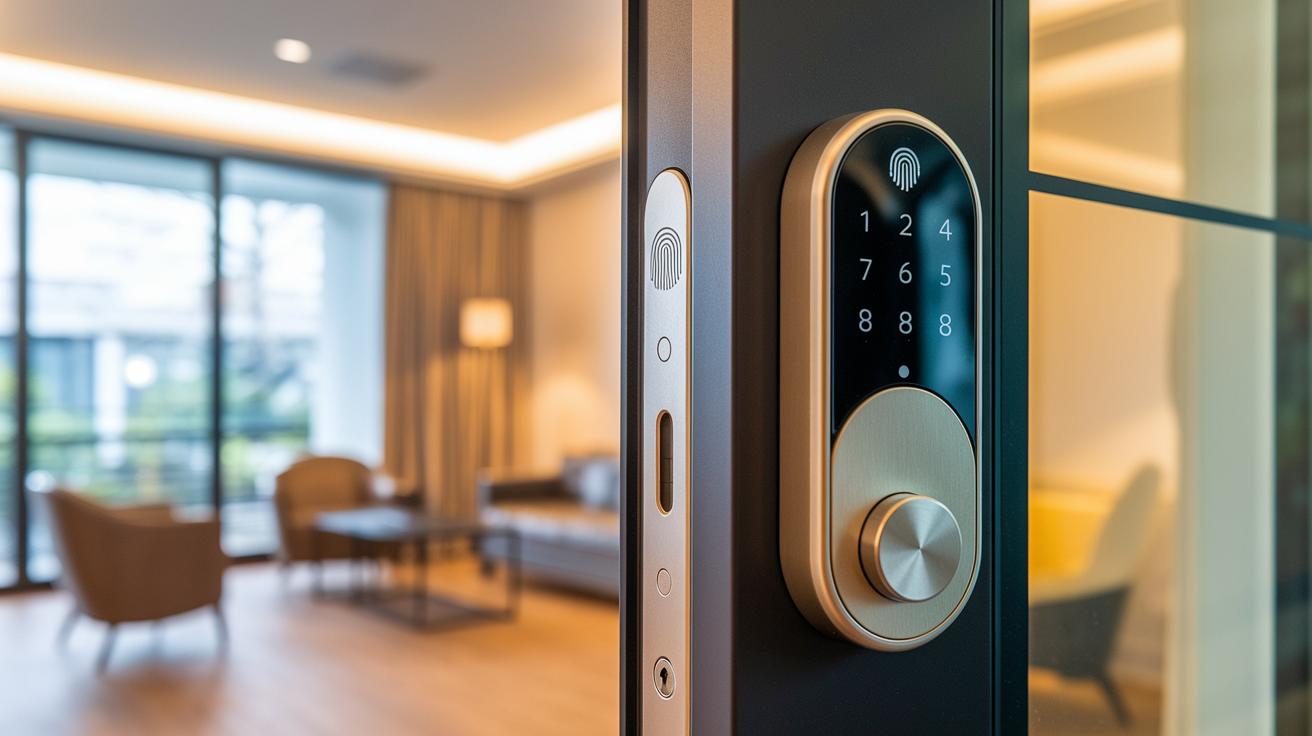
Smart deadbolt locks use strong encryption like AES-128 and AES-256 to protect data as it travels between the lock and your paired device. They often require more than one way to verify your identity. For example, you might need to enter a PIN and use app verification or even provide your fingerprint along with a numeric code. I tested one lock where both a fingerprint and a digital PIN were needed, ensuring that only trusted users can unlock the door. This extra layer of security keeps your home safe from unwanted access.
Physical Tamper Alarms
Many high-end locks feature built-in alarms and door sensors that react when force or unusual activity is detected. These sensors send a quick alert to your smartphone if they pick up something like a heavy impact. In everyday use, this means you'll know right away if someone tries to tamper with your lock, giving you the chance to check things out immediately.
Data Privacy & Handling
Manufacturers often store basic lock-event data to help improve their products and troubleshoot issues. They clearly explain in their privacy policies what information is collected and how it is used. By keeping the data limited to essential usage details and avoiding personal identifiers, these locks offer smart features while respecting your privacy. This setup means your lock not only helps keep your home secure but also protects your data.
Smart Home Integration & App-Controlled Access
Smart deadbolt locks work great with most home automation systems, letting you control your door with just your voice or a few taps. Many models easily connect with Apple HomeKit, Amazon Alexa, or Google Assistant. All you need to do is say "open the door" and the lock responds, keeping entry secure without the fuss.
Some locks, like the Aqara U100, offer two-factor app authentication. This extra step means you confirm your identity on the lock’s mobile app, boosting security. A few models might need a Wi-Fi bridge or hub to let you manage your lock remotely, whether you're at work, traveling, or just in another room.
Other options, such as the Ultraloq Bolt NFC, include Express Mode for offline unlocking. This allows you to tap your iPhone or Apple Watch even if your device temporarily loses internet access. In this way, your smartphone and voice assistants work together to deliver both convenience and tight security.
Overall, these smart locks make managing door access a breeze while ensuring your home stays safe and secure.
Battery Performance & Power Management in Smart Deadbolts

Smart deadbolts rely on battery life for smooth operation. Most use four AA batteries that typically last between 6 and 12 months based on how much they’re used and the environment. This means you can install the lock and not worry about changing batteries all the time.
These locks come with handy battery management features. For example, you get low-battery alerts on your phone so you can replace them before any issues occur. You might see a message like, "Low battery detected, time to get a new pack" while using the app. This simple alert system helps you avoid any unexpected lockouts.
The locks also feature low-power standby modes that save energy when they’re not active. Plus, firmware updates over the air fine-tune how the lock uses power, keeping it efficient without extra effort from you.
Key power management points include:
- Four AA batteries powering the lock for 6–12 months
- App-based notifications that alert you when the battery is low
- Energy-saving standby operations
- Firmware updates that optimize battery use over time
Pricing & Warranty Overview for Best Smart Deadbolt Locks
Smart deadbolt locks come in a range of prices to suit different budgets and needs. If you're looking for a basic upgrade, you can find models under $100 that offer the essential smart features without a hefty price tag. For a balanced mix of reliable design and modern features, locks like the Schlage Arrive and Yale Assure are available in the $130 to $150 range. And if you prefer a premium feel with the latest technology and extra connectivity options, expect to pay more than $200.
Most manufacturers offer a one-year limited warranty, covering early defects or issues during normal use. This added protection is reassuring when you're investing in both convenience and advanced security. Additionally, many models meet industry standards like ANSI Grade 2 or 3, confirming that they adhere to strict security benchmarks.
When shopping for a smart deadbolt, think about price, warranty, and certifications together to find the best option for your needs.
Pros & Cons of Leading Smart Deadbolt Locks
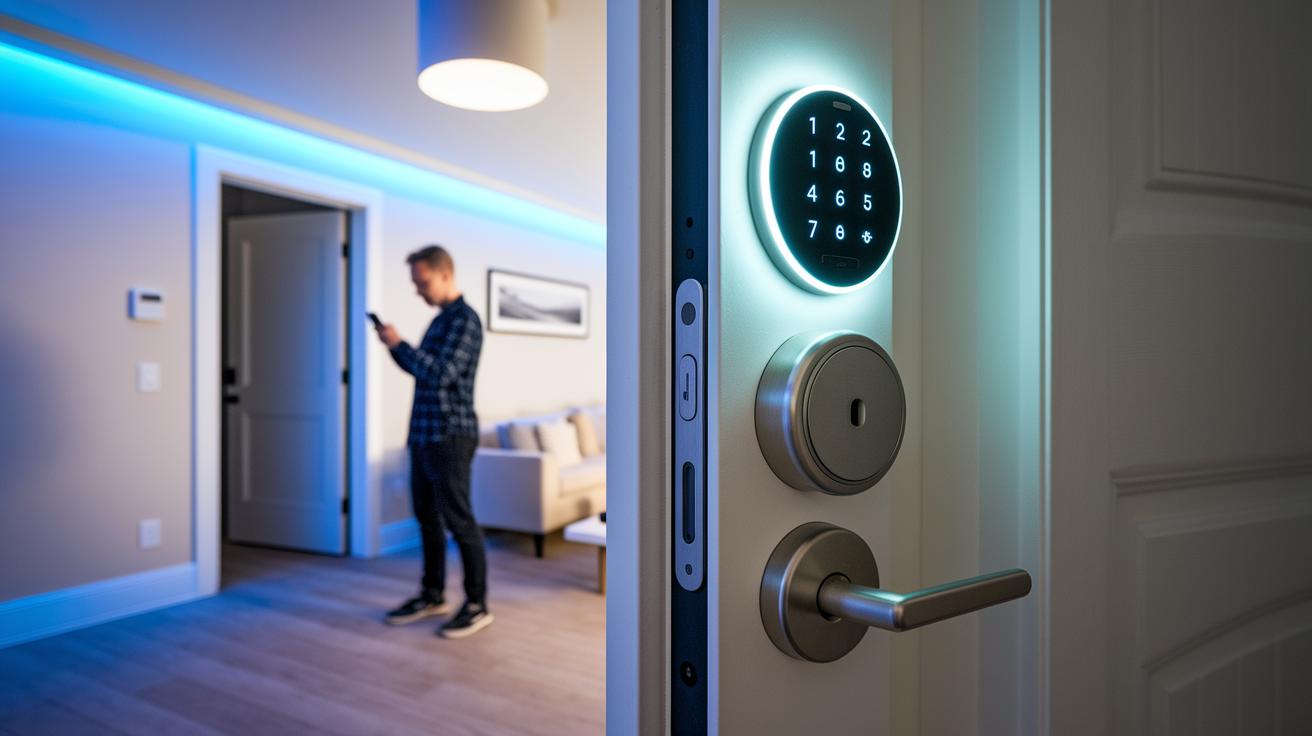
Smart deadbolt locks pack impressive features and solid convenience for everyday use, though they come with a few challenges. In our tests, top models offer keyless entry to ditch traditional keys, letting you use custom codes that can be updated at any time. App alerts and remote monitoring also help you stay in the loop, which is great for busy families and small business owners looking for an easy security solution.
Pros include:
- A no-key routine that simplifies daily access
- Custom codes that let you set who can enter your space
- Real-time remote alerts via a smartphone app
- Management that easily fits into your everyday schedule
On the downside, some locks may occasionally lose Wi-Fi connection, making remote control a bit spotty. Installation can be tricky too, as aligning the lock perfectly might require several adjustments. Another concern is that some models send a little usage data to improve service, which might worry privacy-conscious users. Plus, a few units do not include built-in alarms, so you might need to add external security devices.
For common issues, try re-pairing the device if it loses connection. Rolling back a recent firmware update might also help if new software makes things unstable. These simple steps usually get things back to normal without having to call in a pro.
Final Words
In the action, we explored the design, security protocols, and smart home integrations of top smart deadbolt locks. We broke down everything from installation tips to battery performance and pricing. A clear comparison of features and cost helped show how each model stands out. The detailed pros and cons allow you to match a lock with your specific needs and budget. We hope these insights inspire confidence as you choose the best smart deadbolt locks for your home.
FAQ
Best smart deadbolt locks consumer reports
Best smart deadbolt locks consumer reports indicate that top models offer robust security, user-friendly features, and reliable keyless access. They are evaluated on encryption, ease of use, and smart integration to suit modern home needs.
Best smart lock Europe
Best smart lock Europe selections meet European standards with sturdy build quality, reliable keyless entry, and seamless smart integration. They are designed to provide enhanced security and smooth operation in home environments.
Best smart door lock with handle
Best smart door lock with handle options integrate a handle mechanism and smart locking system for a smooth, secure entry. They combine user-friendly design with keyless convenience and robust security features.
Best smart deadbolt locks for home
Best smart deadbolt locks for home use deliver high-level security with keyless convenience and encrypted communications. They are available as both retrofit and complete replacement options to fit various door types.
Best smart lock for multiple doors
Best smart lock for multiple doors setups support integration across several entry points while ensuring user-friendly control. These systems offer coordinated remote monitoring and scalable access management for larger homes or offices.
Schlage Arrive Smart WiFi Deadbolt
Schlage Arrive Smart WiFi Deadbolt stands out with reliable WiFi connectivity, robust encryption, and an easy-to-use interface. It provides seamless keyless access and integrates well with modern smart home systems.
Best keyless entry door lock with deadbolt
Best keyless entry door lock with deadbolt models combine secure digital access with reliable, easy-to-install deadbolt mechanisms. They offer advanced encryption and convenient app-driven controls for everyday home security.
August Smart Lock
August Smart Lock is known for its flexible integration with smart home setups, reliable remote access, and straightforward installation. It provides secure, keyless entry along with features that enhance everyday convenience.