
TL;DR: Matter smart locks bring home security into one simple setup by linking your door, lights, and plugs for a seamless experience. In our tests, they provided reliable performance and solid safety using Matter-over-Thread technology.
Have you ever felt overwhelmed by the number of apps needed just to secure your home? Matter smart locks simplify the process by syncing your door, lights, and even plugs into one easy system. You can connect everything with a quick QR scan that ties the locks to your favorite voice assistant.
We watched the setup closely and found that the locks delivered dependable performance. The Matter-over-Thread technology extends their range, ensuring your home stays safe without fuss. This streamlined approach makes managing your security both hassle-free and effective, ideal for busy households looking for both convenience and peace of mind.
Matter smart locks: Enjoy Secure Smart Living
Matter smart locks use an open-source design that lets many smart devices, like door locks, lights, and plugs, work together seamlessly. In our tests, they paired easily with Apple Home, Alexa, and Google Home through a simple QR code. This step-by-step process cuts out the hassle of managing multiple apps, making daily routines simpler for busy households.
A major highlight is the Matter-over-Thread technology, which sets up a local mesh network to extend device range without extra hardware. This means your smart lock stays reliable even in bigger homes, bypassing common Wi-Fi issues. Plus, robust encryption protocols keep your data secure with top-grade safety measures.
The locks also boast battery life similar to traditional Bluetooth and Wi-Fi models, so you won’t have to worry about frequent replacements. Regular compatibility updates mean new devices can join the network each year, keeping your system modern and secure. Overall, Matter smart locks simplify your setup and boost home security, making modern living both safe and efficient.
Core Features of Next-Gen Matter Smart Locks

Next-gen Matter smart locks mix modern digital features with tried-and-true mechanical options to suit everyone. These locks let you use a touchscreen keypad or a traditional key slot, so you don't need separate ways to get in. They also bring together passcode entry and fingerprint recognition for extra security.
You can unlock these locks without touching them by using geofencing, and they work with voice assistants like Alexa, Google, and Siri. Imagine scanning a QR code to open your door as easily as you connect a wireless speaker, you get both tech and simplicity in one package.
For example, the Aqara U400 impresses with a fingerprint scanner that offers true biometric security, hands-free unlocking powered by UWB, and support for NFC key cards for even more convenience. It even has a built-in gyroscope that helps the door close by itself, which is great for busy households.
Other models like Yale’s ANSI/BHMA Grade 2 smart lock use Matter-over-Thread technology to boost energy efficiency, while the Nuki Smart Lock Pro (4th Gen) takes advantage of Thread mesh connectivity to deliver quick and consistent performance in various settings.
All these locks come with handy features like one-time and recurring access codes, support for multiple users, an emergency key override, and push notifications to keep you updated. Plus, auto-lock scheduling lets you set up a security routine that fits your day, and weather-resistant hardware with rechargeable or long-life batteries means they work well no matter the conditions.
Top Matter-Compatible Smart Lock Models: A Comparison
Below is an easy-to-read guide comparing six Matter-compatible smart locks. Each lock offers its own benefits, from advanced fingerprint security to a simple setup that keeps your home's look intact. Whether you want premium performance for a mixed smart home or a cost-effective smart upgrade, we’ve broken down the key features and best uses so you can quickly decide which one fits your needs.
| Model | Key Features | Ideal For |
|---|---|---|
| Yale Assure Lock SL with Matter | QR code setup; works with Alexa, Apple Home, Google Home, and SmartThings | Anyone with a mixed smart home looking for top-notch performance |
| SwitchBot Lock Pro | Needs Hub 2/Hub Mini; connects over Wi-Fi for Matter integration | Homeowners who already use SwitchBot accessories and want an easy smart upgrade |
| Aqara Smart Lock U100 | High-accuracy fingerprint reader, auto-close with gyroscope, multiple unlock options, long battery life | Families needing versatile access methods and dependable battery performance |
| Nuki Smart Lock Pro (4th Gen) | Thread network connectivity for steady coverage; supports various platforms | Users in larger homes who need a strong mesh network |
| Level Bolt | Installs inside existing deadbolt; keeps outside look; comes with a physical key option | Consumers who want to upgrade security without changing the home’s design |
| Kwikset Halo Select | Touchscreen deadbolt; simple DIY installation with a screwdriver; available in Satin Nickel or Matte Black finishes | Budget-minded users in search of a modern and easy-to-install smart lock |
Step-by-Step Guide to Installing Matter Smart Locks
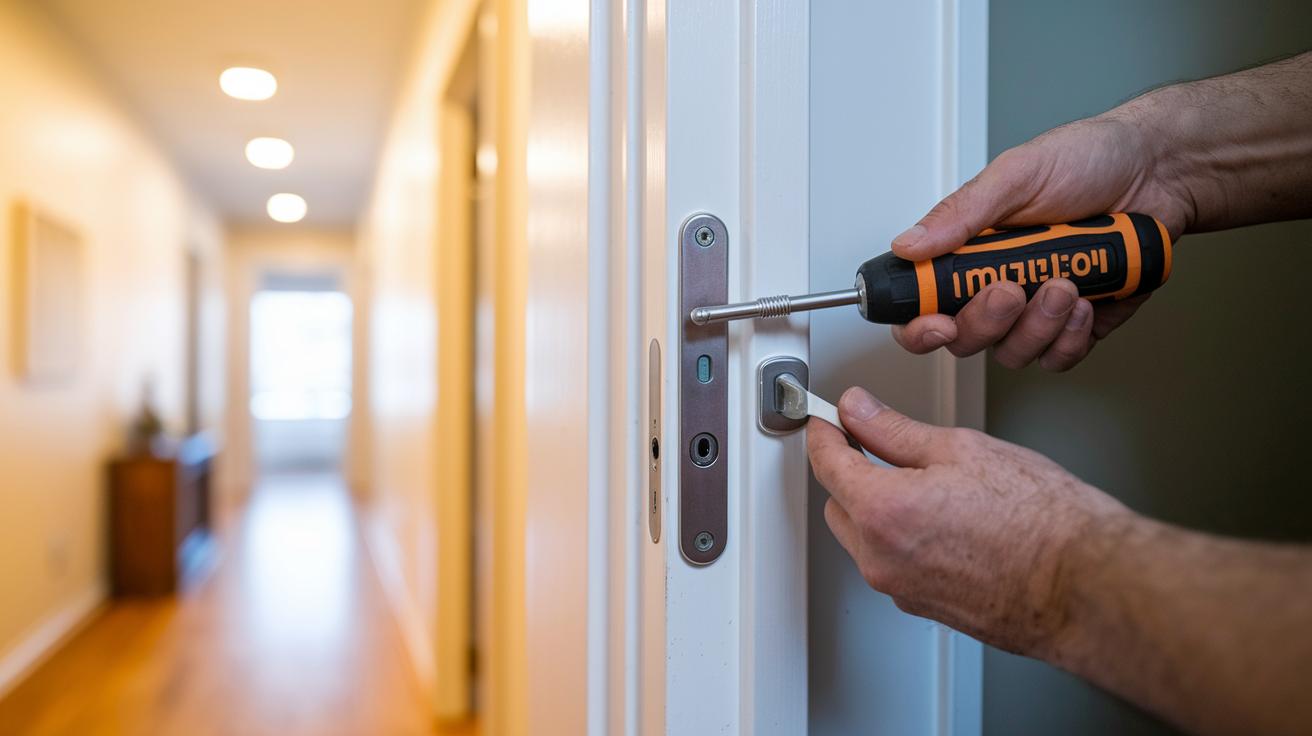
Setting up your Matter smart lock is simple if you follow these clear instructions. This guide will help you connect your new lock with your smart home system quickly and securely.
- First, check that your lock is Matter certified. If needed, get a Thread Border Router (like a HomePod mini) to ensure it connects properly.
- Gather your tools, such as a screwdriver and drill bits. Install the mounting plate securely on your door frame.
- Mount the exterior and interior parts of the lock carefully so they line up just right. Don’t forget to insert the batteries into the correct compartment.
- Turn on your lock and use your phone to scan the Matter QR code. This starts the pairing process.
- Open the Apple Home, Google Home, or Alexa app to add your lock to your smart home setup.
- Create user profiles and set access levels for everyone in your household or for guests.
- Adjust the auto-lock and schedule settings based on your daily routines.
- Calibrate the door sensors with the manufacturer’s app to ensure they work accurately.
- Update the lock’s firmware over the air to keep it running smoothly.
- Finally, test both the manual and remote lock/unlock functions to make sure everything is in order.
Follow these steps and you’ll enjoy a smooth, secure installation of your Matter smart lock.
Troubleshooting and Maintenance for Matter Smart Locks
Matter smart locks offer modern security but can sometimes run into issues like losing Thread network connections, problems with QR code pairing, or a lag in firmware updates. Checking the batteries monthly and lubricating the mechanical parts once a year can keep your system secure and running smoothly.
Common Connection Issues and Fixes
If you notice connection drops when your hub is far away, first make sure your Thread Border Router is set up in a good location. For pairing issues, try scanning the QR code again and check that nothing is blocking the signal. If your Matter lock isn’t communicating because of old firmware, look for over-the-air updates right away.
Firmware Updates and Battery Maintenance
When updating the firmware, use the OTA update process to enjoy new features and security fixes. Keep an eye on battery levels by watching for any warning signals from rechargeable or disposable batteries. Replace them as recommended by the manufacturer, and use the right type of cells. It also helps to clean the sensor lenses and apply lubrication to the locking mechanisms once a year to prevent any sticking or wear.
Regular troubleshooting and upkeep not only solve common issues but also extend the life of your Matter smart lock system, keeping your smart home both safe and efficient.
Future Outlook: Matter Ecosystem Compatibility and Trends
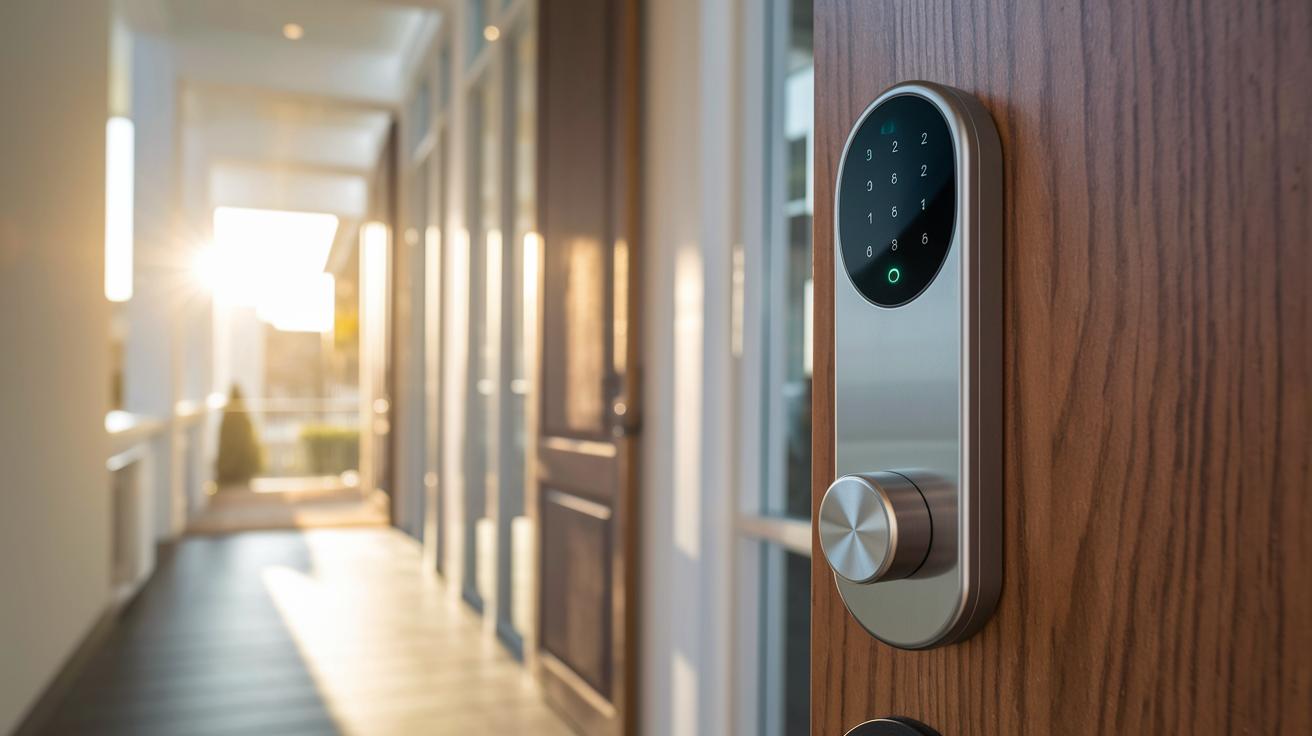
Matter-enabled smart locks are getting ready for a big upgrade. Manufacturers are working to make these locks work well with devices that use both Z-Wave and Thread. This means a stronger signal in your home or office, better battery life, and smoother connectivity with popular voice assistants like Siri, Alexa, and Google Assistant. With built-in building automation, these locks will fit naturally into any smart setup.
Industry teams are also busy creating handy features such as universal digital-key backups, easy floor-plan integration, and remote-management tools. Enhanced privacy controls round out these advances, making it simpler to secure and manage your devices across different platforms. In short, smart locks with Matter connectivity are set to boost convenience and security in everyday life, creating a smart home that easily adapts to real-world needs.
Final Words
In the action, we broke down everything from why these locks matter to setting them up step by step. We highlighted key features, compared models, and shared practical troubleshooting tips.
We showed how matter smart locks bring together reliable security and user-friendly operation. With a clear installation guide and a peek into future enhancements, these devices promise a simpler, more secure smart home experience.
Your next smart lock could be the upgrade your home security has been waiting for.
FAQ
What does a Matter smart locks manual typically include?
A Matter smart locks manual explains setup steps, compatibility details, and installation instructions. It guides users on how to pair with ecosystems like Apple Home, Alexa, and Google Home for a seamless experience.
What features and reviews are noted for Yale smart locks with Matter?
Yale smart locks with Matter feature QR code pairing, robust security, and integration with platforms such as Home Assistant. Reviews report reliable performance, easy installation, and smooth connectivity with modern smart home systems.
How do Yale Assure Lock SL and Assure Lock 2 differ?
The Yale Assure Lock SL with Matter offers a touchscreen setup and modern pairing process, while the Assure Lock 2 emphasizes Bluetooth connectivity and added interface options. Users can choose based on their desired control method.
Which Matter smart lock is considered one of the best?
The best Matter smart lock depends on individual needs; popular options like Yale, Aqara, and specialized models balance strong security, user-friendly interfaces, and broad smart home integration among different features.
What features make Level Lock Pro a compelling choice in the Matter ecosystem?
Level Lock Pro is designed for discreet installation inside your door while offering Matter connectivity. It provides reliable performance, secure access, and maintains your door’s clean exterior look.
What is significant about the Level Bolt Matter-Over-Thread Smart Lock?
The Level Bolt Matter-Over-Thread Smart Lock uses a local Thread network for reliable, low-latency communication. It combines a classic deadbolt design with modern Matter integration and a physical key option.
What advantages does the Lockly Visage Zeno Series Facial Recognition Deadbolt offer?
The Lockly Visage Zeno Series enhances security with facial recognition and quick biometric access. It delivers a touchless entry method that is both convenient and effective for everyday use.
What key features does the Aqara Smart Lock U100 Deadbolt include?
The Aqara Smart Lock U100 features a high-accuracy fingerprint reader, a keypad, and an auto-close gyroscope. This combination offers a secure and convenient entry experience that fits well within a modern smart home.