
TL;DR: HomeKit smart locks make your door as smart as your Apple devices, giving you easy access and solid security.
Have you ever imagined a door that matches your Apple gear? We tested HomeKit smart locks so you can boost your home’s safety with modern features. They offer digital keys, fingerprint scanning, and emergency backups you can count on, even if your phone runs out of juice. Our review lays out the top picks that work smoothly with Siri and the Home app. Keep reading to find the lock that best fits your modern home.
Choosing the Right HomeKit Smart Locks for Your Apple Ecosystem
Smart locks let you use your iPhone or Apple Watch to open your door with a digital key saved in your Apple Wallet. In our tests, these devices paired easily with Siri and the Home app. This setup allowed us to lock and unlock doors remotely, even when our phone battery was running low.
You can choose from several unlocking options. Many devices support digital keys, passcodes, fingerprint scanning, NFC (near-field communication, a short-range wireless signal), and UWB proximity (ultra-wideband, for precise distance detection). This variety gives you the freedom to pick what works best for your security and convenience.
For instance, some users were surprised that even with a nearly dead iPhone battery, HomeKey still granted remote access. Top brands like August, Yale, Kwikset, Eufy, VOCOlinc, and Aqara offer models that range from sleek, minimal designs to those packed with multiple verification methods.
Before buying a smart lock, think about which types of access matter most to you. Do you lean toward biometric methods like fingerprint detection, or is a simple digital key enough? Also, check if the lock includes extra features such as backup passcodes and options for emergency power. Choosing a lock that works naturally with your Apple devices helps secure your home and creates a seamless smart home experience.
Comparing Top HomeKit Smart Lock Models
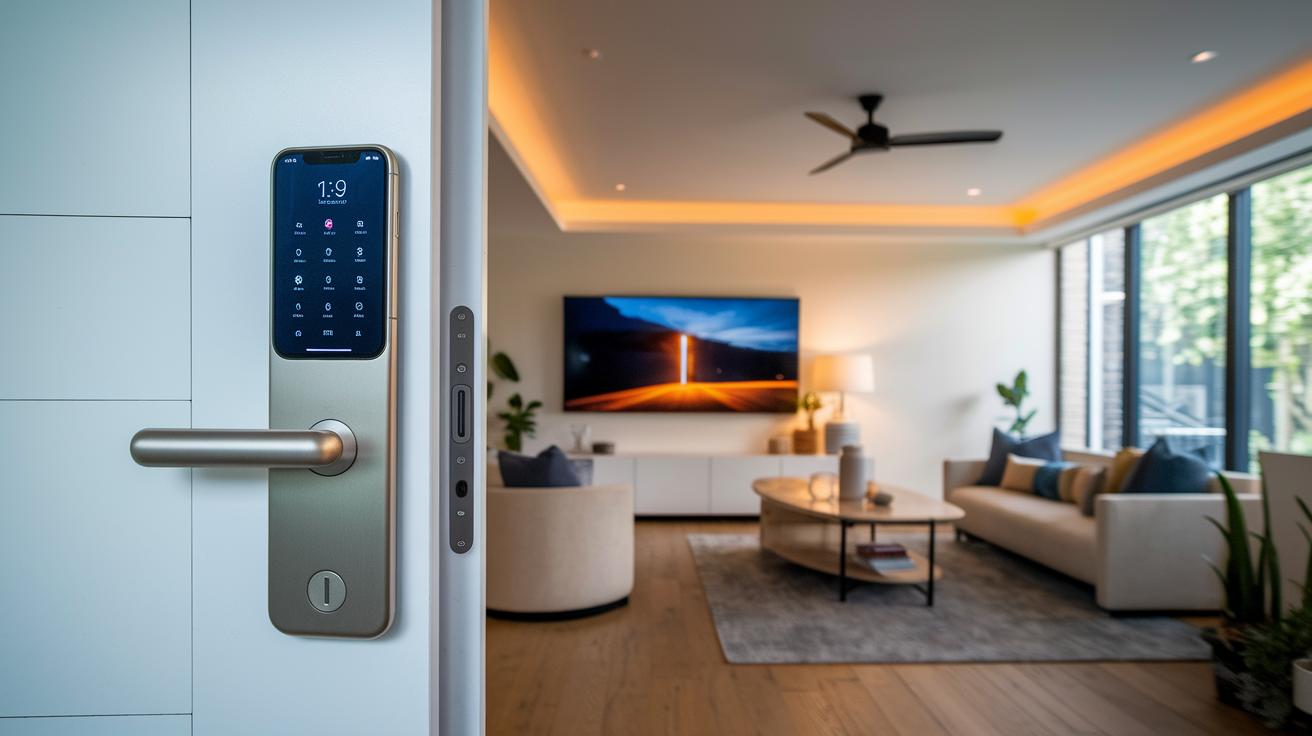
When choosing a smart lock that works smoothly with your Apple devices, our tests clearly show different strengths among the models. We looked at four top HomeKit locks, each offering distinctive features to help you decide which one fits your needs.
The Aqara Smart Lock U100 truly stands out with complete HomeKit integration and easy remote control using the Home app. It feels like it was made for anyone who values a simple, hands-on experience.
The Aqara D100 Zigbee impressed us with nine unlock options like Siri, passcode, and NFC. It also features a solid 12-month battery life supported by a lithium-ion battery and USB-C emergency power, making it a dependable choice.
The Yale Assure Lock SL brings a clean, modern design to the picture, with an 8-digit touchscreen PIN and smooth Siri voice control. Its slim deadbolt design works well in any modern home setting.
Meanwhile, the Eufy Security Smart Door Lock offers lightning-fast 0.3-second fingerprint recognition. With options like keypad, app, and UWB unlocking, plus built-in Wi-Fi for remote monitoring, it combines speed and security perfectly for active households.
| Model | Unlock Methods | Battery Life | Price |
|---|---|---|---|
| Aqara Smart Lock U100 | HomeKit, Remote via Home app | Varies | $200 |
| Aqara D100 Zigbee | 9 methods (Siri, passcode, NFC) | 12 months | $250 |
| Yale Assure Lock SL | 8-digit PIN, Siri control | Varies | $300 |
| Eufy Security Smart Door Lock | Fingerprint, Keypad/App/UWB | Varies | $350 |
These side-by-side comparisons help you balance performance, ease of use, and cost so you can pick a secure and modern smart lock that pairs perfectly with your Apple devices.
HomeKit Smart Locks Installation and Pairing Guide
Start by planning your setup. Most HomeKit locks are designed to fit standard doors, making installation something you can do yourself. Pairing the lock is as simple as scanning the HomeKit QR code in the Apple Home app. For example, when setting up the Aqara D100, its emergency USB-C port can give you temporary power during pairing so you stay connected.
Step-by-Step DIY Installation
- Carefully remove the old deadbolt.
- Fit the new latch into your door frame.
- Position the lock body so it sits snugly.
- Tighten all the screws to secure the lock.
- Test the lock manually by turning it to make sure it works smoothly.
Following these steps gives you a solid start with your new smart lock.
Resolving Connectivity and Pairing Issues
- Check that the HomeKit code is free from smudges or scratches, as this can affect scanning.
- Make sure your network settings are correct, especially if you have a Zigbee lock using a bridge or a Wi-Fi model connecting directly.
- Restart your hub or the Apple Home app if the lock struggles to connect.
- Update the firmware through the Home app before trying again to clear any glitches.
These tips help keep your installation and pairing process smooth and hassle-free.
HomeKit Smart Locks: Sleek Security For Modern Homes
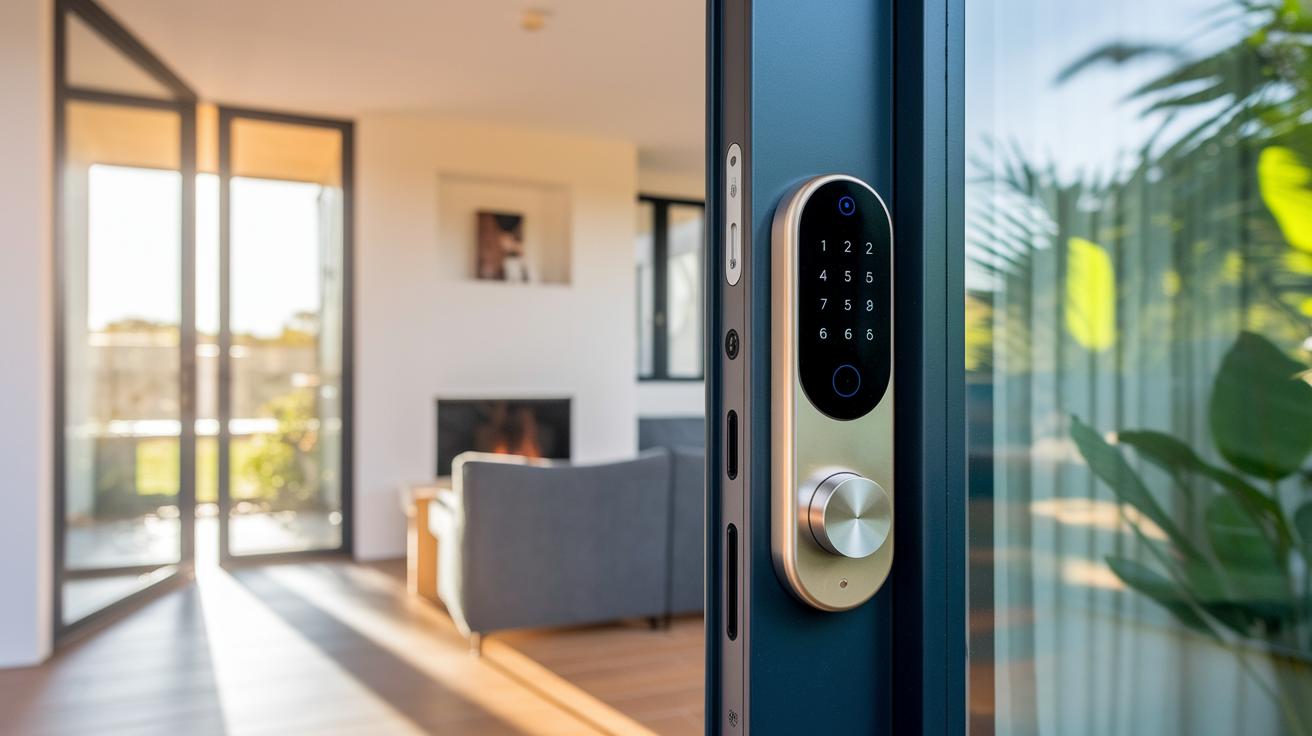
HomeKit smart locks give you peace of mind by keeping your home secure with strong, easy-to-use features. They use AES-128 encryption (a trusted way to scramble your data) and a safe pairing process, so only the right people can use your digital keys stored in Apple Wallet.
Many models come with tamper sensors on the front. If someone tries to force the lock, you'll get an immediate alert. They also build in extra steps to stop bad guys from bypassing the lock. Plus, if you forget to lock the door, it will automatically relock after a set time.
Apple Home Key adds even more security with UWB (ultra-wideband, a short-range radio tech) and biometric checks. This means even if someone gets hold of your digital key, they still have to pass extra verification. HomeKit's secure setup lets all your devices talk to each other safely.
Access logs in the Home app record every entry and exit with timestamps. These logs help you keep an eye on any unusual activity, giving you extra confidence that your home is well protected.
Battery Performance and Maintenance Tips for HomeKit Smart Locks
Battery performance is crucial for keeping your HomeKit smart lock running smoothly. Many locks, like the Aqara D100, can work for up to 12 months on a single battery set, while others such as the Aqara A100 can last around 18 months. The Home app gives you low-battery alerts so you know when it's time to replace them.
Some models also come with an emergency USB-C port that provides temporary power during a battery swap, helping prevent lockouts. To keep your batteries in top shape, clean the battery contacts once a year to remove dust or any buildup. Also, updating the firmware through the Home app can boost overall performance and security. Following these tips ensures your smart lock stays a reliable part of your home security setup.
Advanced HomeKit Smart Lock Features: Siri Control, Guest Access, and Remote Monitoring
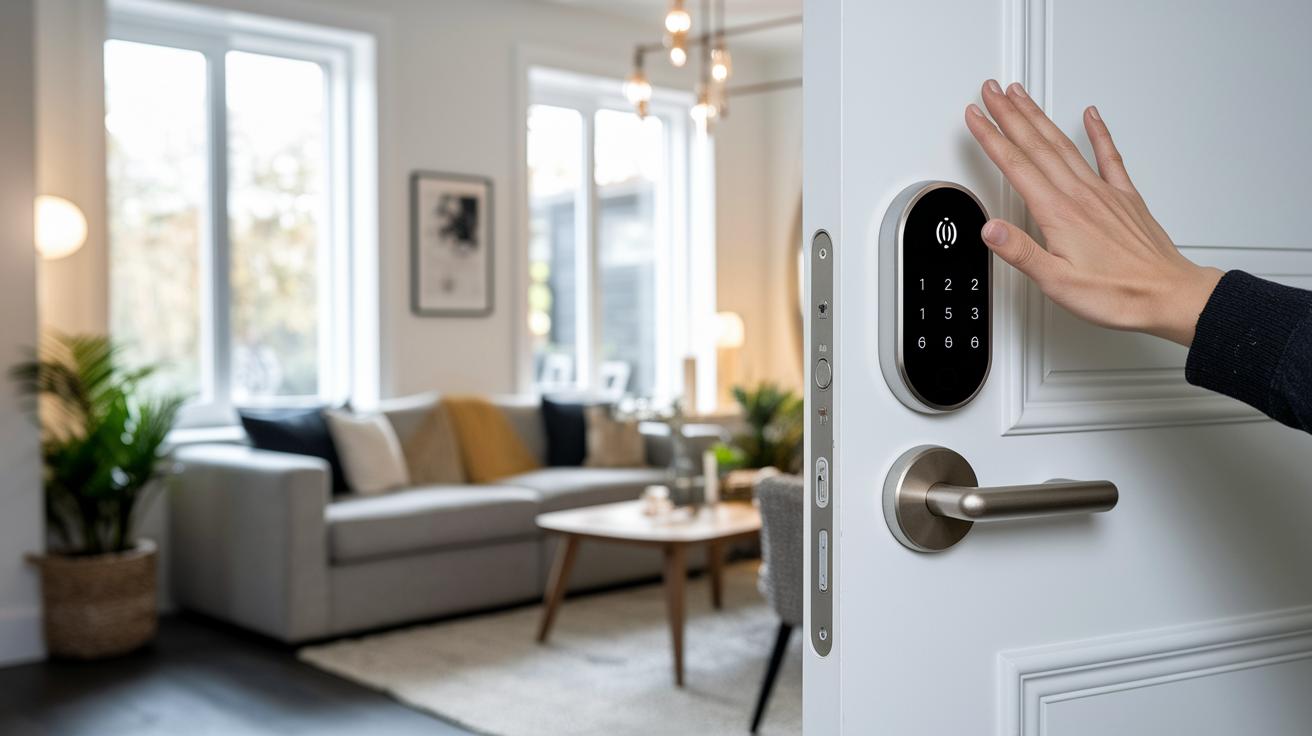
Siri lets you control your lock with just your voice. Just say "Hey Siri, lock the door" and your home is secured in seconds. This friendly feature is perfect when your hands are full or you're rushing out the door.
Digital guest codes make it easy to give temporary access. You can create a time-limited code for a repair person or a visiting friend, and it expires on its own once the time is up. This setup helps keep your home safe by only allowing access when you want it.
Remote monitoring brings another layer of control. With built-in Wi-Fi or a compatible hub, your lock sends real-time updates to your phone every time it locks or unlocks. You might get a notification like "Front door locked at 7:32 PM." Geo-fencing makes it even simpler by locking the door when you leave and unlocking it as you approach home.
Some locks also work with biometric systems on Apple devices, allowing fingerprint recognition. When combined with other HomeKit devices, this lets you set up custom, automated routines that add convenience and extra peace of mind to your everyday life.
Pricing, Availability, and Buying Guide for HomeKit Smart Locks
HomeKit smart locks come in a range of prices that help you choose the best features without breaking the bank. Basic models start at around $175 and let you unlock your door using your Apple devices. If you want extra features such as fingerprint scanning and UWB support (a way to quickly measure distance wirelessly), you might spend over $1,000. This flexible pricing means you can pick a lock that fits your security needs and budget.
Professional installation can add an extra $50 to $150 depending on your location. It’s a good idea to factor this into your budget if you prefer having a pro handle the setup rather than doing it yourself. You can find these locks from popular retailers like Amazon, The Home Depot, Adorama, and the HA Shop for Aqara products.
Seasonal promotions can lower prices by 10-25%, making an upgrade even more appealing. Compare features like remote monitoring or advanced access control to decide which option works best for you. This way, you get a smart lock that balances both security and convenience perfectly.
Future Trends and Upcoming Innovations in HomeKit Smart Lock Technology
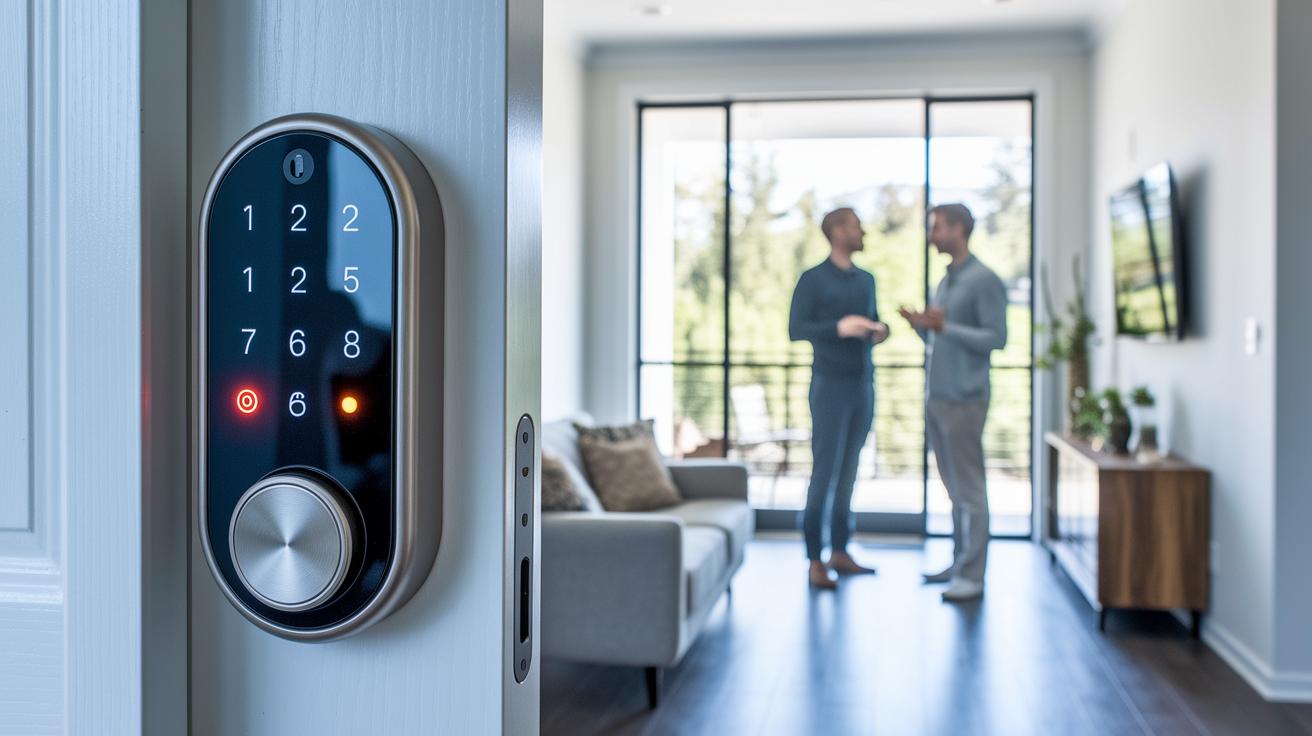
Exciting new smart locks such as Level Lock Pro, Aqara U200, and ULTRALOQ Bolt NFC are gearing up to support Matter and include NFC fusion hardware. This means they will soon work seamlessly with your Apple devices, connecting easily with other smart home systems and delivering a faster response.
At CES 2026, demos showcased a UWB-enhanced proximity unlock that speeds up door access while keeping things secure. We even saw HomePod-powered automations that simplify everyday tasks. These features could soon offer predictive alerts to flag issues before they become problems.
Manufacturers are also investing in advanced biometric features and edge-AI threat detection (real-time monitoring using on-device processing). This new approach to smart lock security promises better real-time monitoring and a stronger defense against unauthorized entry.
Final Words
In the action, we explored how homekit smart locks bring secure, keyless entry to your door while integrating with your Apple devices. The review highlighted core features like digital keys, fingerprint access, and remote monitoring. We compared leading models and provided a DIY installation guide that covers everything from pairing to troubleshooting. Battery tips, privacy measures, and even future trends were discussed. This hands-on look aims to help you pick the right model, save money, and enjoy a safer home, all with confidence and ease.
FAQ
What are some top HomeKit smart locks available?
Popular models include the Schlage Encode Plus, Yale Assure Lock 2 Plus (with Home Keys), VOCOlinc Apple HomeKit Door Lock, HomeKit Door Lock with Camera, and Level Lock HomeKit.
How do HomeKit smart locks integrate with the Apple ecosystem?
HomeKit smart locks integrate with your Apple devices by using the Home app and Home Key stored in Apple Wallet, allowing remote control, Siri voice commands, and secure digital entry.
What advanced unlocking features do HomeKit smart locks offer?
HomeKit locks offer features such as facial recognition like the Lockly Visage Zeno Series, fingerprint reading on models like Aqara Smart Lock U100, and touchscreen keypads for enhanced security.
How do retrofit conversion kits work for smart locks?
Conversion kits, like the Yale Conversion Upgrade Kit, retrofit your current deadbolt with smart capabilities, adding Wi-Fi, Bluetooth, and touchscreen keypads to upgrade home access.
What role do HomeKit smart locks apps play in management?
The smart locks app centralizes control, enabling you to send digital keys, get status alerts, update firmware, and manage security settings conveniently from your iPhone.
Can HomeKit smart locks include integrated cameras?
Yes, some models include built-in cameras that let you monitor door activity, verify visitor identities, and enhance security by integrating camera feeds with HomeKit functionalities.