
TL;DR: VPNs boost your privacy by hiding your IP and encrypting your data, but they don't make you completely invisible online.
Have VPNs got what it takes to hide who you really are online? Many people say that using a VPN makes you totally anonymous. In reality, it's not that simple. A VPN works by masking your real IP address and encrypting your information. That extra privacy layer is helpful, but your online actions can still give away your identity. Here, we break down the benefits of using a VPN and the limits of true anonymity, so you know exactly how secure your browsing might be.
VPN Anonymity vs True Anonymity: What a VPN Really Provides
A VPN makes your online life more private by sending your internet traffic through a secure tunnel. When you use a service like ExpressVPN, it scrambles your data and hides your true IP address. This means that hackers, ISPs, or even government agencies see far less of your actual location and browsing habits.
Even though a VPN covers a lot of your tracks, it doesn't offer perfect anonymity. When you log into sites like Google or social media, your identity can still be tied to your actions despite the hidden IP. Persistent tracking by search engines and browser fingerprinting means some clues about you might still leak through. In short, while a VPN greatly reduces your exposure, it can’t block every signal that might eventually link back to you.
Core VPN Features for Secure Browsing Technology

A VPN uses cutting-edge protocols like OpenVPN and WireGuard to safeguard your data from end to end. In simple terms, these protocols scramble your online information so that hackers, unsafe networks, and any prying eyes can’t peek at your activity.
Top VPN providers offer a network of servers in more than 105 countries. This wide reach means you can access global content quickly and smoothly whether you’re on a smartphone, tablet, or desktop. The service works across various operating systems, making it a great choice for families and users with multiple devices.
Many premium VPNs ensure fast speeds ideal for streaming and gaming. They often include a 30-day money-back guarantee, so you can try out the service without any risk. In addition, if the secure tunnel drops, an automatic kill switch stops data transfer to keep your information safe.
Key VPN Limitations in Achieving Full Anonymity
Even the best VPNs run into issues when trying to hide your identity completely. They create encrypted tunnels that protect your data, but clever tracking methods can still pick up clues about who you are. Simply put, whether you use a free or premium VPN, full anonymity remains a challenge despite masking your IP and encrypting your traffic.
Browser Fingerprinting
Even if your IP is hidden, the mix of your device settings, fonts, and browser extensions leaves a digital trail. Sometimes, your browser setup is unique enough that advanced trackers can recognize and follow your online behavior, independent of the VPN's encrypted tunnel.
DNS and IP Leaks
VPNs depend on secure tunnels to protect your data, but sometimes DNS requests slip through without proper encryption. A brief connection drop or a misconfiguration might expose your real internet address. Although tools like DNS leak protection help reduce these leaks, they might not block every instance where your true location could be revealed.
User Login Exposure
When you sign into email, social media, or streaming services, you connect your online activities to your personal accounts. Even with a hidden IP, the fact that you're logged in means your actions are tied back to you. This shows that some digital traces will always persist, limiting the scope of true anonymity.
In short, while VPNs boost your online privacy by encrypting your data and hiding your IP, they can't eliminate all advanced tracking methods that compromise complete anonymity.
Tracking Methods That Bypass VPN IP Mask Techniques
VPNs hide your IP address and secure your data, but they don't block every type of tracking. Some trackers use your browser's settings or your online habits to gather information. The table below shows who might track you, how they do it, and how well a VPN can protect you. It adds detail to the limits we mentioned earlier in the discussion about full anonymity.
| Tracking Entity | Tracking Technique | VPN Protection Level |
|---|---|---|
| ISPs | Traffic pattern analysis | Low |
| Websites | Cookies & Supercookies | Medium |
| Payment Providers | Transaction logging | Low |
| Social Media | Browser fingerprinting | Low |
VPNs don't stop tracking that relies on your browser or the actions you take online, such as logging into accounts or clicking on certain links. This shows that while VPNs are useful, they aren't foolproof, so additional privacy steps are a good idea if you want to be extra safe.
Complementary Digital Anonymity Tools Beyond a VPN
Using a VPN helps secure your connection, but pairing it with other digital tools makes your online privacy even stronger. When you add extra layers, you cut down on tracking from websites, ISPs, and other parties that might piece together your online habits. In simple terms, combining privacy software and smart habits turns basic security into a full privacy defense.
Tor Network
The Tor network bounces your internet traffic through several different points. This makes it much harder for anyone to link your online actions to your real location. Think of it like sending a message that goes through many hands before it reaches the final person. Tor uses a method called onion routing (routing traffic in layers) and works great with a VPN to keep your identity hidden.
Private Search Engines
Regular search engines often save your search history. Private search engines, like DuckDuckGo, do not log your searches. This means they do not build a profile on you as you browse. When you use these private tools, your search activity stays private and you avoid targeted tracking.
Secure Messaging Apps
Secure messaging apps protect your messages with end-to-end encryption. This means that only you and the person you're talking to can see the conversation. Apps like Signal work a bit like exchanging secret notes in a language only you both know. Even if other parts of your digital footprint are visible, your private chats remain confidential.
When you use a VPN together with Tor, private search engines, and secure messaging apps, you build a strong, layered privacy strategy. Adding options like paying with cryptocurrency also boosts your overall online privacy. This combined approach is your ticket to a safer digital life.
Evaluating VPN Services for Optimal Online Identity Protection
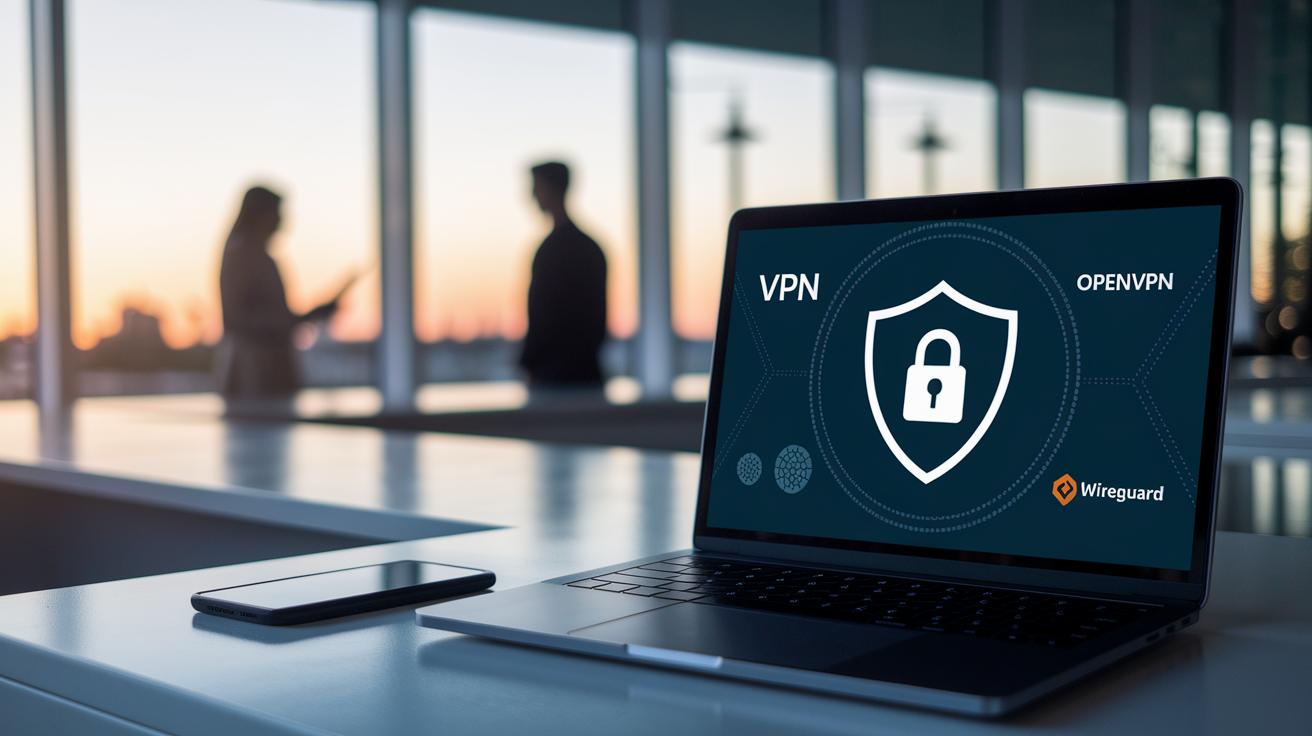
TL;DR: A solid VPN keeps no logs, uses strong encryption like OpenVPN and WireGuard, and offers extra features such as kill switches and DNS leak protection for real-world safety.
When choosing a VPN, start by picking a service with a strict no-logs policy and robust encryption. Look for protocols like OpenVPN and WireGuard that keep your data secure. Consider the size of the server network and connection speeds for a smooth experience. Extra features such as kill switches and DNS leak protection add another layer of safety during everyday use. Remember, while these tools boost privacy, they don’t provide complete anonymity.
Comparing VPNs like ExpressVPN and NordVPN shows clear differences in how they protect your identity online. Some services offer a huge network of servers around the world, while others may have limits on the number of devices you can connect. A few providers even support advanced payment options like cryptocurrency to help keep your transactions private. Prices vary, so you’ll need to weigh performance against cost to find the right balance. The encryption protocols and privacy guarantees each service offers are key factors in making your decision.
Taking advantage of trial periods or money-back guarantees is a smart way to test a VPN. It lets you see how well the encryption, server performance, and privacy features work in real life. Balancing cost, features, and secure payment options is essential for optimizing your online identity protection.
Final Words
In the action, we broke down VPN capabilities and limitations, explaining how secure connections protect your data without offering complete online invisibility. We discussed encryption basics, key features like kill switches and no-logs policies, and even additional tools for boosting privacy. At the same time, the piece reminded us that does a vpn make you anonymous remains a common question with a complex answer. Enjoy a more informed approach to safeguarding your online presence and making smart tech purchases.
FAQ
Does a VPN make you anonymous on Reddit and on an iPhone?
The VPN masks your IP and encrypts traffic, which helps hide your identity. However, if you log into accounts on Reddit or your iPhone, your personal details can still be linked.
Does a free VPN or anonymous VPN provide true anonymity?
The free or anonymous VPN offers basic IP masking and encryption, but they often log data or lack strong protections. This means they do not deliver complete online anonymity.
Does a VPN make your browsing private and hide search history from WiFi networks?
The VPN encrypts your traffic and shields your IP address, making your browsing more private. However, it does not completely hide search history from WiFi monitoring if services you use still log data.
Does a VPN hide your IP address and is it untraceable?
The VPN conceals your real IP by routing traffic through secure servers, but advanced tracking methods can sometimes reveal activity. Absolute untraceability remains unattainable.
What VPN works with Spectrum?
Many top VPNs like ExpressVPN, NordVPN, and Proton VPN work with Spectrum. They offer compatible apps and fast connections, making them suitable for streaming and everyday browsing.
Is using a VPN illegal in the US, and can the FBI see through VPNs?
The VPN is legal in the US, and its encryption protects your data. Nevertheless, law enforcement may access data under specific conditions when additional identifiable information is available.
Can anyone see that I’m using a VPN?
Network administrators or ISPs can detect the presence of VPN traffic, but the content of your browsing remains hidden behind encryption, keeping your online actions private.
What is the Tor Browser’s role in online privacy?
The Tor Browser routes your internet traffic through multiple relay nodes, adding layers of privacy. It complements VPN use by obscuring your location and identity further.
What are Mullvad, Proton VPN, Brave, Firefox, and Opera?
Mullvad and Proton VPN are privacy-focused VPN services, while Brave, Firefox, and Opera are browsers offering built-in security features. Each tool focuses on different aspects of online protection.