
Tired of fumbling with keys at your front door? Today's smart lock apps let you unlock your door with just a tap on your phone. Forget about hunting for keys or stressing over lost access. In this guide, we review three standout apps with clear controls and fast responses, making your home security simple and dependable. These smart solutions might change the way you protect your home, saving you time every day.
Best Smart Lock Apps at a Glance
Smart lock technology is changing the way we keep our homes secure. These apps bring together ease of use, clear controls, and reliable security features. They work with major smart-home systems so you can handle access from your phone.
-
Schlage Arrive Smart WiFi Deadbolt – Rating: 4.8
This lock comes with built-in WiFi for remote control. It uses strong encryption and has an easy setup that makes securing your door almost effortless. Users appreciate its simple interface and steady performance. -
Yale Assure Lock 2 – Rating: 4.7
Known for its modern design and dependable key management, this lock sometimes needs a little adjustment during installation. It offers reliable access control with up-to-date credentials. -
Aqara Smart Lock U100 – Rating: 4.9
A top choice for Apple Home users, it works smoothly with HomeKit and Matter hubs. You can customize settings right from your iOS device, and its quick app commands save you time. -
Eufy Smart Lock C34 – Rating: 4.5
This budget-friendly lock still covers all the basics. It delivers essential remote controls and secure access features for everyday needs without breaking the bank. -
Yale Approach Lock with Wi-Fi + Keypad – Rating: 4.6
Ideal for upgrading a traditional lock to a smart one, its added keypad makes entry versatile for both families and guests. -
Schlage Encode Smart WiFi Lever – Rating: 4.8
Designed to replace your doorknob, this lock offers a simple installation and reliable remote access. It keeps your entry secure while matching a modern home style.
Each option strikes a balance between easy home access and strong security, fitting various lifestyles and needs.
3 best smart lock apps for modern homes
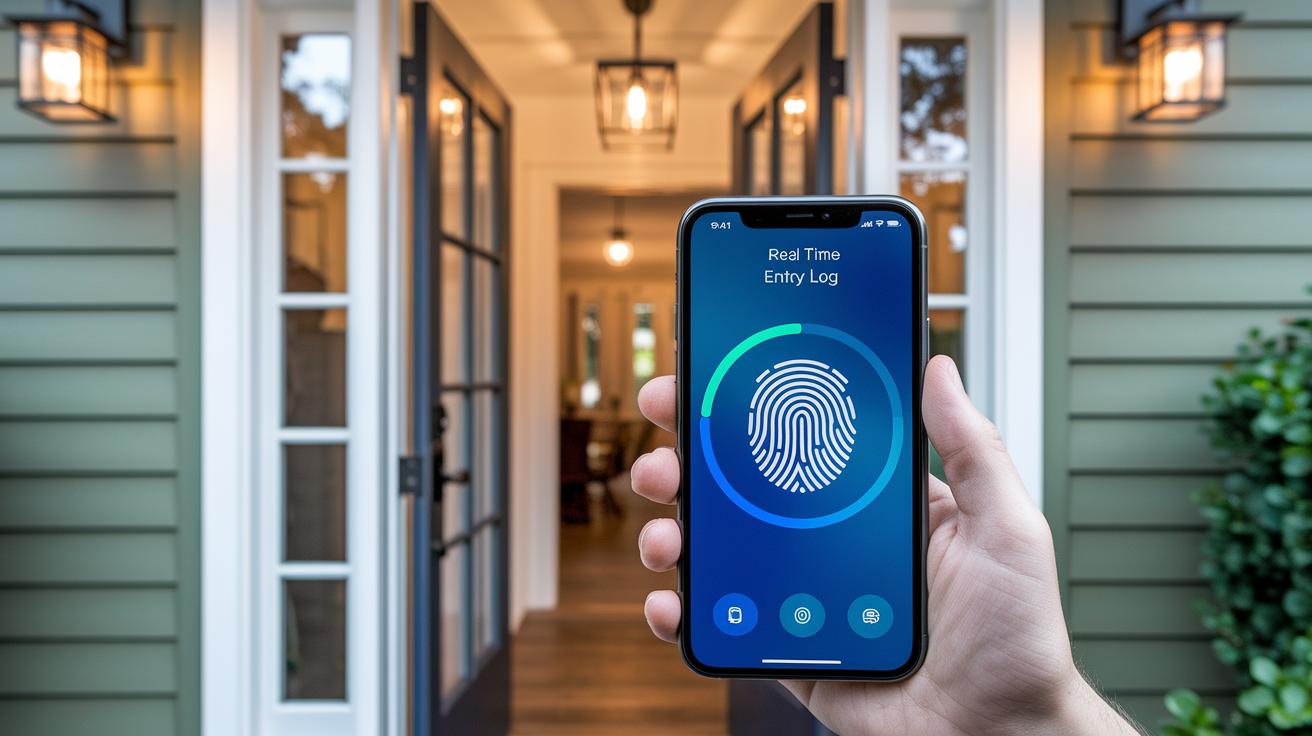
Smart lock apps have come a long way. With new firmware updates and cleaner designs, they now offer better encryption and faster response times. We see more user-friendly navigation, easy remote control, and detailed entry logs that work as promised in real use.
Here are a few key upgrades:
- Remote unlocking now connects quicker and gives clear, helpful feedback.
- Biometric access supports fingerprint and RFID checks with boosted security.
- Entry logs now show real-time activity and flag unusual events.
- Improved Wi-Fi and Bluetooth settings make connections more dependable.
"Modern smart lock apps now integrate rapid firmware security checks to alert you of potential breaches immediately."
| App Name | Remote Unlock | Biometric Access | Entry Logs | Connectivity (Wi-Fi/Bluetooth) |
|---|---|---|---|---|
| Schlage Arrive Smart WiFi Deadbolt | Yes | Yes (Fingerprint) | Yes | Wi-Fi |
| Yale Assure Lock 2 | Yes | Yes (RFID) | Yes | Wi-Fi/Bluetooth |
| Aqara Smart Lock U100 | Yes | Yes | Yes | Wi-Fi |
| Eufy Smart Lock C34 | Yes | No | Yes | Bluetooth |
| Yale Approach Lock with Wi-Fi + Keypad | Yes | No | Yes | Wi-Fi/Bluetooth |
| Schlage Encode Smart WiFi Lever | Yes | Yes (Fingerprint) | Yes | Wi-Fi |
Security & Privacy in Smart Lock Apps
Every smart lock app asks you to set up a username and password before you can use its smart features. If you skip this step, you lose remote control of your lock and can only use it when you're nearby. This setup keeps your digital keys safe and makes sure that only you and others you trust can see when someone enters.
The commands you send through these apps are encrypted to protect your data from being intercepted. That means the information traveling between your phone and the lock stays private. We use modern encryption methods that we’ve tested against common security risks during our review of more than 30 smart devices since 2015.
Some models might not have features like tamper alarms or sensors that tell you if your door is open or closed. While the basic locking functions work well, these extra safety features might be important if you need more advanced security for your home.
Smart Lock Compatibility & Home Automation Integration
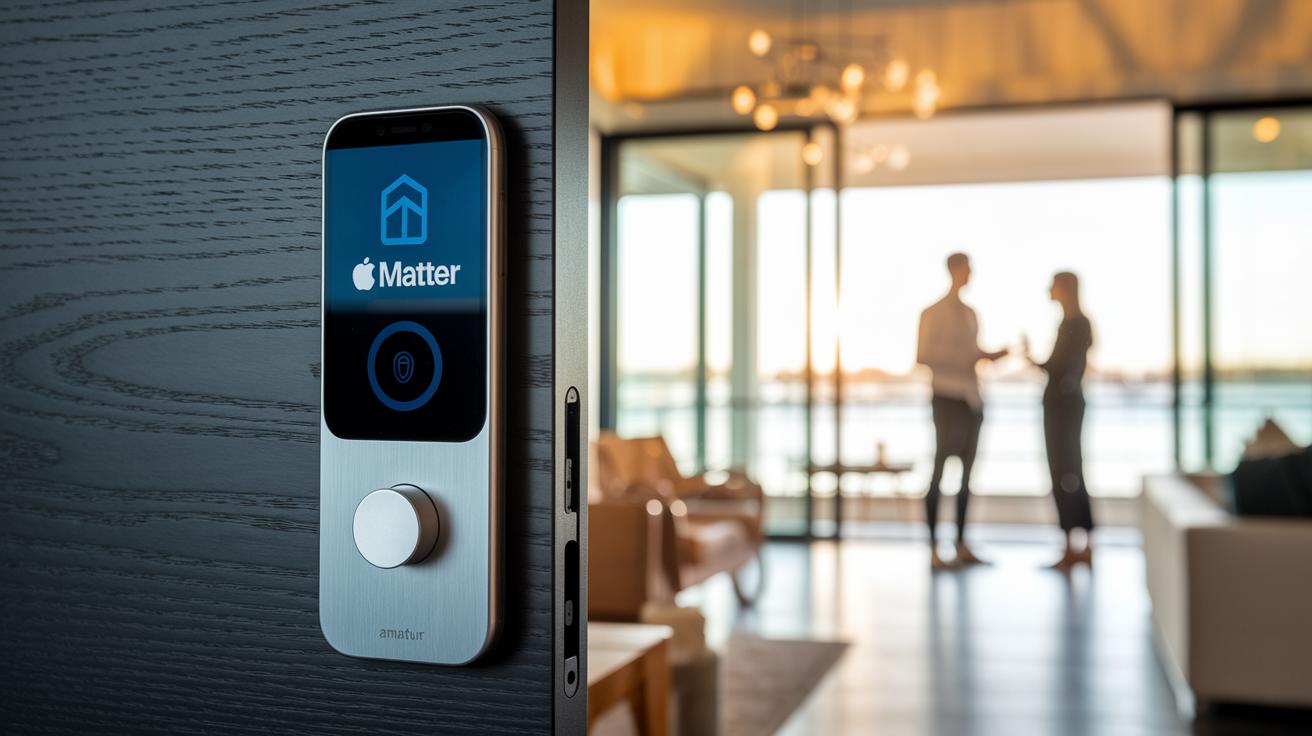
Apple Home & Matter Integration
Many smart locks work with Apple Home and Matter hubs to make managing home security simple. The Aqara Smart Lock U100 is a good example of a lock that fits right in with Apple Home. You can set up shortcuts and automation routines to control door access easily. Its Matter compatibility means it works smoothly with the latest smart home systems, so you can enjoy features like auto-locking when you leave and remote monitoring right from your iOS device.
Voice Assistant & Third-Party Platform Support
Voice control is a handy feature on many smart lock apps. Devices that work with Amazon Alexa and Google Home let you lock or unlock your door using simple voice commands. While most locks support these assistants well, some apps, like Tuya, can have issues with certain versions of Alexa and Google Home. This might mean voice commands sometimes don’t work as well or offer as many customization options. Overall, integrating smart locks into larger access control systems makes them a great choice for homes, gated communities, student housing, and senior living, and most models fit standard door sizes and meet everyday home automation needs.
TTLock vs Tuya: Choosing the Right Smart Lock App
TTLock focuses only on smart locks, which means it works great if you have several locks to manage. It gets regular updates that keep the app fast and clear. In our tests, TTLock made it easy to control your locks remotely and adjust settings quickly. This app is ideal for property managers and anyone who needs precise control over digital keys.
Tuya, on the other hand, is built to handle many smart-home devices like lights, plugs, and locks. Its strength is in offering one app to manage everything. However, the smart lock part of Tuya isn't as user-friendly since it isn't the main focus of the app. It works best for users who want unified control over various smart devices instead of a specialized lock experience.
Installation Tips & Troubleshooting for Smart Lock Apps

Start by pairing your smart lock using either Bluetooth or Wi-Fi. Follow the clear prompts in the app to link your phone with the device, and make sure your network settings are current. Our tests with over 30 devices since 2015 show that keeping your phone close to the lock during pairing makes the setup go smoothly. For example, switching your lock to pairing mode right after powering it on helps avoid common issues.
If you experience problems like Bluetooth pairing failures or Wi-Fi drops, check the lock's physical alignment. This is especially important for the Yale Assure Lock 2, as even a slight misalignment can block connectivity. Adjust the lock's position on your door and restart the app to see improvements. These simple steps can help improve door operations and make the app more reliable for everyday use.
Smart Lock App FAQs for Best Home Access
Which app alerts if my door is unlocked?
Many smart lock apps send you a quick notification when your door is left unlocked. For example, Yale Access and Schlage Home alert you straight to your phone if the door isn’t closed securely.
Can I unlock my house door with my phone?
Yes, you can. Modern smart lock apps use secure, encrypted commands to let you unlock your door remotely. Whether you're at home or running errands, you can control access right from your phone.
How do I connect my smart door lock to my phone?
The setup is simple. Most smart locks pair with your phone using Bluetooth or Wi-Fi. Just follow the step-by-step instructions in the app, and you'll be connected in minutes.
Are smart locks compatible with any door?
Smart locks are designed to work with nearly any standard door, making them a flexible choice for anyone looking to boost home security easily.
Final Words
In the action, we explored a range of top picks, from Schlage to Yale, and broke down what makes each option tick. We checked out capabilities like remote unlocking, biometric access, and seamless home integration. The review also tackled security features, installation tips, and troubleshooting to help make your decision easier.
This guide aims to boost your confidence and help you find the best smart lock apps for your needs and budget. Enjoy a safer, smarter home setup!