
TL;DR: We tested three Roku models to see which one delivers crisp 4K visuals, speedy Wi-Fi, and an easy-to-use interface. If you value smooth streaming and clear picture quality, our review helps you choose the right device.
Have you ever noticed that your streaming setup might not be meeting your expectations? We spent time testing three Roku models so you don't have to. We looked at everything from true 4K streaming performance to easy navigation features meant for everyday viewing.
Our tests measured faster Wi-Fi speeds, simplified interfaces, and smart remote controls. This allowed us to see which Roku model gives you superior streaming without any compromises. Read on for a friendly breakdown that helps you pick the device that fits your needs best.
Roku Comparison: Top Model Overview
Roku Ultra (2024) is the high-end model priced at $99. We tested it and found that its true 4K streaming with Dolby Vision and HDR10+ delivers clear, vibrant visuals. The upgraded Wi‑Fi 6 connection makes streaming faster and steadier, even when many devices are online. An Ethernet port and USB media playback add to its reliability, while the Voice Remote Pro (2nd Gen) offers hands-free control for easy navigation. Its media-first interface and unified search for free, rental, and purchased content keep everything simple and accessible.
The Roku Streaming Stick Plus (2025) provides a balanced mid-range option by supporting 4K HDR10/HDR10+ in a compact design. Even though it lacks an Ethernet port, its AirPlay support is a bonus for Apple users. In our tests, it delivered vivid picture quality and smooth performance that meets everyday streaming needs. The user-friendly interface helps you quickly access thousands of channels without any hassle.
The Roku Streaming Stick (2025) is a budget-friendly choice ideal for 1080p TVs. It comes with a voice-enabled remote that includes Bluetooth headphone mode and USB‑C charging to keep things practical without raising the price. Although it supports a lower resolution, its straightforward setup, access to FAST channels, and unified content search make it an appealing option for cost-conscious buyers. This model captures Roku’s core strengths with an easy-to-use interface and essential streaming features.
Roku Comparison Chart: Tech Specification Overview

Here's an extra table that shows more technical details based on our previous breakdown. You’ll find HDMI version details and extra wireless specs that give you a closer look at each model’s upgrades.
| Device | Resolution | HDR Support | Connectivity | Price |
|---|---|---|---|---|
| Roku Ultra (2024) | 4K | Dolby Vision, HDR10+ | Wi‑Fi 6, Ethernet, HDMI 2.1, USB media playback, Voice Remote Pro (2nd Gen) | $99 |
| Streaming Stick Plus (2025) | 4K HDR | HDR10, HDR10+ | Wi‑Fi 6, AirPlay support, HDMI 2.0, slim design | ~$59 |
| Streaming Stick (2025) | 1080p | N/A | Wi‑Fi, Bluetooth remote (headphone mode), HDMI 2.0, USB‑C charging | Under $40 |
This detailed grid adds extra insights, helping you quickly compare the unique features of each Roku model.
Roku Comparison vs Rivals: Fire TV & Apple TV Alternatives
Roku devices give you a simple, easy-to-use streaming experience that lets you jump right into your favorite shows. They keep things clear without extra distractions, which is perfect if you just want to watch without fuss.
The Fire TV Stick 4K Plus costs about $50 and offers 4K HDR, Wi‑Fi 6, and an Alexa remote. Its voice assistant works great if your home is already set up for smart tech. But if you just want smooth streaming, Roku’s straightforward design might feel less cluttered.
For those who are watching their spending, the Fire TV Stick HD is available for under $35. It provides basic 1080p streaming. While it gets the job done, the lower resolution might not suit you if you crave a crisper picture.
If you need something more powerful, the Fire TV Cube (3rd Gen) ups the price with hands‑free Alexa control, HDMI pass‑through, and Wi‑Fi 6E. This model is built for users who want extra features, though its heavy focus on voice control can sometimes feel overwhelming compared to Roku's simple navigation.
The Apple TV 4K (3rd Gen) is priced around $125 and works best if you use Siri and HomeKit. It packs many features, but the way tvOS and the Apple TV app overlap can sometimes make things a bit confusing.
In our tests, Roku’s clean interface stood out. It is designed to keep streaming stress-free so you can enjoy a hassle-free viewing session.
Roku Comparison: Streaming Performance & Quality Insights
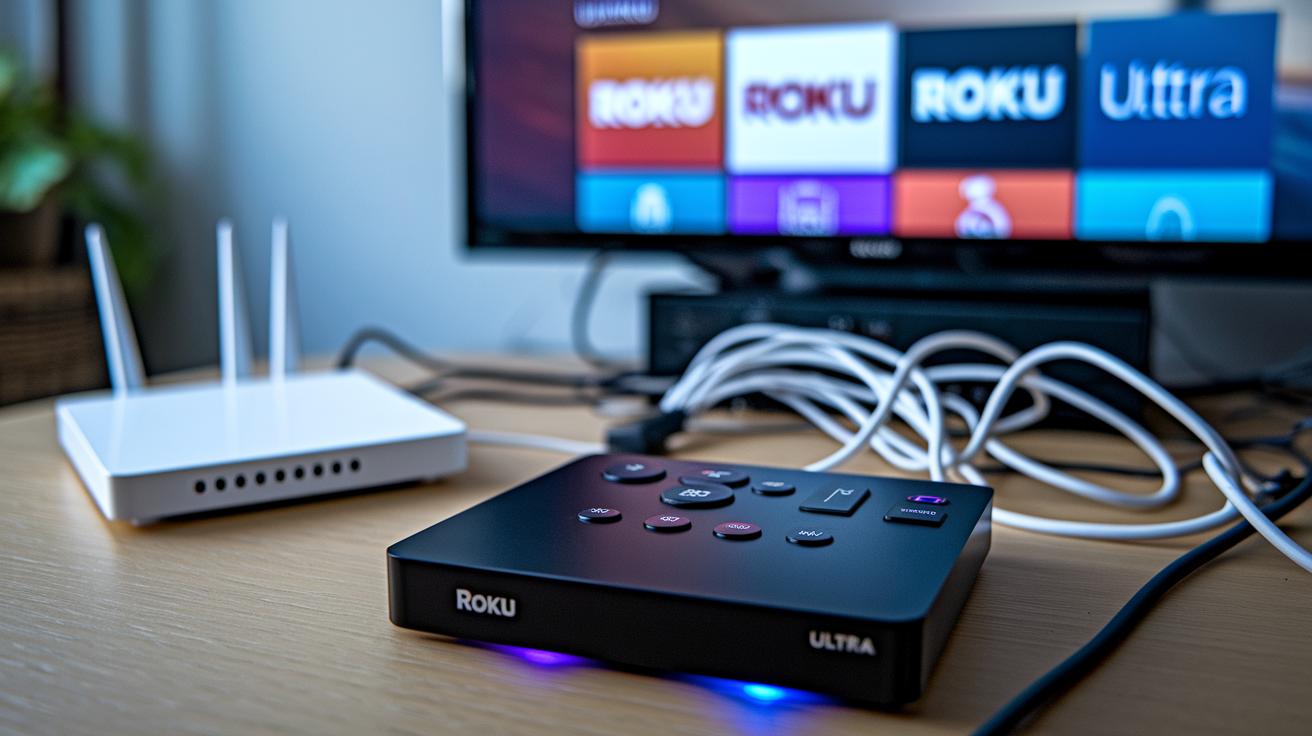
Roku Ultra consistently delivers smooth 4K HDR10+ playback even when many devices are on the same network. In our tests, its Wi‑Fi 6 MIMO and Ethernet ports kept the stream steady under heavy traffic, much like a well-tuned engine that holds its performance under pressure.
The Streaming Stick Plus handles 4K HDR10 and HDR10+ content well too. While its smaller size means it doesn't have an Ethernet port, it still shows reliable performance with clear visuals even when the network is busy.
For viewers with non‑4K TVs, the budget Streaming Stick offers steady 1080p streaming. It meets basic streaming needs with consistent performance in our tests, although it lacks the advanced connection options of the higher‑priced models.
| Model | Maximum Resolution | Key Connectivity Feature |
|---|---|---|
| Roku Ultra | 4K HDR10+ | Wi‑Fi 6 MIMO & Ethernet |
| Streaming Stick Plus | 4K HDR10/HDR10+ | Wi‑Fi only |
| Streaming Stick | 1080p | Basic Wi‑Fi |
This overview highlights each Roku model's strengths and shows how well they perform even under demanding network conditions.
Roku Comparison: Remote Control & Smart Connectivity Breakdown
Roku Ultra packs an advanced Voice Remote Pro (2nd Gen) that really sets it apart. You can control your TV by simply speaking, so no more button pressing to change channels or search for content. It even has a remote finder feature that helps you track it down if it gets lost during a busy day. In our tests, the remote responded quickly and accurately to every command.
The Streaming Stick Plus and the Streaming Stick offer remotes that need you to press a button before speaking. These remotes also support Bluetooth headphone pairing, which is great if you want private listening when the TV's volume is too high. They deliver basic voice commands but do not come with a full smart assistant like the ones on Fire TV or Google devices. This means you get clear control of Roku’s simple interface without extra smart home features.
Both setups show Roku’s focus on ease of use. The Ultra’s remote is perfect for those who want top-tier convenience, while the Stick models work well for users who appreciate essential voice control and the flexibility of pairing with headphones.
Roku Comparison: Price vs Value Guide
While you can find pricing and specs in the model overview, here we break down long-term cost benefits, warranty details, and real user opinions.
At $99, the Roku Ultra is perfect for those who need steady performance and solid support. Users often mention that they have fewer issues over time, and the strong warranty helps lower costs in the long run. One owner even said, "After two years, my Ultra still runs smoothly without any hiccups. It's an investment that really pays off."
The Streaming Stick Plus, costing about $59, delivers smooth 4K HDR streaming with dependable performance over time. Reviews point out that its reliable output and warranty make it an excellent midrange option, especially for families who want quality streaming without breaking the bank.
For viewers on a tighter budget, the Streaming Stick under $40 offers reliable 1080p streaming. Its simpler setup keeps costs low, providing everyday satisfaction for regular viewing needs while still including standard warranty coverage.
Roku Comparison: Setup & Ecosystem Integration Insights
Roku devices are simple to set up in just three steps so you can start streaming quickly. First, plug in your Roku and connect it to the TV and power source. Next, follow the on-screen instructions to join your home Wi‑Fi network and sign in to your Roku account. Finally, add your favorite streaming channels to make the experience your own.
The Streaming Stick Plus even supports AirPlay, so Apple users can easily mirror content from an iPhone or iPad to their TV. Plus, every Roku device gives you access to FAST channels on The Roku Channel, which means free, ad-supported movies, shows, and live TV are at your fingertips.
Roku really shines with its easy setup and media-first design. However, it doesn’t integrate deeply with voice-controlled systems. It doesn’t work with Siri or HomeKit, and it lacks built-in support for Google Assistant or Alexa. If you need smart home connectivity and hands-free voice control, you might have to use an external voice assistant. For more tips on linking your tech, check out our tech buyer checklist at https://getitreviews.com?p=1577.
Roku Comparison: Model Evolution & Latest Generation Overview
Roku keeps improving its lineup to match what viewers need. The company moved from simple HD models to full HDR 4K, paying more attention to connectivity and design. Recently, Roku added better wireless options and remotes that work with voice commands. These changes make streaming easier and give you crisper images and faster response times, exactly what many viewers look for.
Final Words
In the action, we broke down each Roku model’s features, comparing premium options like the Roku Ultra with mid-range and budget-friendly devices. Our guide detailed specs, streaming performance, remote control differences, setup ease, and how each device fits various needs.
We laid out side-by-side tech details and highlighted what stands out in this roku comparison. This clear review helps you confidently choose a model that meets your daily viewing and budget needs.
FAQ
What does the Roku comparison chart show?
The Roku comparison chart shows key details like resolution, HDR support, connectivity, and price so you can quickly compare each model’s specifications.
What is Roku Premiere and what does it offer?
The Roku Premiere is a cost-effective streaming media player that supports 4K and HDR content, making it a solid upgrade option for non-smart TVs with vibrant picture quality.
How does the Roku Streaming Stick 4K differ from the Roku Streaming Stick Plus?
The Roku Streaming Stick 4K streams in 4K HDR, while the Streaming Stick Plus adds enhanced performance, AirPlay support, and a more refined remote experience for smoother viewing.
Which Roku model works best for non-smart TVs?
The ideal Roku for non-smart TVs is a straightforward option like the Roku Express, which delivers essential streaming features and reliable HD or 4K content without unnecessary extras.
Which Roku is the best to buy?
The best Roku depends on your needs; premium users might lean toward the Roku Ultra, while budget buyers can opt for the Streaming Stick or Express for great performance at a lower cost.
Can I access ABC, NBC, and CBS on Roku devices?
Yes, Roku devices support apps for ABC, NBC, and CBS, allowing you to stream shows from these networks, though availability can vary by region and subscription setup.
Is Hisense compatible with Roku?
Many Hisense TVs feature built-in Roku functionality, while other models can work with a Roku streaming device, so checking your TV’s specifications is recommended.
What are some downsides of Roku TV?
A potential downside of Roku TV is a limited app selection and slower firmware updates compared to standalone Roku streamers, which might affect long-term feature enhancements.
What accessories are available for Roku devices?
Roku accessories include enhanced remotes, premium HDMI cables, and other add-ons designed to improve ease of use and connectivity, ensuring a better streaming experience.