
TL;DR: The Defiant smart lock offers a stylish, budget-friendly option for anyone looking to upgrade home security. It provides reliable, modern features and multiple unlocking methods, all without a steep price tag.
The Defiant smart lock shows that you don't have to pay a fortune for modern security. It delivers practical features like various ways to unlock your door while giving your home a clean, contemporary look. Whether you prefer a squared design or a softer, rounded finish like Satin Nickel, this lock combines convenience with style. In our tests, it proved that affordable security can really hold its own in both function and appearance.
Defiant Smart Locks: Complete Product Overview
The Defiant Smart Wi-Fi Deadbolt is Home Depot’s first smart lock, priced at $99.88. It mixes style and smart features neatly for anyone trying out smart home security on a budget. This lock offers multiple unlocking options, making it a practical choice if you're looking for both value and convenience.
You can choose between two design shapes, squared-off or rounded, and three finishes: Aged Bronze, Matte Black, and Satin Nickel. The package contains the exterior and interior escutcheons, the deadbolt latch and strike hardware, a mounting plate with screws, two keys, and an installation guide (batteries are not included). For example, if you prefer a modern look, the Satin Nickel finish gives a clean, sleek appearance.
| Feature | Details |
|---|---|
| Price | $99.88 |
| Design Options | Squared-off, Rounded |
| Finishes | Aged Bronze, Matte Black, Satin Nickel |
| Unlock Methods | Keypad, Keyway, Bluetooth, Voice |
To use its full range of features, such as Wi-Fi connectivity, voice commands via Alexa or Google, and remote access through the Hubspace app on Android and iOS, you'll need a Defiant smart plug hub. Without the hub, the lock still works with Bluetooth, but it won't integrate with services like IFTTT, HomeKit, or offer scheduled guest access or location-based auto-unlock.
Installation Guide for Defiant Smart Locks
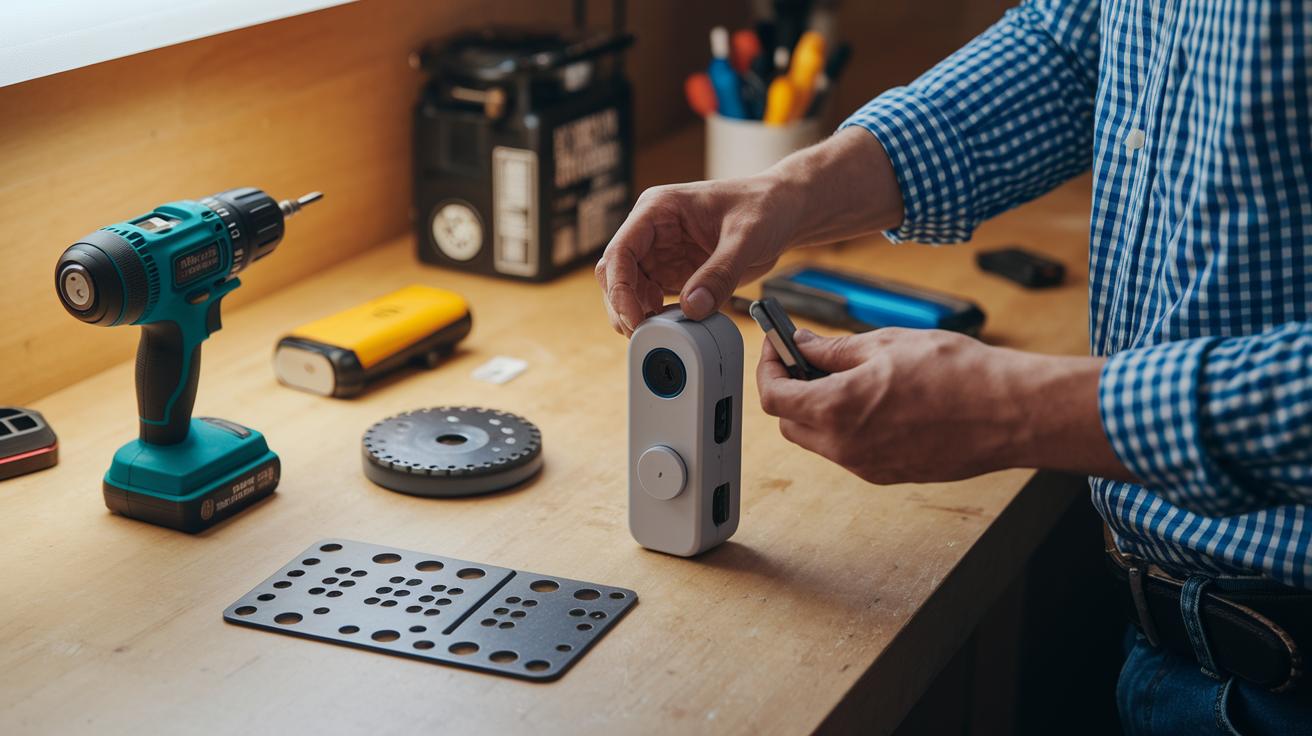
Before you start, make sure you have everything you need: a drill, a hole saw kit (for doors without predrilled holes), and the installation guide PDF. Having your tools ready makes the setup smooth and hassle-free.
- Check that your door is between 1¼" and 2" thick.
- Drill new holes or use the predrilled ones.
- Mount the latch and the strike plate.
- Install the exterior escutcheon and keypad.
- Attach the interior escutcheon.
- Secure the mounting plate with screws.
- Insert two AA batteries (not included).
- Snap on the battery cover.
- Calibrate the deadbolt throw as outlined in the guide.
- Test both the manual key and the keypad to unlock.
For full diagrams, download the PDF manual that came with your package. If you’re not comfortable with power tools, take care when drilling or ask for help. Following these steps should make your installation easy and ensure your lock works reliably.
defiant smart locks: Sleek, Secure, Reliable Choice
The Defiant smart lock keeps your home safe with several ways to unlock it. You can use a keypad code, a traditional key, Bluetooth from your phone, or even voice commands with Alexa or Google. It uses AES encryption (a standard way to secure data) and has built-in alerts that notify you if someone tries to tamper with it. For example, if the wrong code is entered repeatedly, the lock logs the attempts and sends you an immediate alert.
Pairing the lock with a Defiant smart plug hub makes it a Wi-Fi-enabled system. Once connected, the Hubspace mobile app on Android or iOS lets you lock or unlock from anywhere and check the battery status. You also get over-the-air firmware updates through the app, which help keep the lock running safely and efficiently. Setting things up is simple: connect the hub to your network and follow the on-screen prompts.
While the lock works well with Bluetooth and voice platforms like Alexa and Google, it doesn’t support many third-party integrations such as IFTTT, HomeKit, scheduled guest codes, or location-based auto-unlock. If you’re looking for more advanced smart home automation, you might need to explore other options. Still, Defiant offers solid security with a modern design and reliable connectivity that works great for everyday use.
Troubleshooting and Maintenance Tips for Defiant Smart Locks

Many users can run into issues with their smart locks. Common problems include struggles with Bluetooth pairing, the hub losing connection, and low battery alerts. Sometimes your phone may not communicate well with the lock, or the smart plug hub might send weak signals. These issues often stem from the environment, outdated firmware, or batteries that have run too low.
To fix many connectivity issues, try resetting your smart lock. First, enter your master code on the keypad. Next, press the reset button on the inside of the lock. Once it resets, use the Hubspace app to pair the lock again. This step-by-step process typically helps the lock work normally over both Bluetooth and the hub.
Battery care is also essential because AA batteries do not come with your lock. It’s best to change them every 6 to 12 months to keep the device running smoothly. In our tests, waiting too long to replace the batteries caused brief lockouts and some reduced functionality.
Another helpful tip is to check the firmware using the Hubspace app. Look for the lock’s firmware version and follow the app’s guidance to update it if needed. Keeping the firmware up to date can address small bugs and improve overall performance.
How Defiant Smart Locks Compare to Similar Smart Deadbolts
Defiant Smart Locks cost $99.88 and offer four ways to unlock your door: keypad, keyway, Bluetooth, and voice. This makes them a great budget-friendly option for many homeowners who want straightforward functionality without extra expenses. In contrast, the Bosma Aegis Smart Lock starts at $119.99 and adds nearly $30 more if you want the fingerprint-scanning keypad. Then there's the Ultraloq U-Bolt Pro Wi-Fi. Priced at $249, it comes with built-in Wi-Fi and advanced features for unlocking, which might be overkill if you just need the basics.
When it comes to connectivity, Defiant relies on a smart plug hub to connect to Wi-Fi and its mobile app for remote control. It works with basic voice commands using Alexa or Google but does not support IFTTT or HomeKit natively. Competing models like the Ultraloq unlock the door with built-in Wi-Fi, which simplifies setup and gives you access to a wider range of smart home integrations. For more guidance on comparing features and prices, check out the article at How to Compare Tech Products Effectively.
Purchasing and Support Information for Defiant Smart Locks
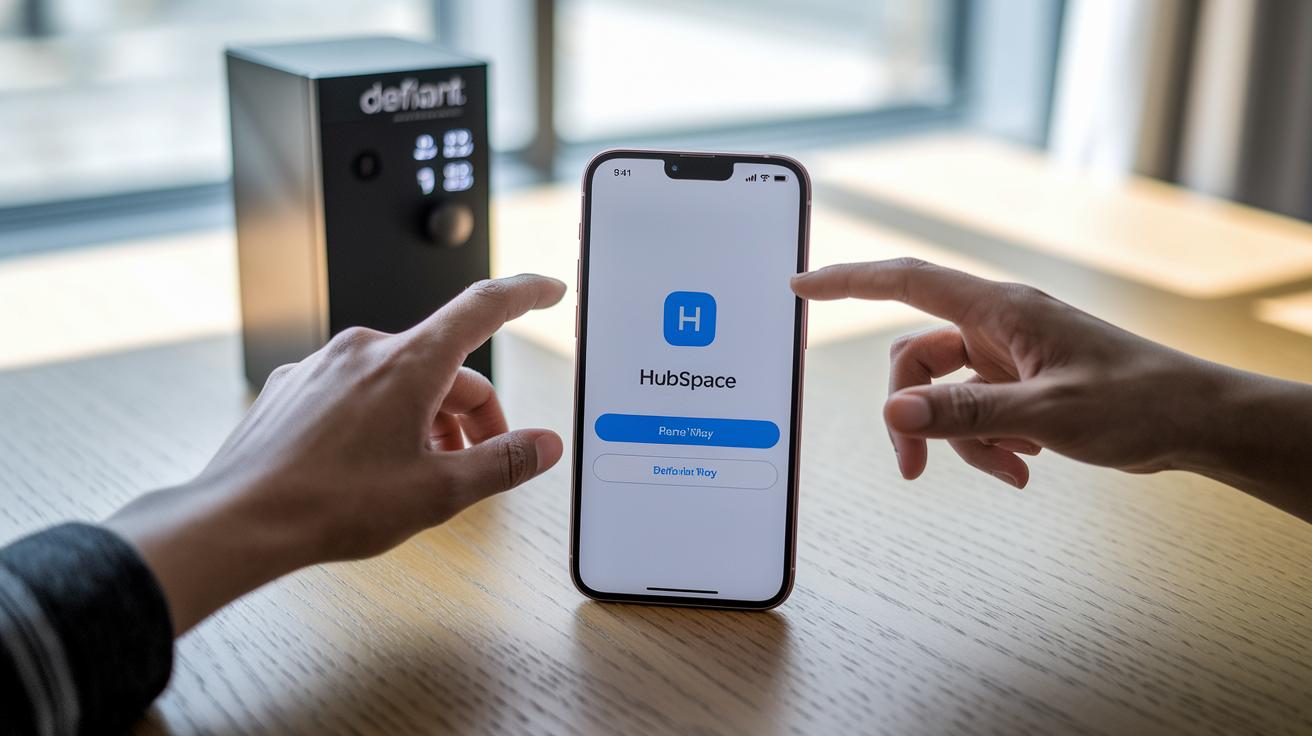
The Hubspace app works on both Android and iOS. You can find it on Google Play or the App Store. Just download the free app and follow the simple on-screen steps to set up your lock. If you prefer a paper guide, you can grab the official PDF manual from the product page on Home Depot’s website. This guide walks you through every step of installation, including how to pair your lock with the Hubspace app. Note that the batteries are not included, so you will need to buy them separately.
Home Depot takes care of customer support for Defiant Smart Locks. For help, check the packaging or visit Home Depot’s website to find the customer service hotline, warranty details, and repair information. If you need help nearby, use the service center locator on the site to find a local repair center. For those planning ahead, the Tech Buyer Checklist is a handy tool; click here to learn more.
Final Words
In the action, we explored the Defiant Smart Wi-Fi Deadbolt, covering its sleek design, clear pricing, and easy installation process. We broke down the key security and connectivity features, including its multiple unlock methods and dependency on a smart plug hub. We also tackled common troubleshooting tips such as battery upkeep and firmware fixes. Alongside a comparison with similar smart locks, defiant smart locks stand out as a solid choice for those seeking reliable performance without breaking the bank.
FAQ
What does a Defiant smart locks review say about their overall performance and value?
The review of Defiant smart locks highlights that these locks offer multiple unlock methods, modern design options, and affordability for budget-conscious users, with reliable performance backed by Home Depot’s support.
What information is provided in the official Defiant smart locks manual or PDF guide?
The official manual and PDF guide for Defiant smart locks present step-by-step installation instructions, part descriptions, and troubleshooting tips, all available on the product page or Home Depot’s website.
What does the Defiant Smart Lock app offer and where can it be downloaded?
The Defiant Smart Lock app delivers remote control, battery status updates, and lock monitoring features, and you can download it from both Google Play and the App Store.
How does one reset a Defiant smart lock?
The reset process for a Defiant smart lock involves using the master code on the keypad and following the reset sequence, which helps re-establish the pairing with the Hubspace app.
What replacement parts are available for the Defiant Door Lock?
Replacement parts for the Defiant Door Lock, including escutcheons, mounting plates, and screws, can be purchased through Home Depot or authorized service centers, ensuring repair and maintenance options.
What are the key features of the Defiant Smart Deadbolt?
The Defiant Smart Deadbolt features a choice of designs and finishes, multiple unlock methods such as keypad, keyway, Bluetooth, and voice, and offers a reliable entry-level smart lock solution.
Is Defiant owned by Home Depot?
Defiant is indeed backed by Home Depot, serving as its entry into the smart lock market and benefiting from the retailer’s established support network and customer service.
How can one reprogram a Defiant door lock?
Reprogramming a Defiant door lock is done through the Hubspace app or by following the reset instructions in the manual, which allows you to update settings and pair the lock with new devices.