
Ever thought a single touch could secure your home? Fingerprint smart locks combine quick access and reliable safety so you can stop worrying about lost keys.
They work with a fast scan that connects easily to your smart home gadgets. This connection sends instant alerts and keeps a log of every entry, helping you stay informed about who’s coming and going.
Built to resist tampering, these locks put you in control while providing extra peace of mind. In this review, we look at models that make home security both simple and trustworthy.
How fingerprint smart locks enhance modern home security
Fingerprint smart locks let you get in quickly and safely with just one touch. They scan your fingerprint fast to unlock the door, which means you don’t have to worry about carrying keys. This smart setup keeps unwanted visitors away and helps protect your home.
They also give you peace of mind since you no longer risk losing or misplacing keys. Many models send alerts in real time and keep a log of every entry so you can see who has been in your home. In some cases, a fingerprint scan unlocks the door in less than a second, making security both efficient and easy.
These locks work well with systems like Amazon Alexa, Google Assistant, and Apple HomeKit. Besides using fingerprints, many models let you unlock the door with a keypad, mobile app, voice command, or even geofencing that unlocks automatically when you’re nearby. This gives you several convenient options whether you’re at home or on the go.
Many top models meet strict ANSI and BHMA standards, which means they resist physical tampering. They often include built-in Wi‑Fi and voice features, usually costing a bit over $200. This robust feature set shows that smart home security can be both reliable and simple.
Top fingerprint smart lock models for 2026
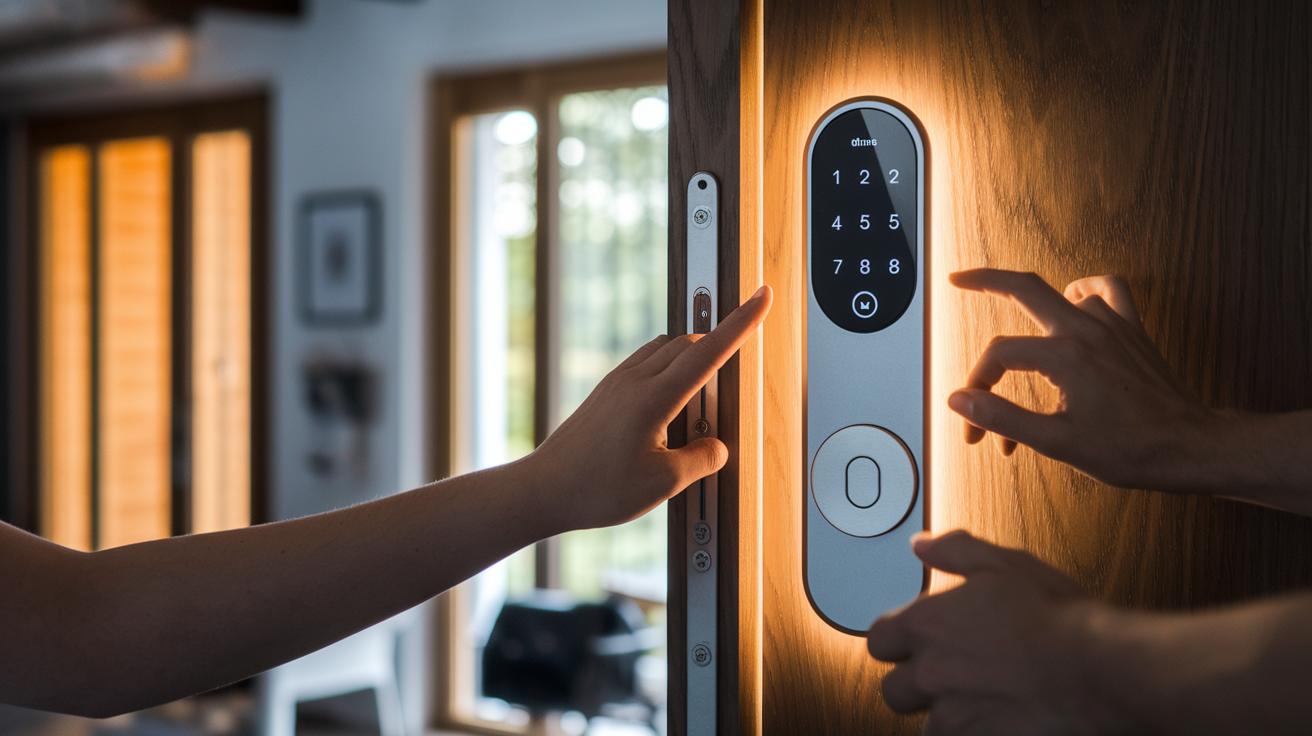
Fingerprint smart locks blend tried-and-true door security with modern biometric technology. In this review, we highlight six models that span different materials, unlocking methods, and smart home setups. Whether you need a lock with a sturdy design, one that’s easy to retrofit, or extra features like a built-in video doorbell, there’s an option here to suit your home. Some models focus solely on fingerprints, while others combine palm scanning, keypads, or touchscreens, and they all work with major platforms like Apple HomeKit, Amazon Alexa, and Google Home.
| Model | Biometric Methods | Integration Platforms | Price |
|---|---|---|---|
| Ultraloq Bolt Fingerprint | Fingerprint | Apple HomeKit, Alexa, Google Home | ~$190 |
| Lockly Visage Zeno Series | Fingerprint, Facial Recognition, Voice Commands | Multiple Smart Home Systems | ~$330 |
| August Wi‑Fi Smart Lock | Fingerprint | Retrofitting with Existing Deadbolt Systems | $249 |
| Eufy FamiLock S3 Max | Palm Scanning, Voice Control | Smart Home Compatible (No IFTTT) | Price Varies |
| Lockin Veno Pro | Palm & Fingerprint | Includes 2K Video Doorbell Features | Price Varies |
| Yale Assure Lock 2 Touch | Fingerprint, Touchscreen/Keypad | Bluetooth, Wi‑Fi, HomeKit | $198 |
The Ultraloq and Yale models really stand out with their strong builds and variety of unlocking options. They make a great choice for modern homes as well as for renters. Each lock brings unique benefits, balancing advanced biometric tech with practical integration and price.
Comparing fingerprint smart locks with traditional smart locks
Fingerprint smart locks let you enter your home in less than a second. They use fast biometric technology (a way to read your fingerprint quickly) so you don't have to fumble with a code or a smartphone app. This makes them much faster than traditional models that need manual entry.
These locks usually start at around $200, while traditional smart locks can be found for less than $150. Both types generally take about 10 to 25 minutes to install if you have pre-drilled holes and basic tools. The extra cost of a fingerprint lock is balanced by the improved security and speed it offers.
Security and battery life are also important differences. Some fingerprint locks let you combine a fingerprint with a PIN, adding another layer of safety. Models powered by AA batteries can last up to 12 months, while Wi-Fi smart locks, whether they use biometrics or not, often need battery changes every 3 to 6 months. This trade-off shows that extra smart features sometimes mean more frequent maintenance.
Installing fingerprint smart locks: a DIY guide
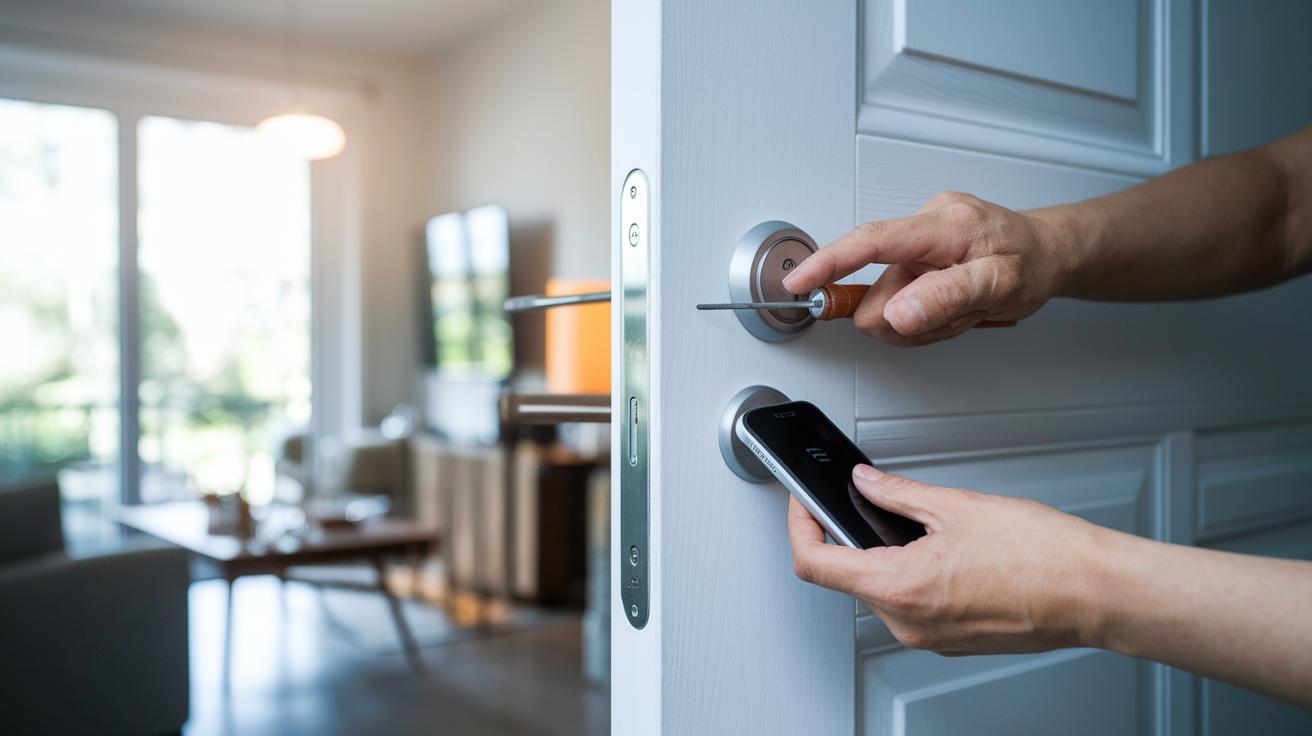
Getting your new fingerprint smart lock working is a simple project that usually takes 10 to 25 minutes. All you need is a basic screwdriver and your current deadbolt, making this an easy upgrade for any homeowner or renter.
Start by removing your old lock. Use the right tools and take your time so you don’t damage anything. Next, clean the area where you’ll mount the new lock to get rid of any dust or debris.
Now, position your new smart lock using the template that comes with it. Secure the lock with the provided screws and your screwdriver. Make sure the lock lines up correctly with your door frame.
After installation, power on the lock and download the app on your mobile device. Follow the app’s simple steps to connect the lock to your Wi-Fi network by entering your network details. Finally, enroll your fingerprints through the step-by-step guide in the app.
If your door is older or not perfectly aligned, you might need to do a bit of drilling or add shims for a good fit. This will help prevent any problems with the locking mechanism or Wi-Fi connection if the signal is weak or if there’s a typo in your network credentials.
Security and privacy features in fingerprint smart locks
Fingerprint smart locks use AES-128 encryption to secure both the data they store and the information they send. This strong encryption keeps your fingerprint data and access logs safe from hackers.
Top models of fingerprint smart locks often earn high ANSI/BHMA ratings like Grade 2 or AAA. These ratings show that the locks have been tested to resist forced entry, giving you extra confidence in their strength.
A standout feature of these locks is multi-factor authentication. They combine a fingerprint scan with a second check such as a PIN or smartphone confirmation. If someone manages to fake a fingerprint, the extra step stops them from getting in. This mix of quick biometric scanning with an added safeguard makes them even more secure. It also makes them a smart option for temporary access, like for cleaning staff or guests, without sacrificing safety.
Privacy is a top priority, too. Many locks let you choose between storing your access data on the device or on the cloud. Some even offer privacy snapshots to review who has been using the lock. Top brands follow strict data protection rules to ensure your personal details stay private.
Optimizing performance and battery life in fingerprint smart locks
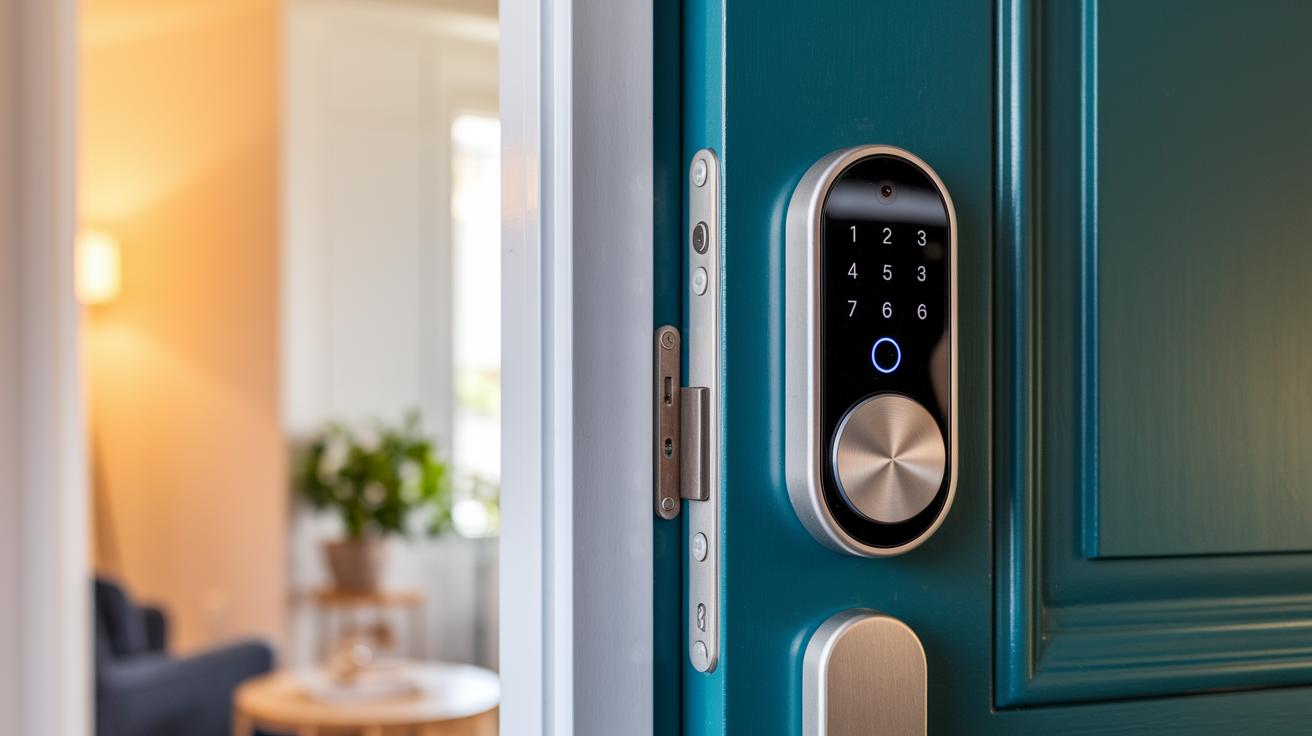
Fingerprint smart locks come with different battery setups, and this affects their overall performance. For example, models that run on AA batteries, like some versions of the Wyze Lock Bolt, can typically work well for around 12 months if used moderately. In contrast, locks with Wi‑Fi tend to drain power faster since they are always connected, meaning you'll likely need to replace the batteries every 3 to 6 months. Devices using Bluetooth or Thread protocols also offer long runtimes similar to AA battery options. Meanwhile, smart locks with lithium-ion packs, such as the Lockin Veno Pro, normally last about 3 months, although adding a solar panel accessory can extend this period significantly. Mobile apps usually send low-battery alerts and show status dashboards so you can track power levels easily.
Many smart locks include power-saving modes and auto-sleep features that help cut down on energy use when the device is idle. These functions ensure the sensor stays accurate by lowering unnecessary power drain, which in turn keeps fingerprint scanning responsive. If you experience any problems with digital entry, checking for firmware updates through the app often fixes sensor glitches and maintains reliable fingerprint authentication.
Pricing and Value Comparison of Fingerprint Smart Locks
Fingerprint smart locks come in a range of prices, letting you pick one that fits both your budget and your needs. We looked at models from about $150 up to $330, showing you what you get for your money without rehashing details about security or smart home setup.
At the lower end, the TCL D1 Pro Palm Vein Smart Lock is priced at around $150, making it a strong pick for anyone trying out fingerprint security for the first time. A step up, the Ultraloq Bolt Fingerprint is available for roughly $190. For a balance of cost and features, mid-range options like the August Wi‑Fi Smart Lock and the Yale Assure Lock 2 Touch (HomeKit version at $198) hit the sweet spot. If you want all the bells and whistles, the premium Lockly Visage Zeno is around $330.
Budget models deliver basic but reliable biometric security. Meanwhile, more expensive locks include extra smart features and style that might be worth the extra cost, especially if you need advanced integrations in your smart home setup.
How to choose the right fingerprint smart lock for your home
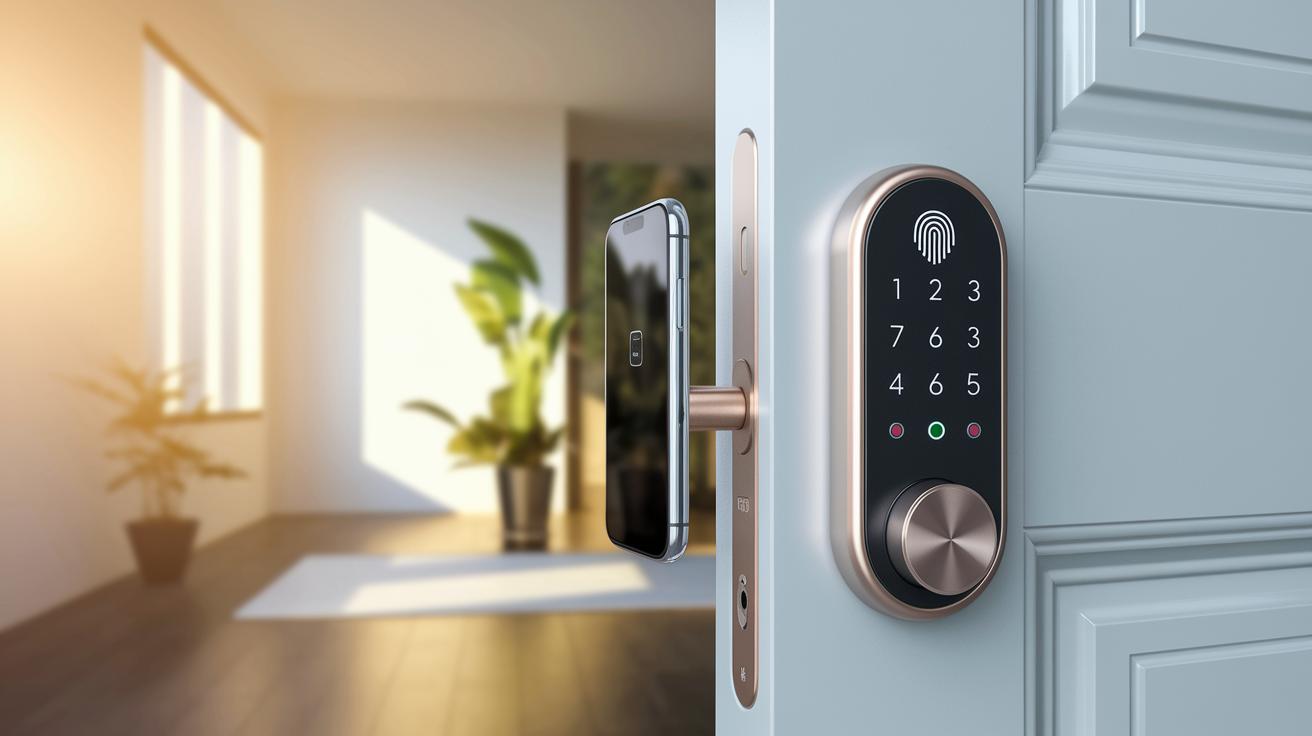
When choosing a fingerprint smart lock, start by matching the features to your needs and budget. Check if you need support for Wi-Fi, Bluetooth, Thread, or Matter to work well with your smart home system. Also, see if the lock offers other ways to get in, like keypads or mobile apps, which can give you extra flexibility.
Pay close attention to battery life, too. Some locks run on AA batteries and may last up to a year, while others that use Wi-Fi might need battery changes every few months. Think about how easy the lock is to install. Whether you’re updating an old deadbolt or setting up a new door, the right installation method can save you time and hassle. For a full checklist, check out questions to ask before buying tech.
Privacy, security, and staying up-to-date matter a lot. Make sure the manufacturer clearly explains its privacy policies and how your data is stored. Locks that meet ANSI/BHMA standards and offer multi-factor authentication can add an extra layer of safety for your home. And if you want your lock to be ready for future tech changes, look for one with Matter support. For more tips on comparing these features, see how to compare tech products effectively.
Final Words
In the action, we covered the key benefits of fingerprint smart locks, from enhanced security and smooth installation to performance boosts and clear value comparisons. We broke down how these locks work with platforms like Alexa, Google Assistant, and Apple HomeKit, and compared cost and features against traditional smart locks.
Our guide provided easy-to-follow tips and real-world insights to help you pick the right option. Fingerprint smart locks offer practical and reliable access control that brightens the security of any home.
FAQ
What is a fingerprint door lock for the bedroom?
A fingerprint door lock for the bedroom offers keyless, secure entry designed for personal spaces, allowing fast access while reducing the need for traditional keys.
How does a fingerprint smart locks app improve control?
A fingerprint smart locks app enhances control by letting you manage, monitor, and adjust your lock settings remotely, making home access secure and convenient.
What benefits does a fingerprint smart locks manual provide?
A fingerprint smart locks manual guides users through setup and troubleshooting, ensuring proper installation and reliable performance of the biometric door lock.
How does a fingerprint door lock with a key option add to security?
A fingerprint door lock with a key option adds a backup access method so that, if the biometric sensor fails, you can still unlock the door securely with a traditional key.
What does the Lockly smart lock manual cover for users?
The Lockly smart lock manual covers installation steps, configuration, and troubleshooting instructions, helping users set up and maintain their smart lock effectively.
What key features does the Lockly Secure Plus smart lock offer?
The Lockly Secure Plus smart lock offers reliable fingerprint recognition combined with keypad entry and remote control options, providing flexible and secure access for your home.
How does the Lockly Secure Pro smart lock deliver advanced security?
The Lockly Secure Pro smart lock delivers advanced security by integrating fingerprint scanning with mobile app control, ensuring robust protection and multiple access methods.
What unique functions does the Lockly Vision Elite Video Smart Lock provide?
The Lockly Vision Elite Video Smart Lock combines fingerprint recognition with integrated video doorbell functionality, allowing you to visually verify visitors while enjoying secure, keyless entry.
Are fingerprint door locks worth it?
Fingerprint door locks are worth it as they provide quick, keyless access, enhance home security with biometric verification, and reduce reliance on physical keys for everyday use.
What disadvantages do fingerprint locks present?
Fingerprint locks can sometimes suffer from sensor inaccuracies, challenges in harsh weather conditions, and higher installation or replacement costs compared to traditional lock systems.
Which locks are recommended by police for home security?
Police typically recommend locks that meet high security standards, such as those with strong ANSI/BHMA ratings and reliable backup access methods to ensure comprehensive home protection.
Are fingerprint locks TSA approved?
Fingerprint locks are not subject to TSA approval since they are designed for home security rather than for meeting the specific regulations required for airline travel.
How does the Lockly Visage Zeno Series Facial Recognition Deadbolt operate?
The Lockly Visage Zeno Series Facial Recognition Deadbolt operates by using dual infrared cameras to verify facial features alongside fingerprint scanning, enhancing security with dual biometric authentication.
How does the Lockly Vision Smart Lock and Video Doorbell integrate video security?
The Lockly Vision Smart Lock and Video Doorbell integrates video security by combining live video feeds with biometric access control, allowing you to see and verify visitors remotely before granting entry.
What benefits does the Wi-Fi Lockly Secure Pro smart lock provide?
The Wi-Fi Lockly Secure Pro smart lock offers remote monitoring, quick notifications, and flexible control through Wi-Fi connectivity, ensuring your biometric access and overall home security are optimized.
How does the Secure Pro Zeno Series Deadbolt WiFi Smart Lock perform in home security?
The Secure Pro Zeno Series Deadbolt WiFi Smart Lock performs by combining secure fingerprint authentication with Wi-Fi connectivity, allowing remote access management and providing strong protection for your home.