
Ever get annoyed in a tough match when your mouse just can’t keep up? A few small tweaks to your setup might be all it takes to turn a loss into a win. We look at the key features of a good gaming mouse, like a precise sensor, adjustable DPI settings, a comfortable grip, and a strong connection. This simple checklist gives you straightforward advice to help you find a mouse that feels right and boosts your game.
Gaming Mouse Buying Checklist: Core Features to Evaluate
Buying a gaming mouse that fits your needs is all about comfort, dependability, and ease-of-use rather than just flashy extras. This simple checklist is designed for beginners who want smooth gaming sessions without breaking the bank.
- Sensor accuracy and the right DPI settings
- A design that fits your hand size and grip style
- Buttons that respond well, including programmable keys
- A well-balanced weight, with options to adjust if needed
- A choice between wired or wireless connections that suit your style
- Software and driver support that make adjustments easy
- A budget-friendly price (usually around $20–50, with free US shipping and taxes included)
- Good warranty service and build quality
When you're comparing different models, use this checklist to see how each mouse matches up with your gaming needs. Make sure the sensor tracks steadily without needing the highest DPI setting since more isn't always better. Check that the shape feels comfortable, whether you use a palm, claw, or fingertip grip. Choose a button layout that fits your favorite type of game and confirm that the connectivity, wired or 2.4 GHz wireless, works with your play style. Also, look at what other gamers are saying in reviews to get a sense of real-world performance and support.
Gaming Mouse Buying Checklist: Precision Sensor Evaluation & DPI Settings
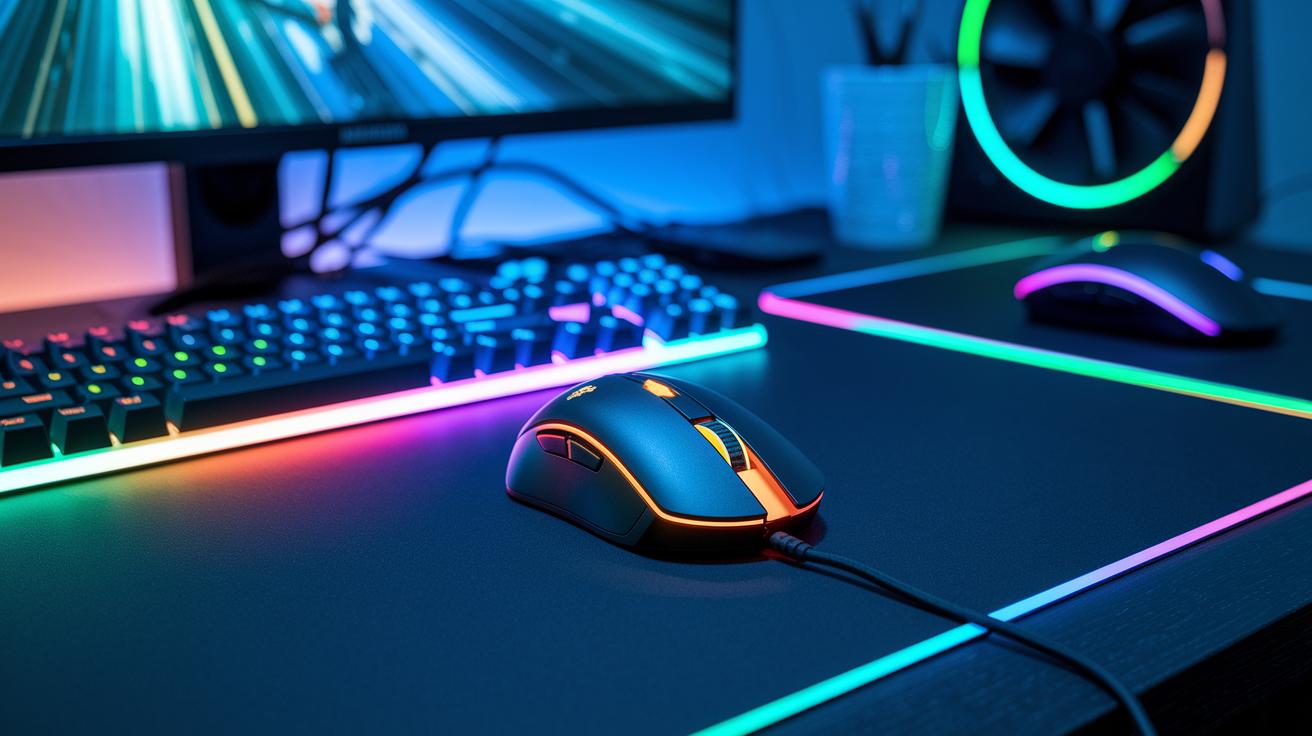
When looking for a gaming mouse, focus on how well the sensor works and what DPI settings it offers. You need smooth, responsive tracking for games, and most gamers don't require settings above 3200 DPI. Higher settings can make the mouse jump or feel unpredictable in fast-paced games like shooters. Also, polling rates in the range of 500 Hz to 1000 Hz influence how smoothly the cursor moves. Modern 2.4 GHz wireless models can offer low latency, close to that of wired mice, if paired with a solid sensor.
Sensor Type Differentiation
Many gamers choose optical sensors because they deliver steady tracking and require less lift-off distance, which means the cursor stays in place even if you lift the mouse slightly. These sensors typically have enough DPI options to suit most gaming needs. On the other hand, laser sensors support higher DPI settings but might be overly sensitive on uneven surfaces. This can lead to unpredictable movement, so it’s best to pick the sensor type that fits your style of play.
Understanding these sensor options and DPI settings can help you choose a mouse that balances precision with responsive control, perfect for your competitive needs.
Gaming Mouse Buying Checklist: Ergonomic Design Criteria & Grip Style Investigation
Finding the right gaming mouse for your hand can make long gaming sessions much more comfortable. Matching the mouse’s shape and size to your grip style helps reduce fatigue and boosts control during fast-paced gameplay. Trying out different models in a store is a great way to know which design feels right for you.
Palm Grip
For those who use a palm grip, choose a mouse with a larger, rounded design that supports your entire hand. Look for a smooth, curved shape with plenty of surface area to spread out the pressure during extended play. A stable finish with a bit of cushioning can really add to comfort.
Claw Grip
If a claw grip suits you better, go for a mid-sized mouse with a slightly curved profile. This design lets your fingertips easily reach the buttons while your palm lightly touches the mouse. A balanced shape with a lower profile can help you make quick, precise moves without sacrificing comfort.
Fingertip Grip
Those who prefer a fingertip grip should look for a compact and lightweight mouse. A smaller design minimizes contact with the surface, allowing for fast and controlled movements. Make sure the buttons are within easy reach for quick actions during gameplay.
In short, aligning your mouse with your hand size and grip style is key to staying comfortable game after game. Testing out different models in person can ensure you make the best choice for your needs.
Gaming Mouse Buying Checklist: Connectivity Options & Polling Rate Comparison
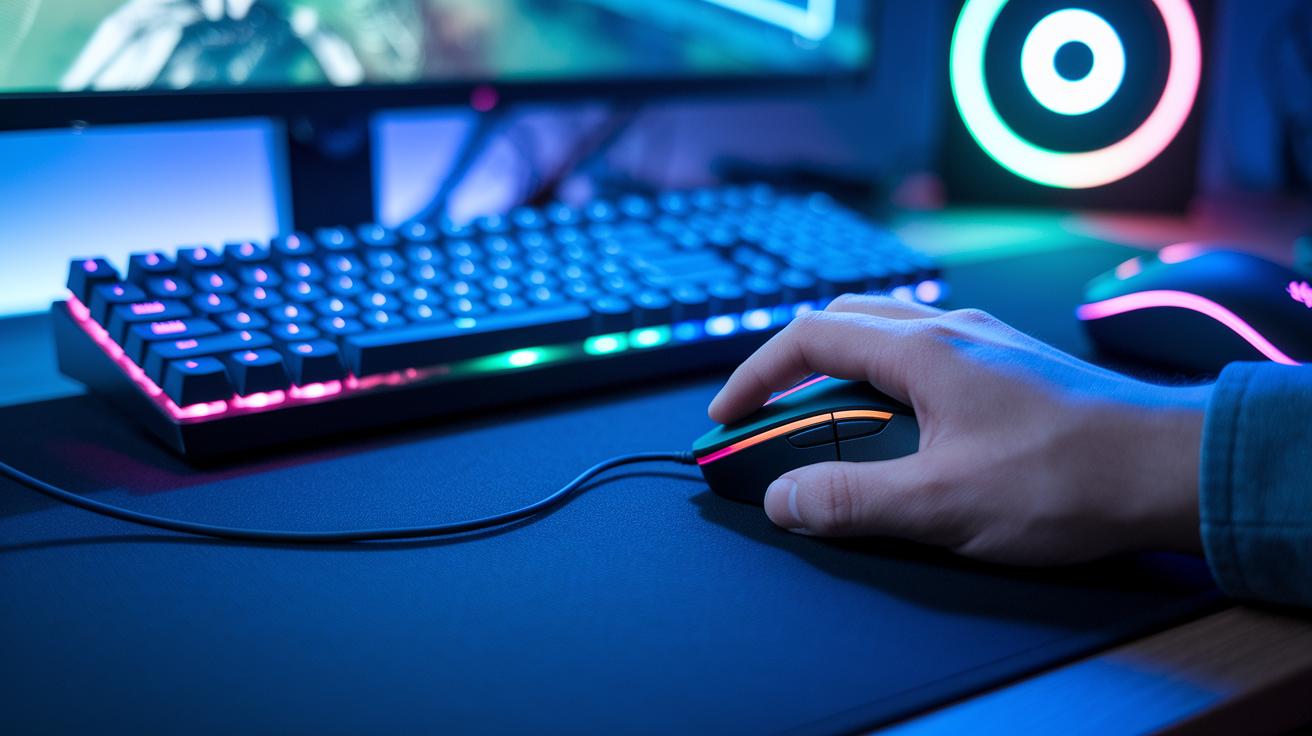
Wired gaming mice give you steady, low-latency performance. Their direct cable connection means you get consistent feedback when gaming fast, which is great for precision. Some players may like that the cable helps keep the mouse in a fixed spot, but it does limit how far you can move it and might cause a bit of drag.
Modern 2.4 GHz wireless mice remove the hassle of tangled cords. They offer more freedom and still compete closely with wired options in responsiveness. However, they might face battery issues or brief connectivity dropouts during long sessions.
Polling rate is key for smooth movement. Higher rates like 500 Hz or 1000 Hz mean your cursor reacts quickly to your hand movements. When picking a mouse, think about ease of use, whether you prefer a cable-based or wireless design, and how important battery life or immediate response is for your play style.
| Connectivity Type | Latency | Convenience | Typical Price | Notes |
|---|---|---|---|---|
| Wired | Very low | Fixed cable | $20-$50 | Reliable performance for gamers |
| Wireless (2.4 GHz) | Competitive | Cable-free | $25-$60 | Great mobility, with battery and connection trade-offs |
Gaming Mouse Buying Checklist: Button Layout & Software Customization
Start by checking how the buttons are arranged. A smart layout lets you use shortcuts easily, whether you play fast-paced shooters or thoughtful strategy games. Look for a good number of programmable buttons placed comfortably within reach. Features like hardware DPI and poll switches help you adjust sensitivity quickly without breaking your focus.
On the software side, the customization panel should make gaming easier rather than adding extra steps. Choose driver software that is simple and clear, so you can change button assignments and set macros without fuss. Too many settings can be confusing, so a clean design that focuses on what matters is best. Good software can also help you manage button response times and adjust polling rates for a smoother gaming experience.
If the mouse offers onboard profile memory, it’s a bonus. This lets you save your custom settings right on the mouse, making it simple to switch between different games without having to tweak software each time you plug it in.
Gaming Mouse Buying Checklist: Weight Adjustment & Build Quality

A gaming mouse with adjustable weights lets you tailor the feel to your liking. Many models include removable weights so you can tweak the balance for quick flicks and careful, precise moves. We recommend trying out different weight setups in-store or checking detailed reviews to find the right match for your hand.
Build quality is just as important as fine-tuning your weight. Lighter shells improve speed but may not hold up as well as sturdier builds with metal reinforcement. In our tests, a robust design stands up better to long gaming sessions and a few accidental drops. Materials like reinforced plastic or metal accents offer a smart mix of light performance and durability.
Also, don’t overlook the warranty. A strong warranty shows that the manufacturer trusts the build quality of their mouse. A longer warranty not only gives you extra peace of mind but also confirms that the device can handle the rigors of competitive gaming without surprising repair bills.
Gaming Mouse Buying Checklist: Budget Tiers & Price Performance Ratio
If you are new to gaming, a budget mouse priced between $20 and $50 covers all the basics. These models deliver steady tracking, adjustable DPI settings (controls for cursor sensitivity), and ergonomic designs to keep casual gamers comfortable.
For those looking for a bit more, mid-range mice costing from $50 to $100 offer enhanced sensors, sturdier build quality, and better software support. They balance extra features with a price that still makes sense for most gamers.
High-end mice, generally over $100, pack advanced sensor technology, customizable weight systems, and premium materials. These products target gamers who want every advantage, though their extra cost may not bring a huge performance boost in day-to-day gaming.
When choosing the right mouse, consider your grip style and how often you play. A mouse that feels right and tracks accurately could be all you need, making high-end features less essential for many users. Often, the jump from entry-level to mid-range brings most of the noticeable improvements without a hefty price tag.
Smart buyers focus on value by weighing key features against the cost. Instead of just following a premium brand, check for durability, sensor quality, and a comfortable design that fits your gaming style.
Gaming Mouse Buying Checklist: In-Store Testing & Online Review Tips

When trying out gaming mice in-store, focus on how the mouse feels in your hand. Check the grip, button response, and even cable drag for wired models. Test different hand positions to find the best fit for your gaming style. Adjust the DPI settings and see if the cursor moves smoothly during quick shifts or if it feels jumpy.
Before you buy, read reviews from fellow gamers who have similar play styles. Their detailed experiences can highlight practical issues, like how frequent setting changes might disrupt muscle memory. Use reliable guides on comparing tech products to avoid choosing a mouse that only looks good on paper but struggles during long sessions.
Make a final checklist before making your decision. Ensure the mouse feels comfortable, the button layout suits your needs, and the sensor works well on multiple surfaces. Also, check that any onboard adjustments give steady feedback. Lastly, review common troubleshooting tips to confirm that your choice will handle your gaming demands.
Final Words
In the action, we broke down key features like sensor performance, ergonomic design, connectivity options, button layout, build quality, and pricing tiers. We covered everything from DPI settings to in-store testing tips, making it clear what to look for without any extra fluff.
Our gaming mouse buying checklist gives you a step-by-step approach to matching a mouse with your play style and budget. With these insights, you’re set to pick a device that fits your needs and brings more fun to every session. Enjoy your purchase!
FAQ
What should I consider when buying a gaming mouse?
The key factors you need to consider include sensor accuracy, DPI settings, ergonomics, button layout, connectivity type, software compatibility, warranty, and reviews that reflect real user experiences.
What do gamers look for in a mouse?
Gamers seek precision, comfort, and customizable buttons that allow quick actions for accurate inputs during intense sessions while ensuring a design that fits their hand perfectly.
Which mouse should I buy for gaming?
The choice depends on your needs; you might opt for a lightweight option with fine-tuned DPI for FPS or a wireless model that offers freedom and reliable sensor performance.
How does a gaming mouse buying checklist on Reddit help?
A Reddit gaming mouse checklist compiles hands-on tips and real-user feedback, helping you pinpoint essential features like build quality, sensor reliability, and comfort based on community experiences.
What are some top-rated gaming mouse options available?
Top models include offerings from Logitech and Razer, such as the Logitech G502 X series and Razer Viper V3 Pro, which provide responsive sensors, customizable buttons, and ergonomic designs suited for different play styles.
How do gaming mice for FPS differ from others?
Gaming mice designed for FPS focus on pinpoint accuracy with lower DPI settings, streamlined button layouts, and rapid response times to ensure every click and movement translates quickly in-game.
What features are expected in next‑gen gaming mice like the best gaming mouse 2026?
Next‑gen gaming mice are expected to boast enhanced sensor accuracy, improved wireless connectivity, refined ergonomics, and intuitive software customization to deliver superior performance for evolving gamer needs.