
Ever feel like your network might be slowing you down? Many folks skip simple upgrades that could boost both speed and range. Choosing the right modem, router, and extra gear is more than a tech decision, it impacts every device in your home. This checklist covers the key points, from keeping your streams smooth to locking in strong security. Follow along as we share smart picks to help you build a reliable network that meets all your home needs.
5 Home networking device buying checklist: Smart Picks
When setting up a network at home for your computers, smartphones, smart TVs, gaming consoles, and other smart devices, choosing the right gear can really make a difference. Your network should start with three must-have parts: a modem (which connects you to the internet), a router (that builds your local network), and additional equipment like switches, access points, or mesh nodes to boost your signal.
You might go with a wired setup for devices that don’t move, choose a wireless solution for more flexibility, or even combine both. No matter what you pick, here are some key things to keep in mind:
- Speed: Make sure your modem and router can handle the top speeds your Internet Service Provider promises, including support for multi-gigabit connections if needed.
- Range: Look for devices that offer a strong signal across your space. If your home is over 2,000 square feet, mesh systems might be the best option.
- Compatibility: Every part should support current connectivity standards and work well together.
- Security: Features like having separate SSIDs for IoT devices and built-in firmware updates help keep your network safe.
- Reliability: Go for models that have been tested for steady performance and can easily recover from power cycles.
- Price: Stick to your budget but don’t cut corners on the essential features.
- Installation ease: Choose equipment that comes with simple setup instructions and clear configuration guides.
- Support: It’s a bonus if the product comes with responsive customer service and helpful resources.
| Criteria | Considerations |
|---|---|
| Speed | Matches your ISP plan and includes gigabit ports |
| Range | Includes good mesh options and strong signal strength |
Home Networking Device Checklist: Speed and Internet Bandwidth Factors
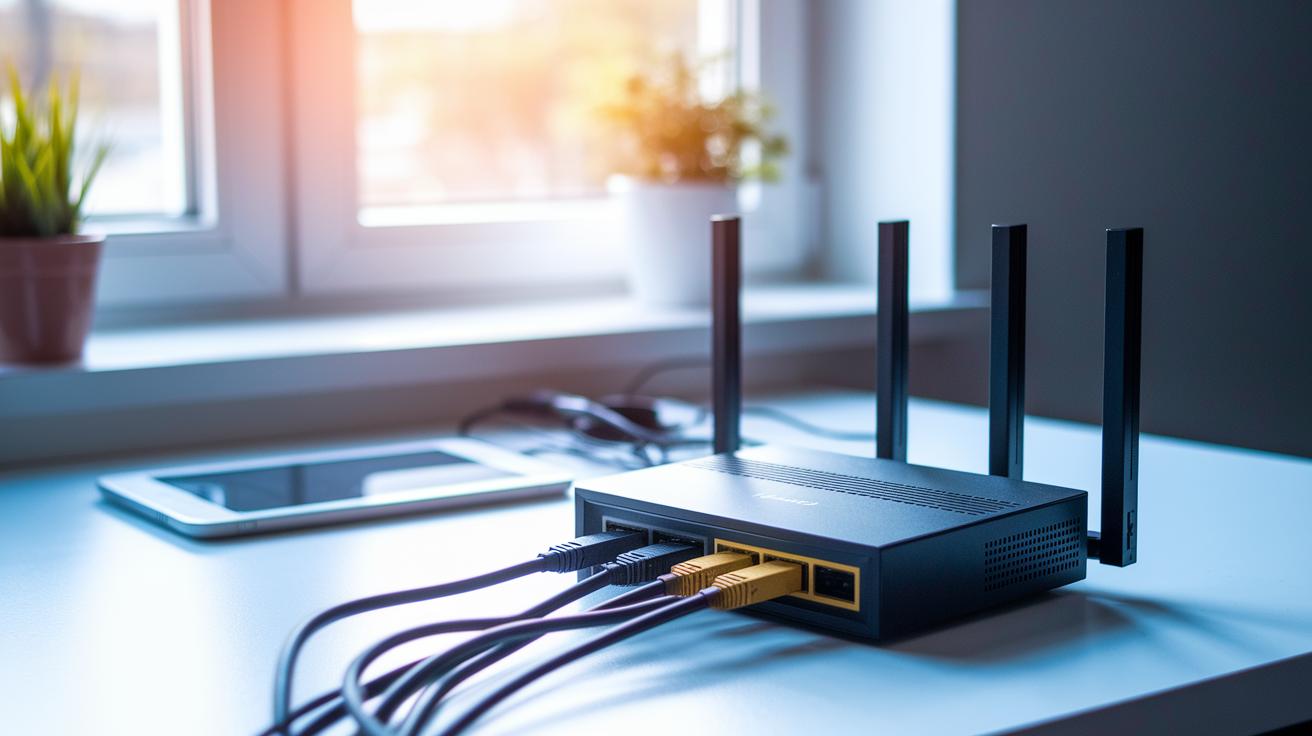
When picking home networking devices, first check that their speed ratings match your ISP plan. Modern routers can hit multi-gigabit speeds. For instance, the Asus RT-AX82U can reach speeds of 4800 Mbps on its 5 GHz band and 575 Mbps on the 2.4 GHz band. In our tests, this led to smoother streaming and gaming even when both were happening at once.
A fast modem paired with a solid router makes all the difference. Take the Netgear Nighthawk CM3000, which uses DOCSIS 3.1 (a standard that supports higher speeds) and offers up to 2.5 Gbps with its 32×8 channels. This combo makes sure you get the full benefit of your ISP plan, especially when many devices are online at the same time.
Another great option is the Asus ROG Rapture GT-BE98 Pro. It features dual 6 GHz radios that deliver a combined bandwidth of 30 Gbps. This high bandwidth is perfect when several devices stream videos or download big files at the same time.
Don’t forget to tweak your router for better performance. For example, setting up QoS (Quality of Service) can help you prioritize tasks like video calls and gaming, keeping them running smoothly during busy times.
When you test your gear, measure speeds on both the 2.4 GHz and 5 GHz bands to see if real-life results live up to what the manufacturers promise. A balanced speed across all bands means your network manages bandwidth well, giving every device the attention it needs.
Lastly, it’s important to check both the rated speeds and the actual throughput when your network is busy. This two-step check is key to building a reliable home network that can handle today’s high-speed demands.
Home Networking Device Checklist: Coverage, Range, and Mesh Solutions
A strong home network depends on having both good coverage and fast speeds. In medium to large homes, mesh Wi-Fi systems fill in dead zones seamlessly. For example, a mesh system might cover 2,000 to 5,000 square feet for about 75 devices, and it can stretch to 8,000 square feet when you connect around 100 devices. This setup helps ensure you get a steady signal in every room.
Smart placement is essential. Set your main router or node in a central, high-up spot to avoid blockages from walls or furniture. You can use a Wi-Fi analyzer app (a tool that checks signal strength) to make sure your network performs well throughout your home. Testing different rooms is a simple way to spot any weak areas.
For devices that stay in one place, hardwired Ethernet cables paired with switches offer fast and reliable connections. Many users find that a hybrid setup, using a wired backhaul for fixed devices and wireless satellite nodes for mobile ones, strikes the perfect balance. This approach gives your key devices a stable link while still offering flexibility for your portable gadgets.
Plan your network layout based on your home’s size and the number of devices you expect to use. Experiment with different placements until you achieve the best coverage and consistent signal strength.
Home Networking Device Checklist: Security, Reliability, and Firmware Practices
When setting up your home network, start by protecting your smart devices. Use unique passwords for each IoT gadget and assign them to separate SSIDs. This keeps your personal computers and phones safe if one device gets compromised. Creating a guest network also helps by keeping extra devices away from your main system.
Choose devices that offer QoS settings to prioritize data-heavy tasks like video calls and online gaming. In our tests, a properly set-up QoS helps ensure that important traffic gets the needed bandwidth, even during busy times.
Make sure your device updates its firmware automatically or easily. Regular updates fix security flaws so you don’t have to worry about manual checks. Clear firmware update guidelines are a big plus when keeping your network secure.
Look for hardware that recovers from power outages and checks its own temperature. This extra resilience can prevent overheating and power fluctuation problems. Also, devices with built-in VPN servers or compatibility with third-party VPNs are a smart choice for safer remote access.
- Use unique passwords for IoT devices
- Create separate and guest networks for extra security
- Enable QoS to prioritize important traffic
- Keep firmware updated automatically
- Choose hardware with power-cycle recovery and temperature monitoring
- Consider VPN support for secure remote access
Taking these steps makes your home network both secure and reliable, giving you peace of mind every time you go online.
Home Networking Device Checklist: Compatibility, Standards, and Future-Proofing
When setting up your home network, choose devices that can easily work together. Pick gear that supports Wi‑Fi 6 (802.11ax) since it offers reliable performance and robust security. With Wi‑Fi 7 (802.11be) on the horizon for even faster speeds, it’s smart to plan ahead and consider devices that will take advantage of upcoming improvements.
Make sure your devices handle multiple frequency bands (2.4, 5, and 6 GHz) to manage different tasks and reduce interference. WPA3 encryption is essential for keeping your data safe, so look for that feature too. And if you rely on wired connections for extra stability, check for routers and switches with gigabit or multi‑gig Ethernet ports.
Think of it like upgrading your car, you need a modern engine paired with advanced safety features to handle today’s roads and tomorrow’s highways. Look for future‑proof options like multi‑device coordination, cloud control, and smart home protocol support to keep your network running smoothly as new devices join.
- Verify standards support.
- Confirm multi‑band functionality.
- Check Ethernet port quality.
These steps will help you build a network that stays effective as technology evolves.
Home Networking Device Checklist: Installation, Cost, and Support Considerations
Begin by choosing a solid internet service provider and connecting your modem to a router that can handle your needs. Set up secure network names with strong passwords and, when you can, link fixed devices with Ethernet cables for more reliable performance. Run a speed test to ensure your network meets your provider’s speed claims and adjust the wireless channels if you notice interference during busy times.
Plan your installation ahead of time. Follow easy guides from the manufacturer or get professional help if you want a hands-off experience. For instance, a guide might suggest, "Connect your modem, set up your router, and secure your network before linking your devices." This simple checklist can be helpful if you're not very tech-savvy.
Cost is an important factor too. In our tests, we found typical price ranges like this:
| Equipment | Price Range |
|---|---|
| Routers | $100 – $300 |
| Mesh Nodes | $150 – $500 each |
| Modems | $80 – $200 |
Keep these numbers in mind and compare them with your budget while making sure the gear meets your speed and connectivity needs. Also, check the warranty details, which usually last one to three years. A longer warranty might indicate that the manufacturer trusts the product’s durability. Look into the vendor’s technical support as well; quick and clear assistance can save you headaches during troubleshooting.
Before you make any purchase, write down a checklist covering how easy the setup is, the costs involved, warranty details, and support services. This way, you can budget properly and build a network that's both secure and ready to handle today’s digital demands.
Final Words
In the action, we covered all the basics to help you build a strong home network. We looked at speed, coverage, and security, along with device compatibility and future-proofing ideas. Our easy-to-follow guide breaks down what matters most, from hardware specs to installation and cost, so you can upgrade without stress. This home networking device buying checklist serves as a handy reminder to balance performance, protection, and price. Enjoy setting up a solid network that meets your needs and keeps your devices connected reliably.
FAQ
What is a home networking device buying checklist?
The home networking device buying checklist covers factors like speed, range, security, compatibility, cost, installation, and support—helping you choose modems, routers, switches, or mesh systems for a reliable network.
How do I choose a router for my home?
The right home router should match your internet plan, offer strong WiFi speeds, adequate coverage, and robust security features while being easy to set up and update for your specific household needs.
Can you buy a WiFi router without a provider?
Buying a WiFi router without a provider is possible since routers operate independently; you’ll just need a compatible modem or gateway to access your ISP’s services separately.
What size router do I need for my house?
The appropriate router size depends on your home’s square footage and layout. For larger homes, a mesh or hybrid system may be necessary to ensure consistent signal strength across all areas.
What equipment is needed for a home network?
A basic home network typically requires a modem or gateway, router, network switches, access points, and Ethernet cables, which together deliver both wired and wireless connectivity for all your devices.
What should I check before buying a router?
Before buying a router, review its internet speed capacity, coverage area, security protocols, compatibility with your ISP, ease of setup, warranty terms, and firmware update practices.
How do I choose a home network switch?
Choosing a home network switch involves assessing the number of required ports, the supported speeds (gigabit or multi-gig), reliability, ease of installation, and overall compatibility with your networking needs.
What are the 7 network devices?
The seven key network devices include a modem, router, switch, access point, repeater, bridge, and network interface card. These components work together to provide stable wired and wireless connections.
What is a woodworking router buying guide?
A woodworking router buying guide focuses on power ratings, adjustable bits, user-friendly ergonomics, and solid construction—ensuring precise control and safety when shaping and trimming wood.