
Ever wonder if your door is truly safe? Lockly smart locks boost your home security without adding extra hassle. They automatically change your PIN, quickly recognize fingerprints, and let you control access from anywhere. In our tests, they handled everyday threats with ease while keeping your routine simple. With modern features and straightforward use, Lockly smart locks are a smart pick for anyone looking to safeguard their home.
Lockly Smart Locks Explained: Securing and Simplifying Your Home Entry
Lockly smart locks give you three simple ways to secure your home while keeping things easy to use. First, the PIN Genie touchscreen mixes up the numbers each time to stop prying eyes from seeing your code. Plus, the built-in fingerprint sensor can store up to 99 prints, letting only the people you trust get in quickly and safely.
You can also use a mobile app to manage access. This app lets you set up to 99 different codes and gives you full control over who gets in. With the optional Wi-Fi gateway, you can lock or unlock your door remotely without paying any monthly fees. And it meets the ANSI/BHMA Grade 2 standard for safety, so you know it's built to perform.
- Anti-peep touchscreen interface
- Fast fingerprint recognition
- Multiple guest codes
- Custom auto-lock settings
- Remote access with an optional gateway
- Easy DIY installation
Lockly smart locks stand out because they combine several secure entry methods with an easy-to-use setup. The mix of a randomizing PIN, quick fingerprint scanning, and a handy mobile app makes this lock a strong choice for modern homes. It not only boosts your security but also adapts to different lifestyles, making it a solid option if you're looking to upgrade your home security.
Comparing Lockly Smart Locks Models to Find Your Ideal Fit
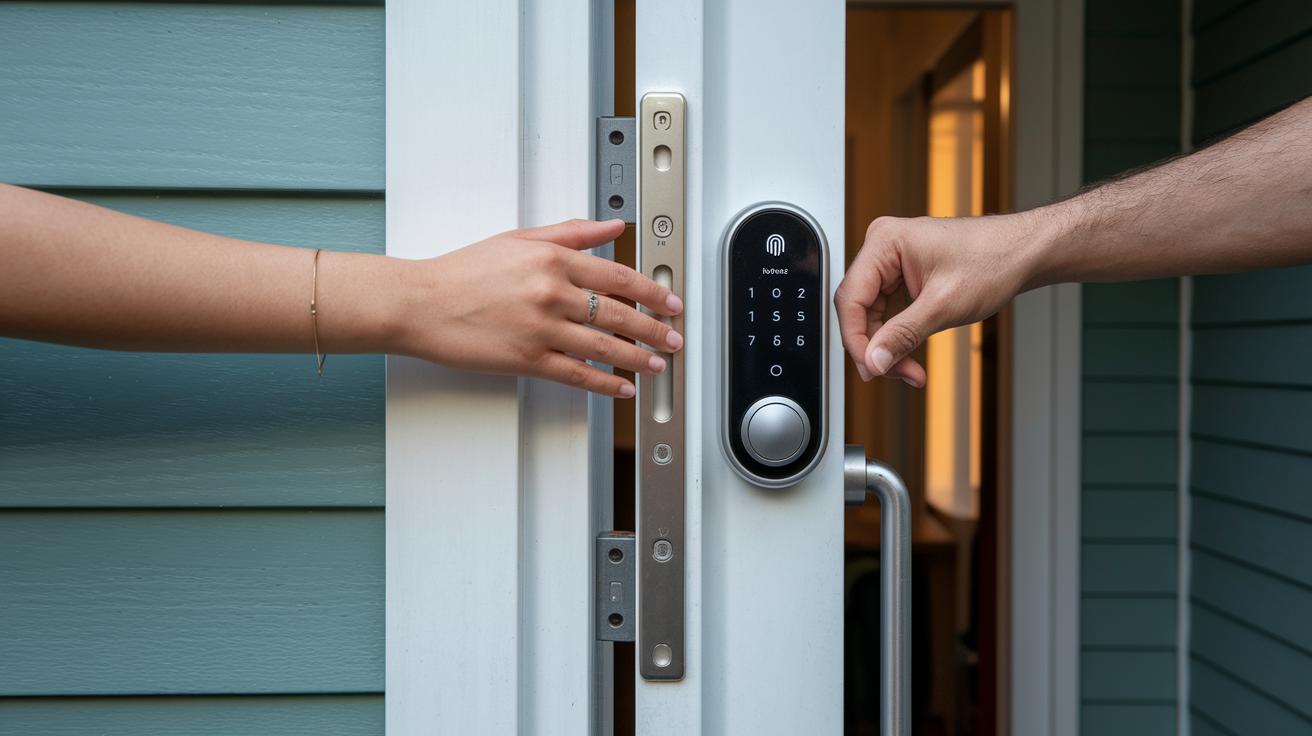
Lockly offers four smart lock models that cater to various budgets and needs. Each option combines different unlocking methods and connectivity features. Whether you want remote control capability or a simpler, cost-effective design, there’s a model that fits your home security needs.
| Model | Authentication Methods | Connectivity Options | Price Range |
|---|---|---|---|
| Secure Pro | Touchscreen, Fingerprint | Optional Wi-Fi | $299 |
| Secure Plus | Touchscreen, Fingerprint | Bluetooth | $249 |
| Flex Bluetooth Deadbolt | Keypad/Deadbolt | Bluetooth | $179 |
| Wi-Fi Gateway | Remote Access Add-on | Wi-Fi | $69 |
This table shows the key differences among the models. For example, Secure Pro is a strong pick for users who want remote control via Wi-Fi, while Secure Plus is perfect if you prefer connecting through Bluetooth. Budget-conscious buyers may lean toward the Flex Bluetooth Deadbolt, which still covers essential security needs. For those already using a smart lock, the Wi-Fi Gateway is a handy add-on to enable remote access.
Your choice will depend on how often you plan to use the lock and the specific features you need. For more tips on comparing tech products, check out our detailed buying advice.
Lockly Smart Locks Installation Requirements and Compatibility
Lockly smart locks fit most doors with a thickness between 1.375 inches and 2 inches. They work best on doors with backsets of either 2.375 inches or 2.75 inches. If you use the optional gateway cable, your door will need a 2.125-inch cross-bore and a 0.5-inch edge bore. This design ensures the lock blends in nicely with standard door designs while staying secure.
The lock runs on four AA batteries, so you don’t have to deal with hardwiring. All you really need is a Phillips screwdriver, though using a drill can make things even easier and faster. This battery-powered setup keeps the installation simple and hassle-free.
Most DIY installations take around 30 minutes. Before you start, double-check your door’s dimensions and bore sizes to avoid any surprises. With the right tools and a bit of preparation, you’ll have your home secured quickly and confidently.
Security Technologies in Lockly Smart Locks

Lockly smart locks use strong encryption to keep your information safe. They rely on 256-bit AES encryption (a high-level security standard) to protect every wireless command and digital key. This means that your access codes and keys are stored securely, just like valuables locked in a safe.
The lock also has a feature called the PIN Genie, which shuffles the number display every time you enter your code. This simple trick stops people from watching and guessing your PIN. Plus, the lock’s hardware is built tough to resist tampering and meets strict ANSI/BHMA Grade 2 standards for extra protection.
Additionally, Lockly smart locks come with a built-in alarm that sounds when forced entry is detected or if someone enters the wrong PIN too many times. After five incorrect attempts, the lock automatically sets itself to lock-out mode. These safety features work together to help prevent break-ins and ensure your home stays secure.
Connectivity and Smart Home Integration with Lockly Smart Locks
Lockly smart locks connect via Bluetooth LE, giving you control from up to 40 feet away. Pairing is a breeze. Just turn on Bluetooth on your phone, open the app, and follow the steps to set it up. This quick process makes daily use and management simple.
For those who want more control, the optional Wi-Fi gateway costs an extra $69. With it, you can lock or unlock your door from anywhere. You'll get push notifications so you always know when someone enters or tries to access your home. This feature works great for travelers or anyone who wants extra peace of mind.
Lockly smart locks also work with popular voice assistants like Amazon Alexa, Google Assistant, and Siri Shortcuts. The mobile app lets you set schedules, create temporary access codes for guests, and check activity logs. It even supports over-the-air firmware updates to keep your lock running smoothly. All of these features help Lockly smart locks fit perfectly into a modern smart home setup.
Maintaining Battery Life and Routine Care for Lockly Smart Locks
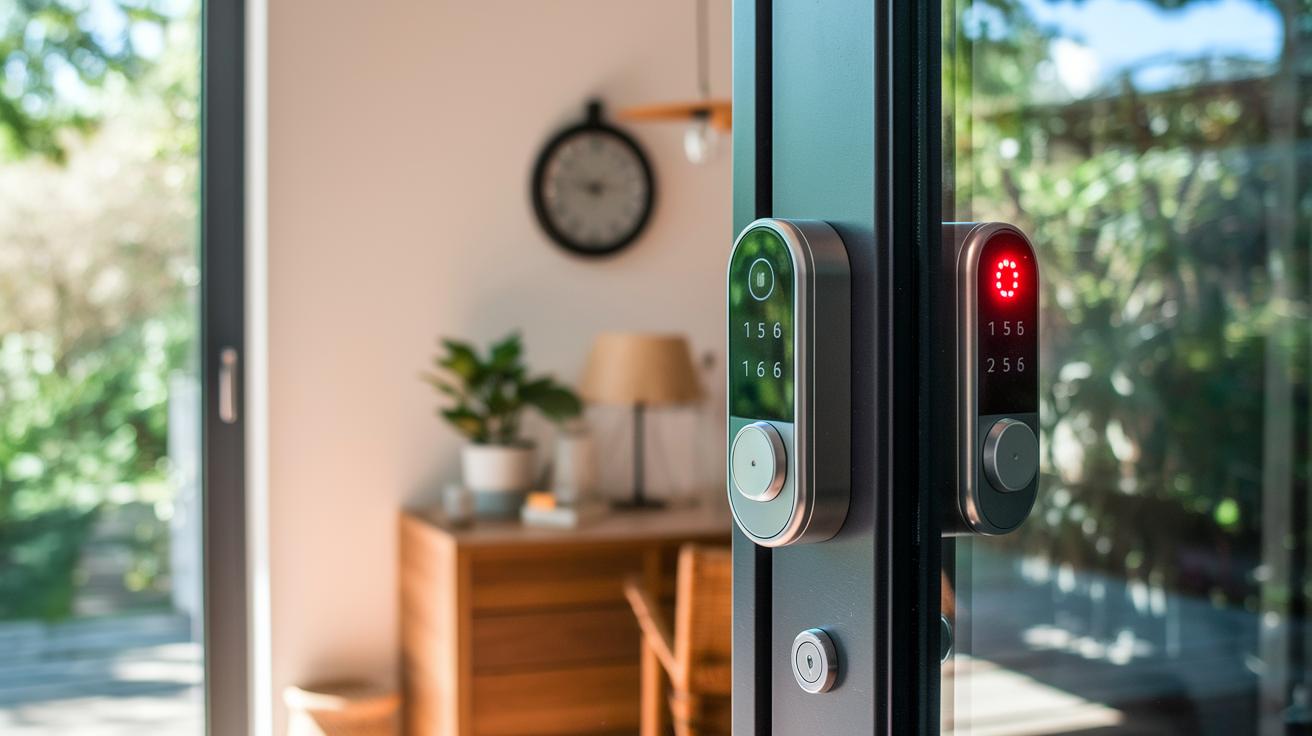
Lockly smart locks run on four AA batteries that can keep the lock going for up to 18 months with normal use. The mobile app lets you know when battery levels drop to 20%, and the keypad’s LED will flash red when power is running low. Using good alkaline batteries helps keep performance steady, and doing regular battery checks can stop unexpected power issues.
Taking care of your Lockly lock is simple. Wipe the keypad every month to keep it free of dirt, which keeps it responsive when you need it most. Also, keep an eye on firmware updates so you benefit from improved battery handling and overall upgrades. Swapping out the batteries about once a year is an easy way to ensure your lock stays secure and ready for everyday use.
Lockly Smart Locks Pricing and Value Compared to Alternatives
Lockly offers a variety of smart locks designed to fit different security needs and budgets. The Secure Pro is priced at $299 and comes with a touchscreen that randomizes your PIN entry and a fingerprint scanner for extra security. You can also control it remotely using a Wi-Fi gateway. The Secure Plus, at $249, uses similar authentication methods but connects via Bluetooth. For those who prefer a basic option, the Flex Bluetooth model is available for $179 and covers the essential functions with its keypad and deadbolt setup, while the Gateway is an add-on for $69 that lets you lock and unlock your door remotely.
When you compare these options to competitors, Lockly often provides more unlock choices for a similar or slightly higher price. For example, the August Smart Lock Pro is offered at $229 but misses features like fingerprint recognition and a touchscreen for PIN entry. Likewise, the Schlage Encode at $249 includes Wi-Fi connectivity yet does not offer biometric access. These differences show that Lockly has a clear edge in both security and convenience, even if the top-tier models are a bit pricier.
In the end, your choice will come down to balancing cost with the features you need. With Lockly, you won’t deal with any long-term fees thanks to its offline access function. We recommend considering your budget, your preferred entry methods, and your connectivity needs to decide which model is the best fit for your home.
Final Words
In the action, we explored how a PIN touchscreen, fingerprint sensor, and mobile app work together to offer secure entry. We highlighted key benefits, including an anti-peep interface, multiple access codes, and remote control with an optional gateway.
We compared models, discussed installation steps, and reviewed security features and maintenance tips. Overall, lockly smart locks bring a mix of safety, convenience, and value to simplify home access while providing reliable protection.
FAQ
Frequently Asked Questions
What entry methods do Lockly smart locks use?
The Lockly smart locks use three main methods: a PIN Genie touchscreen, a biometric fingerprint sensor, and a mobile app. These options offer a mix of security and convenience for daily home entry.
What are the top benefits of Lockly smart locks?
The Lockly smart locks offer key benefits such as an anti-peep touchscreen, rapid biometric recognition, multiple guest codes, custom auto-lock schedules, remote access with an optional gateway, and simple DIY installation to simplify home security.
How do the various Lockly smart lock models compare?
The Lockly lineup includes models like Secure Pro, Secure Plus, Flex Bluetooth, and an optional Wi-Fi Gateway. They differ in authentication methods, connectivity, and price, helping you choose based on your specific needs and budget.
What installation requirements must be met for Lockly smart locks?
The Lockly smart locks require a door thickness between 1⅜” and 2″, specific bore dimensions, four AA batteries, and basic hand tools like a Phillips screwdriver. Most users can complete the setup in about 30 minutes.
What security features are built into Lockly smart locks?
The Lockly locks integrate robust security with 256-bit AES encryption, a PIN Genie that shuffles digits, built-in alarms for forced entries, a lock-out mode after incorrect attempts, and ANSI/BHMA Grade 2 certification for tamper resistance.
How do Lockly locks integrate with smart home systems?
The integration is achieved via Bluetooth for local control and an optional Wi-Fi gateway that adds remote access, push notifications, and compatibility with voice assistants like Amazon Alexa, Google Assistant, and Siri Shortcuts.
How is battery life maintained and what routine care is required?
Lockly smart locks run on four AA batteries that last around 18 months, with alerts for low power. Routine care includes wiping the keypad, updating firmware, and annual battery replacement to ensure reliable operation.
How does Lockly pricing compare to alternatives?
Lockly pricing ranges from $179 to $299, with an optional $69 gateway offering added remote access. These costs reflect features like multiple entry options and biometric access, offering a strong value when compared to other smart locks.