
TL;DR: NVIDIA DLSS is a smart tech upgrade that uses AI to transform low-res images into sharper, high-res visuals. It boosts frame rates and smooths gameplay even on older graphics cards, giving gaming enthusiasts a noticeable performance jump without a complete system overhaul.
Have you ever wanted an easy way to boost your gaming experience without buying a brand-new system? NVIDIA DLSS might be just what you need. This technology uses artificial intelligence to take lower-quality graphics and turn them into crisper, more detailed scenes. In simple terms, it means your games can run smoother while keeping bright, clear visuals.
In our tests, we noticed that DLSS not only increases frame rates but also maintains the quality of the game world. This makes your gaming sessions more fun and visually appealing, as every element pops with clarity. If you’re looking to breathe new life into your setup, DLSS is a smart, cost-effective choice that lets you enjoy stunning gaming performance without a full hardware upgrade.
Stick around as we break down exactly how NVIDIA DLSS works and why it could be a game changer for your system.
NVIDIA DLSS: Elevate Gaming Performance
NVIDIA DLSS (Deep Learning Super Sampling) is a smart tech boost for your gaming setup. It uses an AI-driven neural network to take low-res images and turn them into high-res ones. Fun fact: before it became popular, this technology learned its tricks by watching thousands of hours of gameplay.
DLSS gives you better picture quality and more frames per second without overworking your hardware. It shifts the heavy lifting of upscaling images to Tensor cores, which means games run smoother while keeping the details sharp. This approach offers clear textures with less of the lag you might see with older upscaling techniques.
By letting mid-range and older NVIDIA GPUs handle higher graphics settings, DLSS extends the life of your current system. PC gamers can enjoy top-notch visuals without immediately needing a new setup. The tech smartly transforms lower resolution assets into eye-catching scenes, balancing visual quality and solid frame rates even on older machines.
How NVIDIA DLSS AI Upscaling Works

DLSS turns low-resolution frames into sharper high-res images using a smart AI engine on NVIDIA's Tensor cores. In our tests, the GPU sends basic images to a neural network, which then refines them with extra details. This process relies on dedicated hardware in NVIDIA RTX models, helping games run smoothly while improving visual clarity. Think of it like turning a rough sketch into a detailed drawing with the help of a smart filter.
The AI engine also uses information from several past frames to boost image details and cut down on noise. By comparing earlier images with the current one, it keeps fast-moving scenes looking consistent and clear, without the usual blur or flickering.
Early DLSS versions, like 1.0, hinted at what was possible but sometimes made images look blurry. With DLSS 2.0, released in early 2020, improvements to the neural network resulted in much sharper images and more stable performance. These upgrades show how the technology has evolved to give gamers a better and more reliable visual experience.
Evolution of NVIDIA DLSS: From 1.0 to 4.5
DLSS has come a long way through steady improvements in its AI algorithms. Early on, DLSS 1.0 proved that AI could drive upscaling, even though the results were often a bit blurry. Each new version built on what came before, making images clearer and boosting performance while keeping game play smooth.
| DLSS Version | Release Period | Key Improvement |
|---|---|---|
| 1.0 | Proof-of-concept | Basic upscaling with blur issues |
| 2.0 | Early 2020 | Sharper images, broader support |
| 4.0 | RTX 50-series launch | Overhauled AI model, quality presets |
| 4.5 | Recent | Premium visual upgrade, higher resource demand |
DLSS 2.0 made a real difference with a new neural network that delivered much sharper images and more consistent game performance. Then, DLSS 4.0 introduced quality settings that let you choose your easy balance between processing speed and visual quality. Today, DLSS 4.5 pushes the limits even further, giving a noticeable visual upgrade, even on older RTX systems, even if it does require a bit more from your hardware.
In short, the journey from DLSS 1.0 to DLSS 4.5 shows how NVIDIA has refined AI upscaling into a mature technology that not only improves game visuals but also extends the life of older GPU setups.
NVIDIA DLSS Performance Benchmarks in Gaming
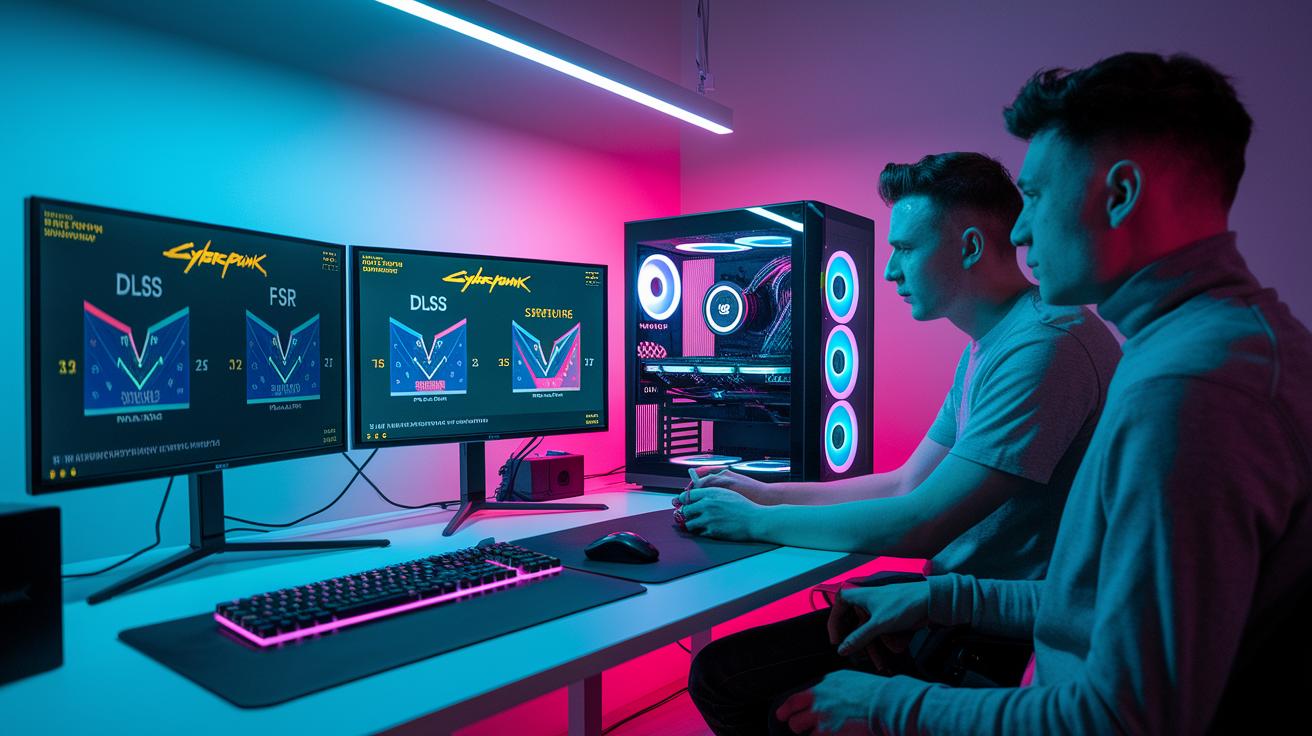
We ran a set of real-world gaming tests to see how well NVIDIA DLSS performs. Using Cyberpunk 2077 as our test game, we checked how DLSS handled different internal resolutions and upscaling levels. We measured details like image sharpness, how steady the game world stayed, and any unexpected visual glitches. Our aim was to compare DLSS with other methods, such as AMD FSR 4, to help you understand the trade-offs between image quality and performance.
| Internal Resolution | Resolution % | Observed Result |
|---|---|---|
| 360p | 25% | Stable world geometry, blurred features |
| 360p + Path Tracing | 25% | Flickering lighting artifacts |
| 480p | 33% | Clearer image with blocky reflections |
At 360p, the game showed solid environmental structure, but character details looked soft. When we added Path Tracing at 360p, the lighting started to flicker and distract you during play. Boosting the internal resolution to 480p made the image much clearer on a 4K screen, although some reflections, like water, could appear blocky. In direct comparisons, AMD FSR 4 produced similar image quality to DLSS 4, so gamers need to decide which trade-offs and resource needs work best for them.
Comparing NVIDIA DLSS with AMD FSR and Intel XeSS
NVIDIA DLSS uses an AI network running on special Tensor cores to upscale images. It leverages deep learning (advanced computer algorithms) trained on plenty of game footage to deliver sharper, more detailed visuals, all while lightening the load on your GPU.
AMD FSR, in contrast, uses a spatial upscaling formula that doesn’t rely on AI. Intel XeSS, on the other hand, uses AI upscaling through built-in instructions (XMX or DP4a) on Intel GPUs. This gives it a different approach compared to both NVIDIA and AMD.
In our tests, DLSS usually offers the best image quality, even at lower resolutions. Its AI method brings out fine details in busy scenes, making your game feel more immersive. AMD FSR 4 has improved over previous versions by fine-tuning its spatial techniques, even though it still doesn’t use AI. Meanwhile, Intel XeSS shows promise with its blend of AI and traditional upscaling methods. Each option fits different hardware and user needs, but DLSS currently leads the way on NVIDIA systems.
NVIDIA DLSS Supported Game Titles

DLSS is quickly finding its way into many top-tier games, boosting both performance and visuals. Developers are adding this feature to give gamers smoother play without cutting back on detail.
- Cyberpunk 2077: With DLSS 4.5 Ultra Performance, you get playable frame rates at 480p on a 4K display.
- Numerous AAA shooters, RPGs, and simulation titles now support DLSS2 and later versions, offering customizable quality settings.
Game options vary by genre. Fast-paced shooters tend to use performance presets to keep framerates high, while immersive RPGs and open-world adventures favor quality settings to maintain rich textures and details. Racing and simulation games often mix these options, letting you fine-tune the balance between clarity and system demands. Whether you're exploring a detailed fantasy realm or speeding through a digital cityscape, DLSS lets you tailor settings to get the best image quality and smooth gameplay for your chosen game.
System Requirements and Setup for NVIDIA DLSS
To use DLSS, you'll need an NVIDIA RTX GPU with Tensor cores, which means any 20-series or newer model will do. This special hardware is a must since DLSS depends on these dedicated processors to boost your gaming visuals. Keeping your drivers up to date is just as important; they make sure your GPU runs smoothly and keeps up with the latest performance tweaks. Updating your system helps you get better images and more stable gameplay.
You'll also need the newest NVIDIA Game Ready drivers. You can easily turn on DLSS either in the GeForce Experience app or directly in your game’s graphics settings, as long as your system meets the requirements. Here’s a quick setup guide to get you started:
- Confirm your GPU is from the RTX family (20/30/40/50-series).
- Update to the latest Game Ready driver via GeForce Experience.
- Open your in-game graphics settings and switch on DLSS under rendering options.
Troubleshooting Common NVIDIA DLSS Issues
When you use DLSS, you might notice visual problems like blurring, ghosting, or blocky reflections. These issues typically show up when the preset is pushed too hard or when the internal resolution is very low (around 360p), which can make textures and lighting effects look less sharp.
- Check that your drivers and game updates are current to fix any compatibility issues.
- Try switching from the Ultra Performance preset to Balanced or Quality to reduce the blur.
- Adjust the in-game anti-aliasing settings if you see ghosting.
Tweaking your DLSS settings can help you strike a balance between performance and visual clarity. We found that lowering the ultra-low internal resolution or changing presets can lessen these artifacts while still giving you a nice performance boost. Testing different settings in various game scenes will help you pinpoint the best setup where your GPU produces clear, stable images without distractions. Keeping your system updated and making small adjustments here and there can help keep your gaming experience smooth and visually pleasing, even if DLSS sometimes acts up.
Final Words
in the action, we explored how nvidia dlss transforms gaming with AI-driven upscaling. We looked at its evolution, performance benchmarks, and side-by-side comparisons with AMD FSR and Intel XeSS in real-world settings.
We also covered setup tips and common troubleshooting fixes. Each section offered clear insights, guiding you to understand the technology better and make a confident buying decision. Enjoy the smoother, visually richer gaming experience that nvidia dlss brings to your system.
FAQ
Nvidia DLSS release date
The Nvidia DLSS release date marks when this AI upscaling feature first debuted. It has evolved over time, with improvements and updates following the original launch to boost gaming performance.
NVIDIA DLSS download
The NVIDIA DLSS download involves updating your system with the latest NVIDIA drivers via GeForce Experience, which include the DLSS functionality integrated into supported games.
NVIDIA DLSS supported cards
NVIDIA DLSS supported cards are GPUs equipped with Tensor cores, starting from the RTX 20-series and including newer models like RTX 30-, 40-, and 50-series, designed to run AI-driven upscaling.
Nvidia DLSS reddit
Nvidia DLSS Reddit discussions cover community experiences, troubleshooting tips, and performance insights. Users share detailed advice and real-world feedback on settings and game performance improvements.
NVIDIA DLSS 4 download
The NVIDIA DLSS 4 download refers to updating to the latest version featuring advanced AI improvements. It is obtained through current NVIDIA driver packages in GeForce Experience and supported game updates.
NVIDIA DLSS how to enable
NVIDIA DLSS how to enable means accessing the in-game graphics settings or GeForce Experience, finding the DLSS option, and selecting a preferred preset to activate AI upscaling for better performance.
Nvidia DLSS on or off
Nvidia DLSS on or off gives you the choice to toggle AI upscaling. Enabling DLSS can boost frame rates and image quality, while disabling it reverts to native resolution rendering with different performance outcomes.
NVIDIA DLSS games
NVIDIA DLSS games refer to titles that have integrated the DLSS feature. Many AAA games now support various DLSS presets, helping improve smoothness and visual quality without a heavy performance impact.
What does NVIDIA DLSS do?
What NVIDIA DLSS does is use AI to upscale lower-resolution images, resulting in improved performance and visual quality. It enhances frame rates while maintaining clarity, offering a balanced gaming experience.
Should I have NVIDIA DLSS on or off?
Whether you should have NVIDIA DLSS on or off depends on your gaming needs. Enabling DLSS can improve performance and visuals, while disabling it might appeal to those wanting consistent native resolution rendering.
Is DLSS 4.5 better than 4?
DLSS 4.5 provides a noticeable visual improvement with advanced AI upscaling, though it may demand more system resources. The enhanced clarity and performance improvements typically justify the upgrade.
Is DLSS only for RTX?
DLSS is exclusive to NVIDIA GPUs equipped with Tensor cores, which means it is only available on RTX series cards. Non-RTX models do not support the required hardware for DLSS.