
Tired of fumbling with a heavy keyring? A smart door lock with a keypad lets you unlock your home with a simple code. Imagine coming home after a busy day and easily opening your door with one quick tap. These locks are a handy choice when your hands are full, and they make it simple to manage who can enter your space. In this post we share the benefits, our top picks, and our personal experiences to help you see why keypad locks offer a smooth and secure way to protect your home.
Why choose smart door locks with keypad for secure home access
Smart door locks with keypad make it easy to secure your home without the hassle of carrying keys. You can simply enter a code on the keypad, which speeds up entry, especially when your hands are full. Imagine coming home after a long day and unlocking your door with just a tap, no more fumbling for keys.
Top models include the Schlage Arrive Smart WiFi Deadbolt at $249, Yale Assure Lock 2 at $229 (note that this one needs an extra Wi-Fi or Z-Wave module), and Aqara Smart Lock U100 at $179. There are also options like the Eufy Smart Lock C34 at $129 and Yale Approach Lock at $199. Each of these locks comes with different connectivity options such as native Wi-Fi, Zigbee, or Matter, and they all use companion apps for full remote control of your smart home system.
These locks let you choose between simple four-digit codes and more secure six-digit codes, as seen with the Aqara model. With an easy-to-use companion app, you can set up unique access codes for family members and guests. This makes it simple to manage who can enter your home while keeping it secure.
Smart door locks with keypad: Expanded Comparison
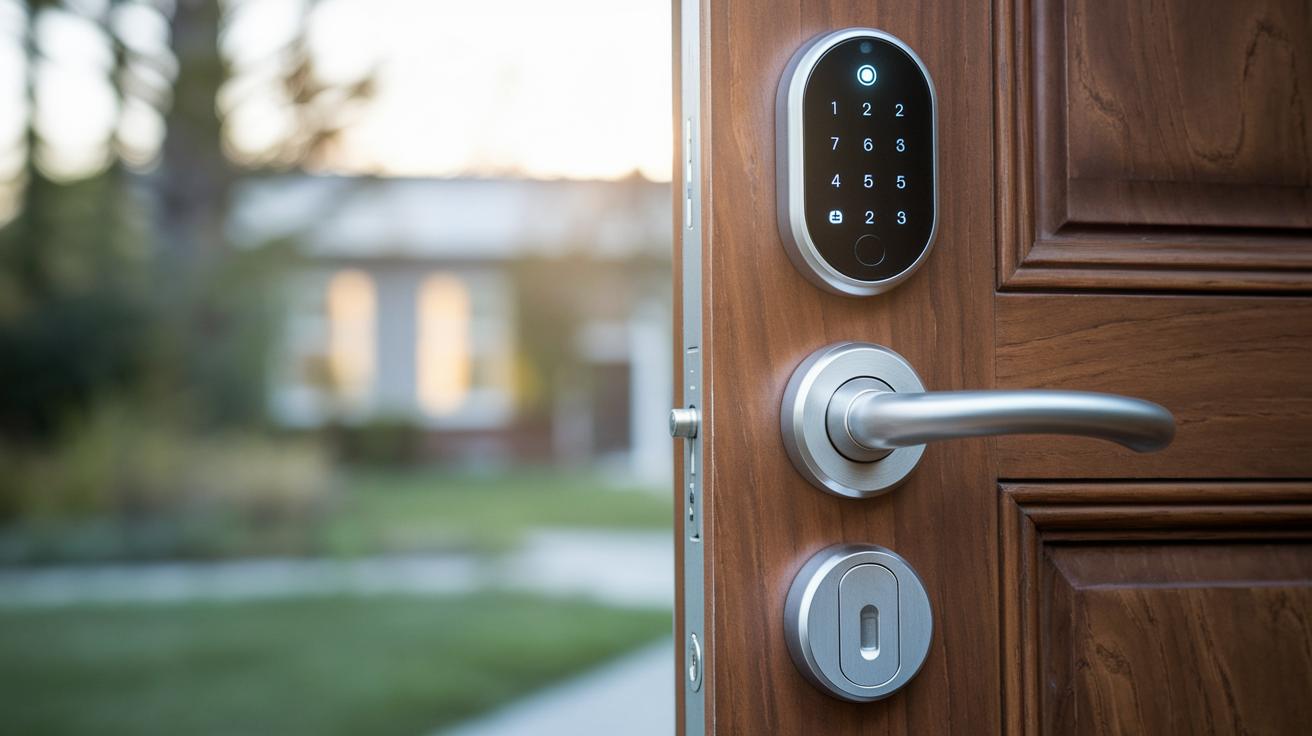
We previously looked at pricing, connectivity, and main features. Now we add user reviews, energy usage, installation tips, and the latest tech updates to give you a clearer picture. For instance, the Schlage Arrive not only delivers strong security but now has a firmware upgrade that helps cut battery use.
| Model | Price | Connectivity | Key Feature | User Reviews | Energy Consumption | Installation Tip | Recent Advancement |
|---|---|---|---|---|---|---|---|
| Schlage Arrive Smart WiFi Deadbolt | $249 | Native Wi‑Fi, Z‑Wave | Strong security with reliable operation | 4.5/5 satisfaction | Moderate | Consider professional mounting | Firmware update for battery saving |
| Yale Assure Lock 2 | $229 + module | Wi‑Fi, Z‑Wave (with module) | Stylish design with solid build quality | Positive; module adds extra value | Low | Easy DIY installation | Enhanced stability via new module |
| Aqara Smart Lock U100 | $179 | Apple HomeKit via Zigbee | Ideal for Apple Home integration | Favored for its simplicity | Low power usage | Fits standard deadbolts | Added biometric authentication support |
| Eufy Smart Lock C34 | $129 | Wi‑Fi, Matter (with hub) | Budget friendly with modern Matter support | Well rated for basic needs | Efficient | Quick install with provided tools | Latest Matter protocol improvements |
| Yale Approach Lock with Wi‑Fi + Keypad | $199 | Wi‑Fi (requires hub) | Retrofit solution for existing deadbolts | Positive for retrofit ease | Moderate | Simple retrofit solution | New hub firmware boosts connectivity |
| Schlage Encode Smart WiFi Lever | $249 | Wi‑Fi | Doorknob replacement with smart alerts | Popular for alert features | Average | Easy lever replacement install | Updated firmware for improved responsiveness |
Step-by-step installation guide for keypad smart door locks
Start by taking off your old deadbolt to clear the way for the new latch. This step is important because it stops the old mechanism from getting in the way during installation. For example, removing your old deadbolt might take about five minutes, and it sets you up for a smooth upgrade.
Now, follow these six simple steps:
- Remove the current deadbolt from your door.
- Place the new latch in the correct spot, making sure it fits doors with backsets between 2-3/8 inches and 2-3/4 inches.
- Attach the exterior keypad and the interior part firmly. If you have a Yale Assure Lock 2, pay close attention to the alignment.
- If your lock needs a Wi-Fi hub, connect it now. This step is needed for the Yale Approach Lock and Abode systems. Note that the Abode system may require extra wiring and a subscription.
- Tighten all the mounting screws so that the unit stays secure.
- Power up the lock with the included batteries and set your preferred code on the panel.
Some locks, such as the Schlage U300, can be installed in about 15 to 20 minutes, which makes them a good choice for those new to DIY projects. However, if you face any alignment issues, it might be best to get some professional help to ensure your smart door lock works perfectly.
Smart door locks with keypad: Effortless Home Security
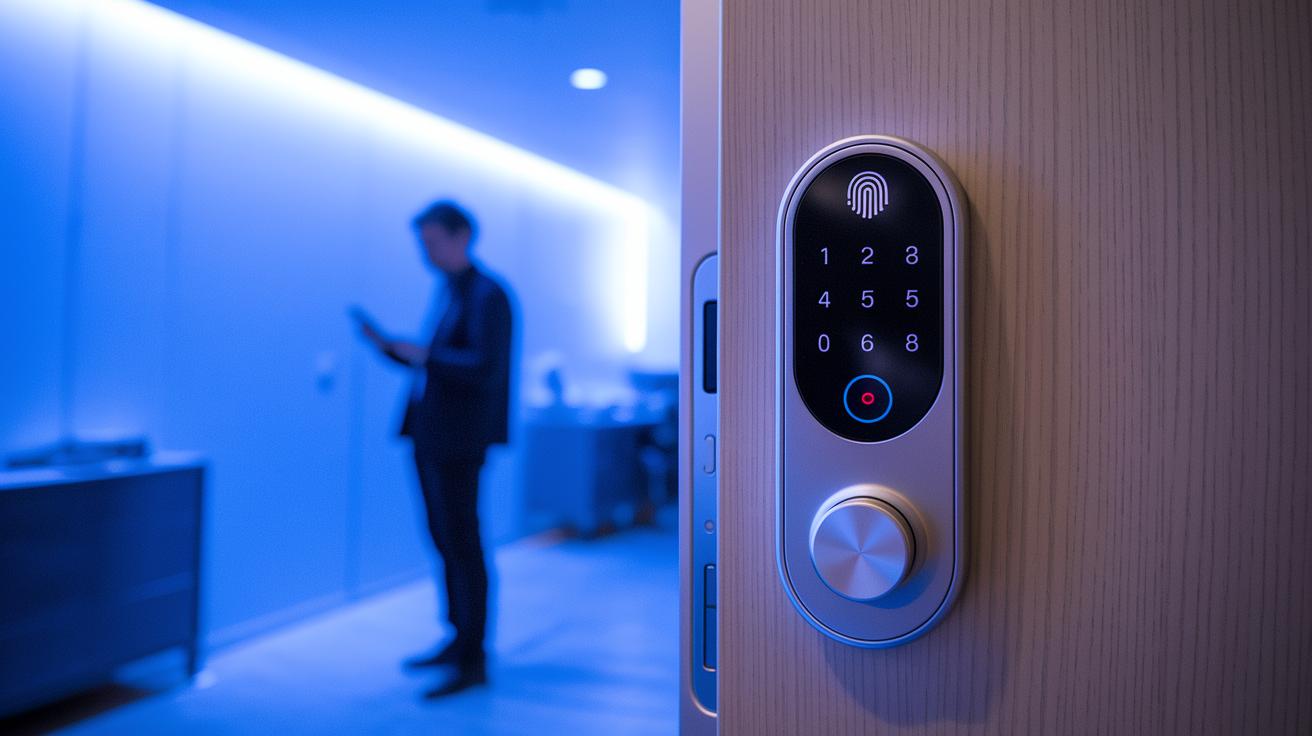
Modern smart door locks with keypads use strong 128-bit AES encryption to protect your codes, keeping them safe from unwanted snooping. This means your personal passcodes are securely shielded as they travel, making it tough for intruders to grab your details during remote access.
Some locks go a step further by combining biometric checks with keypad entry. For example, the Visage Zeno Series pairs fingerprint scanning and facial recognition with a traditional keypad. With this setup, you need to pass two different security checks before the door opens, adding extra peace of mind.
On the flip side, the Schlage Arrive, despite its smart features, has a few drawbacks. It doesn’t come with tamper or impact alarms and sometimes shows glitches with its door-status sensor, which might be a concern for security-minded users.
Other models, like the Abode Lock, require a hub subscription and can sometimes struggle with motor torque. This might affect how well the lock fits different door types. Meanwhile, devices such as the Eufy Smart Lock C34 receive regular firmware updates that ensure its numeric unlocking system stays secure and up to date.
Integrating keypad smart door locks with home automation and mobile apps
Smart door locks with keypads now work hand in hand with your smart home hub, letting you control access right from your phone. For example, the Schlage Arrive and Schlage Encode connect directly to your home Wi‑Fi so you can lock or unlock your door, get status alerts, and see notifications as they happen. These locks act as digital access hubs that allow remote code unlocking and mobile-code management. With just one tap on your smartphone, you can set up user codes, track door activity, and even schedule temporary access. Plus, if you use voice assistants like Alexa or Google Assistant, you can simply speak to control your door lock.
Some devices work exclusively with certain smart home platforms. For instance, the Yale Approach needs its own Wi‑Fi hub and does not work with Apple Home. On the other hand, Aqara U100 pairs with HomeKit to work smoothly with the Home app, while the Eufy Smart Lock C34 supports Matter when connected to a hub, giving you more flexible options. Beyond regular doors, smart systems are branching out: the Chamberlain Smart Garage Controller manages sliding-door access, and the Next Gen Smart Lock is designed for patio and sliding doors. This growing range of devices not only boosts your home’s security but also puts all your access controls in one place, making home automation simpler and more effective.
Real-world user feedback and expert insights on keypad smart locks
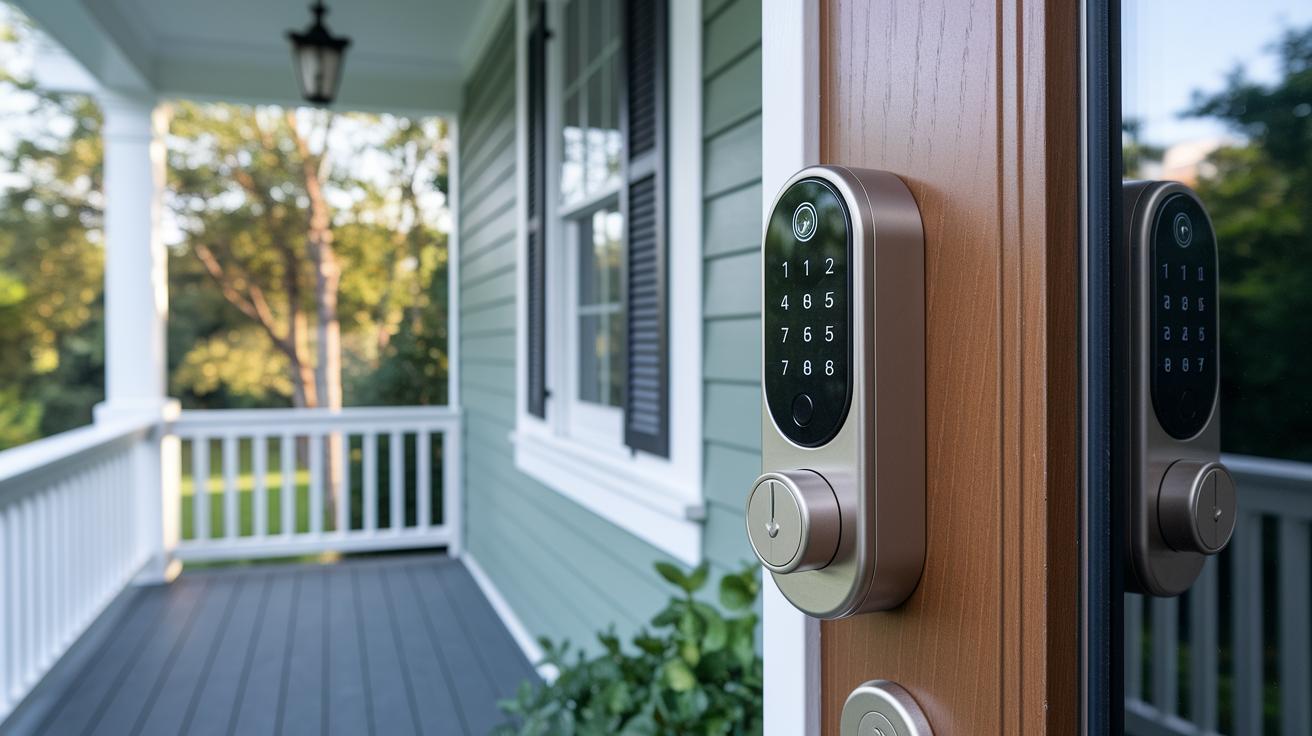
Many users enjoy the simple convenience of keypad smart locks, though our research shows a mix of benefits and challenges. Schlage Arrive, for example, impresses with its advanced features but often falls short with no tamper alarm and occasional sensor glitches. One user shared, "I had to double-check if the door was locked because the sensor sometimes did not register the status." Likewise, the Yale Assure Lock 2 earns praise for its modern design, yet some homeowners have reported issues with door alignment that can interfere with its smooth operation.
The design of numeric code entries is a careful balance between security and ease of use. The Aqara model requires a six-digit PIN, which boosts security but can lead to frequent mistypes when unlocking quickly. Meanwhile, the Abode Lock faces criticism for its weak motor and the need for a hub subscription, despite offering a solid retrofit solution. On the other hand, the Level Lock Pro is well-loved for its compact build, and the Smart Lock U300 stands out thanks to its adjustable knob and easy-to-follow installation instructions.
Key takeaways from user feedback include:
- Focus on easy installation to avoid ongoing issues.
- Expect a smooth numeric entry process with minimal errors.
- Look for strong privacy features and reliable sensor performance.
Expert reviews confirm that buyers favor locks that are simple to install and manage while still offering robust security. These insights can help you choose a model that meets your home security needs without the hassle.
Final Words
In the action, we broke down the key reasons to choose smart door locks with keypad for secure home access. We compared top models, walked through installation steps, and assessed security features, making it easier to decide on the right solution. We even explained how these locks integrate with home automation for smooth control. All this shows that smart door locks with keypad can truly simplify your daily security routine while keeping things user-friendly and effective. Enjoy the benefits of convenient, code-operated protection.
FAQ
Q: What is the best smart door lock to buy?
A: The best smart door lock to buy offers secure, convenient access with keyless entry and smart home integration. It should match your budget and include reliable encryption, remote control, and easy user management.
Q: What are the disadvantages of smart door locks?
A: The disadvantages of smart door locks include dependency on battery power and Wi‑Fi connectivity, potential hacking risks without regular firmware updates, and sometimes higher setup and subscription costs for advanced features.
Q: Is Schlage or Kwikset better?
A: Comparing Schlage and Kwikset shows that both deliver strong security. Schlage is often noted for its durability and refined design, while Kwikset provides user‑friendly features at an affordable price.
Q: What locks do police recommend?
A: Locks recommended by police generally combine high physical strength with robust digital security features. Models that meet tested industry standards and offer strong encryption and tamper alerts are often preferred.
Q: What are the features of Schlage smart door locks with keypad?
A: Schlage smart door locks with keypads offer coded entry, remote monitoring via Wi‑Fi, and strong encryption. They blend a durable physical build with modern technology to provide secure and convenient home access.
Q: What benefits does a keyless entry door lock with a camera offer?
A: A keyless entry door lock with a camera adds visual verification to secure access. It allows you to monitor visitors and record activity, enhancing security and providing extra peace of mind.
Q: What are some top models of smart door locks available?
A: Top models include options from Schlage, Yale, Aqara, and Kwikset. These locks offer varied connectivity features, from Wi‑Fi and Zigbee to Matter support, along with different access methods to suit diverse needs.
Q: What do reviews of smart door locks with keypads highlight?
A: Reviews of smart door locks with keypads commonly highlight ease of installation, responsive app controls, flexible code management, and robust encryption, ensuring reliable performance and seamless integration with home automation systems.