
Smart home gadgets can feel overwhelming at times, and you're not the only one. It’s easy to miss the simple checks that show if a device is truly worth the price. In this guide, we break down the key features you need to consider, from basic functions to how smoothly it fits into your system. Our checklist cuts through the clutter so you can set up a smart home that matches your lifestyle and budget. Let’s go over the essentials to make your decision easier.
Essential Factors in Your Smart Home Device Buying Checklist
TL;DR: When shopping for smart home devices, checking a few key areas can help you save time and money. Use these pointers to decide if a device meets your needs without overspending.
Start by focusing on what really matters. Here’s a quick rundown of the top 10 points to consider:
- Core features: Make sure the device has the functions you need. For example, a smart camera should deliver clear video, detect motion, and offer two-way audio.
- Ecosystem compatibility: Verify that the device works with your preferred systems like Amazon Alexa, Google Home, or Apple HomeKit. This ensures you can control everything from one app.
- Budget range: Set your spending limit early. While high-end devices might pack more features, many affordable options cover all the basics.
- Energy savings: Look for devices designed to cut energy use. For instance, smart bulbs can reduce energy consumption by up to 90% compared to traditional bulbs.
- Security features: Check that the device includes updated security measures to protect your data.
- Warranty length: A longer warranty often signals that a manufacturer stands behind their product.
- Customer support quality: Good support can make setup easier and help resolve issues quickly.
- Integration potential: Consider how well the device can work with other smart devices in your home for a unified control system.
- Firmware updates: Regular updates are a good sign that the device will keep improving and protecting against new threats.
- Maintenance needs: Think about how much upkeep the device will require to stay effective over time.
By keeping these points in mind, you’ll be better prepared to choose smart home tech that fits your lifestyle and budget. For more detailed buying advice, check out getitreviews.com.
Compatibility and Ecosystem Integration in Your Smart Home Device Buying Checklist

When selecting smart home devices, it's important to check that they work smoothly with your favorite voice assistants and control systems. Look into the product details to see if they support Amazon Alexa, Google Home, or Apple HomeKit. You can usually find this information on the packaging or the manufacturer's website, which makes it easier to manage all your devices from one app.
To make sure everything plays well together, do a couple of simple checks. First, confirm that the smart device is compatible with the voice assistant you plan to use. Next, watch out for any limits that might restrict control. Sometimes a device might need its own hub or work only within one ecosystem. It can help to see demos in stores or online videos to understand how the device interacts with its app and other gadgets.
| Ecosystem | Supported Device Types | Key Limitations |
|---|---|---|
| Alexa | Smart speakers, displays, lights, and thermostats | May require additional hubs for non-native devices |
| Google Home | Voice-enabled speakers, smart displays, entry systems | Some proprietary features may be limited |
| HomeKit | Smart locks, cameras, thermostats, bulbs | Works only with MFi-certified devices |
Network and Connectivity Requirements in Your Smart Home Device Buying Checklist
A reliable Wi-Fi connection is key to powering your smart home devices. First, figure out if your network uses 2.4GHz or 5GHz. The 2.4GHz frequency reaches farther, while 5GHz can be faster over short distances. Choose the one that suits the spots where your gadgets will live.
Next, check the Wi-Fi signal strength where you plan to install your devices. For instance, if you want a video doorbell, test the signal right outside your door using a smartphone app or a signal meter. If the signal is weak, you might need a Wi-Fi extender, repeater, or bridge to keep your devices connected.
Also, consider the connectivity protocols your devices use. Many rely on Zigbee or Z-Wave hubs (small controllers for local communication), so review your current hub setup and any extra accessories you might need. Keep in mind that lots of devices connected at once can lower your network's bandwidth, so planning your router setup and channel usage is important.
Before you finalize your purchase, map out your home’s network layout by marking all device locations and checking for interference from other electronics.
Assessing Performance, Energy Efficiency, and Reliability in Your Smart Home Device Buying Checklist
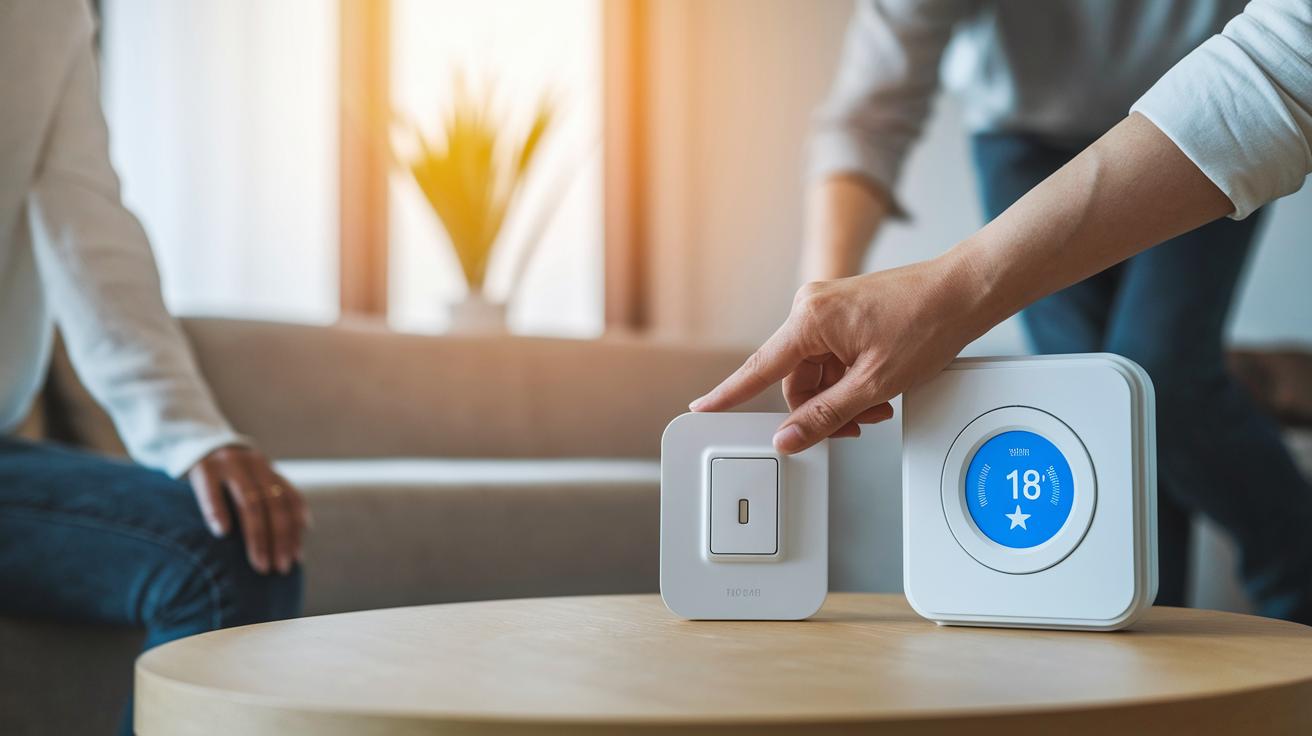
When choosing a smart home device, performance matters a lot. Start by checking how fast the device responds to your commands. For example, when you press a switch, a smart bulb might light up in less than half a second. Also, a device with good uptime means fewer glitches and disconnects, so you get a smooth, worry-free experience.
Energy efficiency is another key factor. Look for labels like Energy Star, which show the device meets strict energy-saving standards. A smart thermostat, for instance, can cut your yearly energy bill by around $100 by fine-tuning heating and cooling cycles. Always compare the manufacturer's savings claim with certified measurements to see if it holds up in real life.
It’s also important to see how often the firmware is updated and how stable those updates are. Regular firmware updates help keep your device secure and running smoothly. Check the product documentation to learn if updates are rolled out monthly or quarterly. In one case, a device improved its response time noticeably after a recent update.
Reliability isn’t just about software. Check customer feedback and third-party tests for hardware reliability, especially if the device has sensors or cameras. Some products even come with built-in diagnostics to track performance over time.
Key indicators to assess include:
- Response time and uptime
- Energy certification labels and estimated savings
- Frequency and quality of firmware updates
- Hardware reliability scores
For a clear guide on comparing tech products side-by-side, see how to compare tech products effectively.
Budget and Total Cost Analysis in Your Smart Home Device Buying Checklist
Start by listing your one-time costs. This means the device’s price, installation fees, and any extra hardware you need for setup. Then note the recurring costs like subscriptions for software updates or remote monitoring.
Break your costs into two groups:
- Upfront expenses: device cost, installation fees, and required accessories.
- Recurring fees: subscription services, maintenance plans, and extra contracts.
Keep in mind that some devices, such as smart bulbs, might cost more at first but can lower your energy bill by up to 90%. Factor in seasonal promotions, available tax breaks, or discounts to help reduce your overall spending.
Estimate the energy savings and bill reductions to see how fast your device might pay for itself. This balanced approach can help you decide whether the initial expense is worth it. For more details, check out the tech buyer checklist at getitreviews.com?p=1577.
Installation and Setup Steps in Your Smart Home Device Buying Checklist
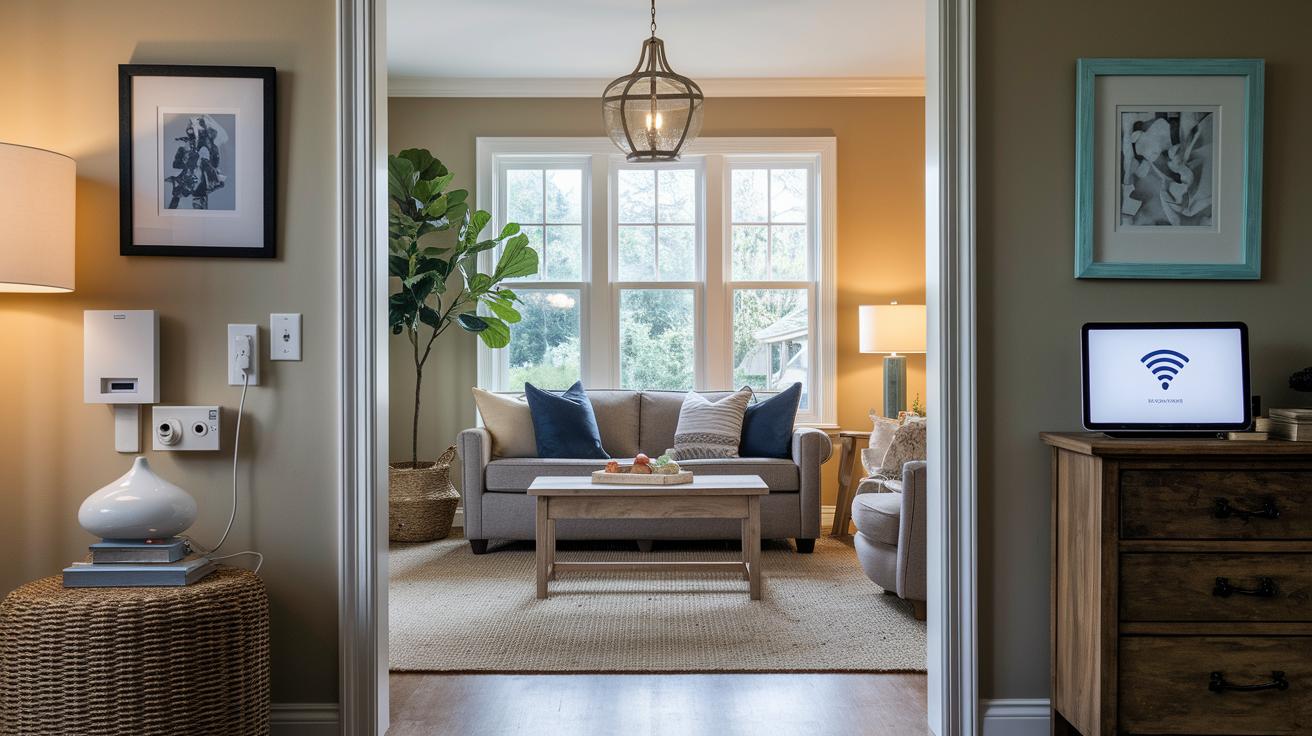
Start by making sure your home is set up for smart devices. Check that every spot you plan to use has a nearby power outlet and a strong, steady Wi-Fi signal. A simple smartphone app can help you check the signal strength in areas where you want to install cameras, locks, or video doorbells.
Here are the key steps to follow:
- Confirm your installation essentials, like nearby outlets and reliable network coverage.
- Read the manufacturer's instructions from start to finish. A clear manual can save you from common setup mistakes.
- For devices that need a transfer of ownership, such as smart thermostats, follow the guidelines to unlink any previous accounts and set up your own credentials.
- Install each device one by one. After installing a device, test it right away. For instance, after mounting a smart camera, check its live feed and motion detection features.
- Revisit the connection settings afterward. Adjust and fine-tune each device to ensure everything works smoothly with your existing system.
Taking time to prepare and test each step will help you avoid hiccups during setup and keep your smart home running perfectly from day one.
Maintenance, Support, and Long-Term Considerations in Your Smart Home Device Buying Checklist
To keep your smart home device running well for years, check how long the warranty lasts and if you can transfer it when buying. Look into the manufacturer’s schedule for firmware updates. Some brands update every month while others do it quarterly. These regular updates help keep your device secure and performing smoothly.
Next, take a look at customer support options. Make sure the manufacturer offers live chat, phone help, or clear online guides. Good support can really save you time if you run into issues. Also, check how easy it is to get repair services and find spare parts as the device gets older.
Key factors to review include:
- Warranty length and whether it can be transferred.
- Firmware update frequency: Does the device get monthly or quarterly updates? Regular updates help with security and add new features.
- Quality of technical support: See if help is available when you need it and read user reviews.
- Availability of troubleshooting guides: Look for clear, accessible online documentation.
- Spare-part availability and repair services: Make sure replacement parts are easy to find if something breaks.
By checking these points, you can plan for repair or replacement costs while keeping your smart home system running smoothly over the long term.
Final Words
In the action, we broke down key factors such as core device features, ecosystem compatibility, network and connectivity needs, performance efficiency, and budget analysis. We also covered installation steps and long-term support, all vital parts of making a smart purchase.
• Core features, security, and energy savings
• Compatibility with voice assistants
• Network and connectivity requirements
• Cost and installation details
This smart home device buying checklist gives you clear, practical guidance to choose products with confidence and enjoy lasting performance.