
TL;DR: Smart locks made for renters boost your door’s security without damaging your walls. They're easy to install, work with your phone, and keep your lease intact.
Have you ever wondered if you can add high-tech security to your rental without leaving marks? Smart locks for renters let you upgrade your door with modern safety features and a clean look. They clip on simply, pair with your phone, and let you come and go without any hassle.
In this review, we look at a few models that protect your home and your deposit. They offer a smooth blend of smart tech and renter-friendly design, giving you worry-free security and peace of mind.
Renter-Friendly Smart Locks: Easy Installation & Removal
Smart locks for renters should be easy to install without harming door frames or other hardware. Tenants appreciate solutions that avoid drilling large holes or scratching the door’s finish. One smart design uses the existing deadbolt holes to keep the door looking good and to save money on repairs. A lock with a simple clip-on or adhesive mount makes setup a breeze without risking your rental’s door.
The removal process is just as important. Look for locks built to be taken apart without leaving marks or holes. In our tests, models with modular parts let tenants remove the lock in a few simple steps and return the door to its original state. This non-invasive approach means you can change locks with little hassle and avoid disputes over damage when you move out.
Always check your lease and talk with your landlord before installing a smart lock. Explaining the added security and smoother transitions for future tenants can help win approval. A quick discussion can prevent problems later while making sure your installation follows rental rules and keeps you worry-free.
Top Smart Lock Picks for Renters
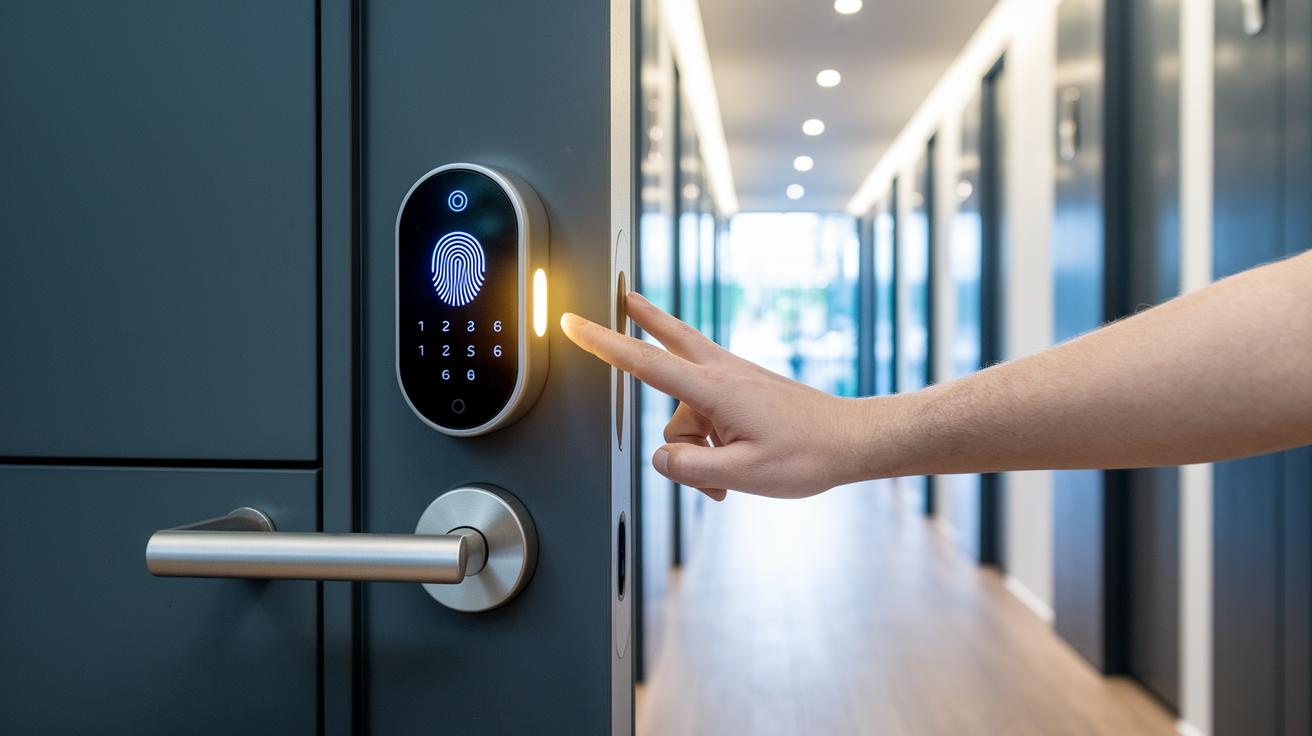
Finding a smart lock for your rental that is easy to install, secure, and flexible is key. We tested several models that offer fingerprint, passcode, and smartphone entry options so you can choose one that fits your needs. One favorite is the Kwikset 916 Smartcode Touchscreen because its design makes changing codes quick and hassle-free.
| Model | Lock Type | Price Range | Installation Method |
|---|---|---|---|
| Kwikset 916 Smartcode Touchscreen | Keypad/Keyless Entry | $$ | Easy clip-on mount |
| August Smart Lock Pro | Bluetooth & Wi-Fi | $$$ | Simple DIY retrofit |
| Schlage Encode WiFi | Keypad & Keyless Entry | $$$$ | Minimal hardware modification |
| Yale Assure Lock SL | Touchscreen Keypad | $$$ | Door compatibility kit included |
In our hands-on tests, each smart lock delivered features that work well for busy rental properties. The Kwikset model stands out for landlords who need to update codes quickly without having to call for professional help. August and Yale are perfect for renters who want extra unlocking options without modifying the door frame. Schlage Encode, although a bit pricier, provides a strong Wi-Fi connection that allows remote access control, ideal for rentals with a stable internet connection.
For extra tips during your decision process, check out our "questions to ask before buying tech" guide to match each lock’s features with your property requirements.
Comparing Smart Lock Technologies for Rental Security
Smart locks use different wireless methods to meet the varied needs of rental properties. For example, Z-Wave locks work well in smart home setups but need a special hub to function. Bluetooth locks let you unlock without touching a button when you're about 6 feet away and tend to be more affordable. Wi-Fi locks offer remote control via mobile apps, though they can run into connection issues if the property is unoccupied. These features help you decide which smart lock fits your rental best.
Each technology comes with its own advantages and challenges. Understanding these details can help you weigh the ease of use, installation steps, and long-term reliability. For more tips on comparing tech products, check out our guide on how to compare tech products effectively.
- Z-Wave: Provides solid connectivity in smart homes; needs a dedicated hub; best for properties with many integrated devices.
- Bluetooth: Quick and easy to set up; gives immediate, nearby access; its short range limits remote use.
- Wi-Fi: Allows control from anywhere; no extra hub is needed; may face unstable connections during vacancies.
When selecting a smart lock, consider your environment and integration needs. Z-Wave locks are a great match for properties already fitted with smart systems. Bluetooth models offer an affordable choice for tenants who work mostly in close range, while Wi-Fi locks excel when remote access is needed, as long as you have reliable internet. This breakdown should help you choose the right technology for your rental situation.
Essential Smart Lock Security Features for Renters
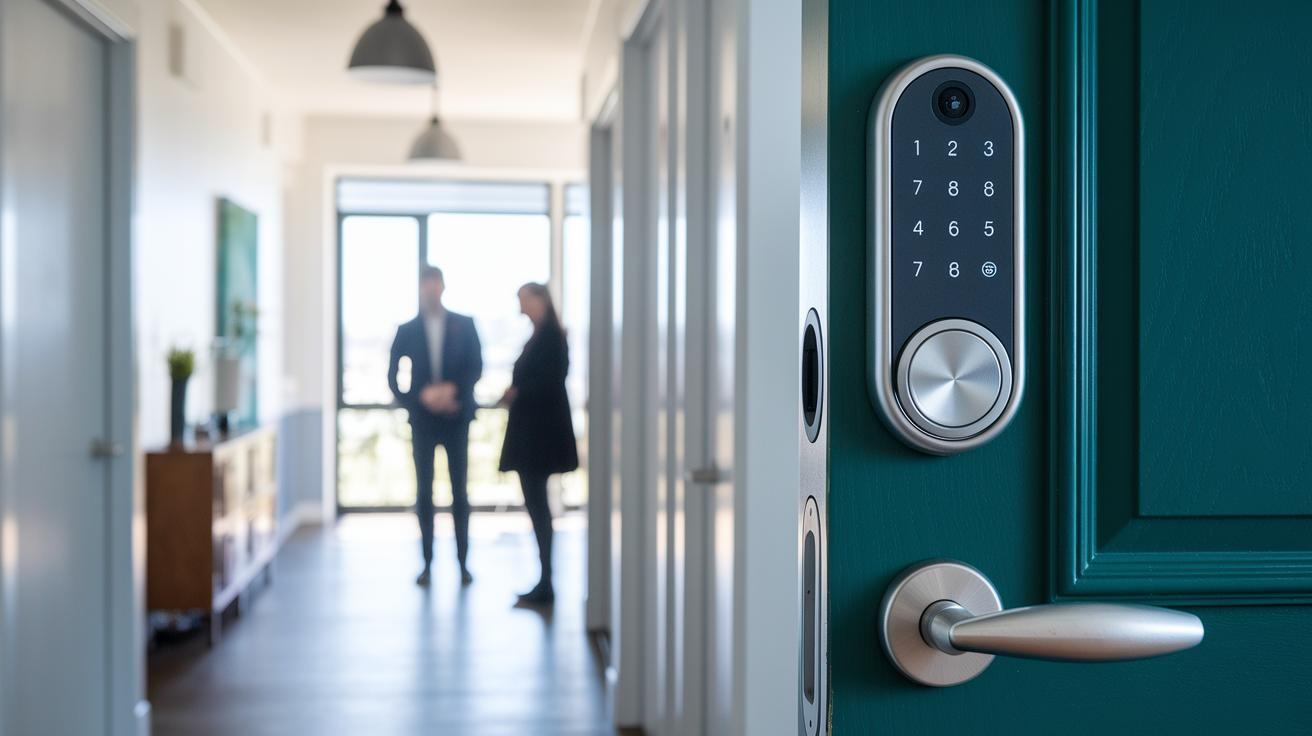
Rental homes need smart locks that tackle the unique worries tenants have. These locks must stop unwanted entry while staying easy to manage in a busy rental setting. For example, keyless entry options are designed to be both convenient and tough against tampering.
Many smart locks come with extra safety features. Some include built-in alarms that alert you when someone forces entry, while others have an automatic lockdown mode during emergencies. They might also let you set time-restricted codes, say, a code that only works on weekdays from 9 AM to 5 PM. Fingerprint recognition adds another layer of secure, biometric access, and tamper detection sends alerts if anyone tries to meddle with the lock.
When these features combine, they offer renters a strong line of defense. Easy access management paired with active tamper monitoring means your door stays secure, giving you peace of mind throughout your tenancy.
Step-by-Step Smart Lock Installation Guide for Renters
Pre-Installation Checklist
Before starting, make sure you have a screwdriver, measuring tape, and a drill (if needed). Many renter kits let you reuse the current hardware so drilling might not be necessary. Verify that your door and deadbolt match the new smart lock components. This step helps prevent any damage by ensuring the lock fits your door perfectly. Finally, get written permission from your landlord so that the installation fits with your lease rules.
Installation Process
Begin by carefully removing your current deadbolt parts to keep your door frame and hardware safe. Position the mounting plate on the door and secure the new lock body in place, making sure every part aligns correctly. Follow the kit instructions to hook up any wiring or battery parts as needed. Tighten the screws steadily without overdoing it, as too much pressure can harm the mounting holes. Using the original settings keeps changes to a minimum and makes the setup renter-friendly.
Final Testing & App Pairing
After attaching the smart lock, test all its mechanical features by moving the parts by hand. Then, download the matching smartphone app and follow the pairing steps provided. Check that all access methods like keypad codes, Bluetooth, or fingerprint recognition work smoothly. Run several entry tests to ensure the lock responds quickly and without any glitches. This final check confirms that your new smart lock is set up for secure and easy use in your rental.
Lease & Landlord Considerations for Smart Locks for Renters
Lease Agreement Permissions
Before installing a smart lock, get your landlord’s written approval. Make sure your lease or an addendum clearly states that the smart lock installation is temporary and can be easily reversed. This written detail explains how and when the lock will be removed or replaced with the original hardware, helping to avoid disagreements over modifications or damage.
Effective Communication with Landlords
When talking with your landlord, focus on how smart locks boost security. Explain that digital access control reduces the chance of duplicate keys and makes tenant transitions smoother. You might even suggest splitting the installation costs since these improvements could increase the property’s value. A clear, friendly chat about these benefits can lead to a win-win agreement for both sides.
Removal & Restoration Responsibilities
Before you move in, agree on who will handle the removal of the smart lock and restore the door back to its original state when you leave. Your lease should clearly list the move-out steps and any costs involved in returning the door to its original condition. Clearing up these details early on not only protects your security deposit but also builds trust between you and your landlord.
Battery Life & Maintenance for Smart Locks in Rental Units
Most smart locks use standard AA batteries that typically last between 6 and 12 months – a timeframe that works well for renters. Many models even send app alerts when batteries are low, which helps you prevent any unexpected lockouts. In our tests, checking the battery once a month kept the locks running smoothly. One tester mentioned, "I set a monthly reminder to inspect the battery, and my lock never gave me any trouble over an entire year." This simple habit ensures your smart lock stays secure and reliable.
Routine maintenance is key to long-lasting battery performance. Replace batteries as soon as you get an alert and update the lock’s firmware regularly. Keeping the firmware current not only boosts security but also helps the lock manage its power better. With monthly battery checks, you can catch small issues before they become big problems. Following these steps makes it easy to keep your smart lock performing well, so your rental property stays safe without any surprises.
Final Words
In the action, we explored renter-friendly lock options, from non-invasive installations to detailed installation guides. We reviewed top smart lock picks, compared their technologies, and broke down key security features step-by-step. Lease considerations and battery maintenance tips rounded out our guide, offering practical insights every tenant needs. For those planning to upgrade their home entry, our review of smart locks for renters delivers clear, unbiased advice to help you pick the best option for your needs. Enjoy the added security and peace of mind that a smart lock brings to your rental.
FAQ
What are the best smart locks for renters?
The best smart locks for renters include models like the August Smart Lock, August WiFi Smart Lock, and Schlage variants. They offer secure, keyless entry, remote access, and easy installation without needing invasive modifications.
Are smart locks worth it for renters?
These smart locks offer enhanced security, convenience, and keyless access, making them a valuable upgrade for rental properties with minimal impact on doors.
Can I install a smart lock on my apartment door while keeping the same setup?
Renters can choose non-invasive smart locks specially crafted for rental properties, allowing simple installation that preserves the original door hardware.
What advanced smart lock models are available for rental properties?
Models such as the Yale Assure SL Touchscreen Deadbolt, Yale Assure Lock 2 Plus with Home Keys, Encode Smart WiFi Deadbolt Schlage, and Nest X Yale Lock offer advanced features for improved security and ease of use.