
Feeling confused about which smart speaker to choose? We’ve all been there. This guide lays out a simple checklist to help you compare models without the headache. We cover important things like sound quality, connectivity options, how well the voice assistant works, and which devices it pairs with. Follow these straightforward steps to avoid costly mistakes and find a speaker that fits your needs. Get ready to select a smart speaker that brings clear sound and reliable voice commands to your home.
Essential Criteria for a Smart Speaker Buying Checklist
A good checklist helps you avoid mistakes and keeps you from paying too much. By writing down the main features you care about, you can compare different speakers without getting confused. Using a simple framework like the tech buyer checklist makes finding the right model much easier.
Here are the key points to consider:
- Sound: Make sure the speaker gives clear and balanced audio. Check for details like how clear it sounds at high volumes, how strong the bass is, and if the mids and highs are well balanced.
- Connectivity: Find out if the speaker needs WiFi for smooth, multi-room playback or if it can use Bluetooth for a quick and easy connection. Also, check if it supports popular streaming apps like Spotify and Apple Music.
- Voice Assistant: Test how well the speaker picks up and understands your commands. Whether it uses Google Assistant or Amazon Alexa, look at how quickly it responds when you say the wake word and how many mistakes it makes.
- Device Compatibility: See if the speaker works well with your other gadgets. Some speakers may require a specific system, like iOS, while others work with almost any device.
- Price and Features: Make sure the speaker's extra features are worth the cost. Many models come with competitive prices and may even offer benefits like fast delivery.
These points form the basis of a strong checklist. They help turn technical details and sound tests into everyday language that makes choosing a smart speaker simple and clear.
Sound Quality Evaluation in Your Smart Speaker Buying Checklist
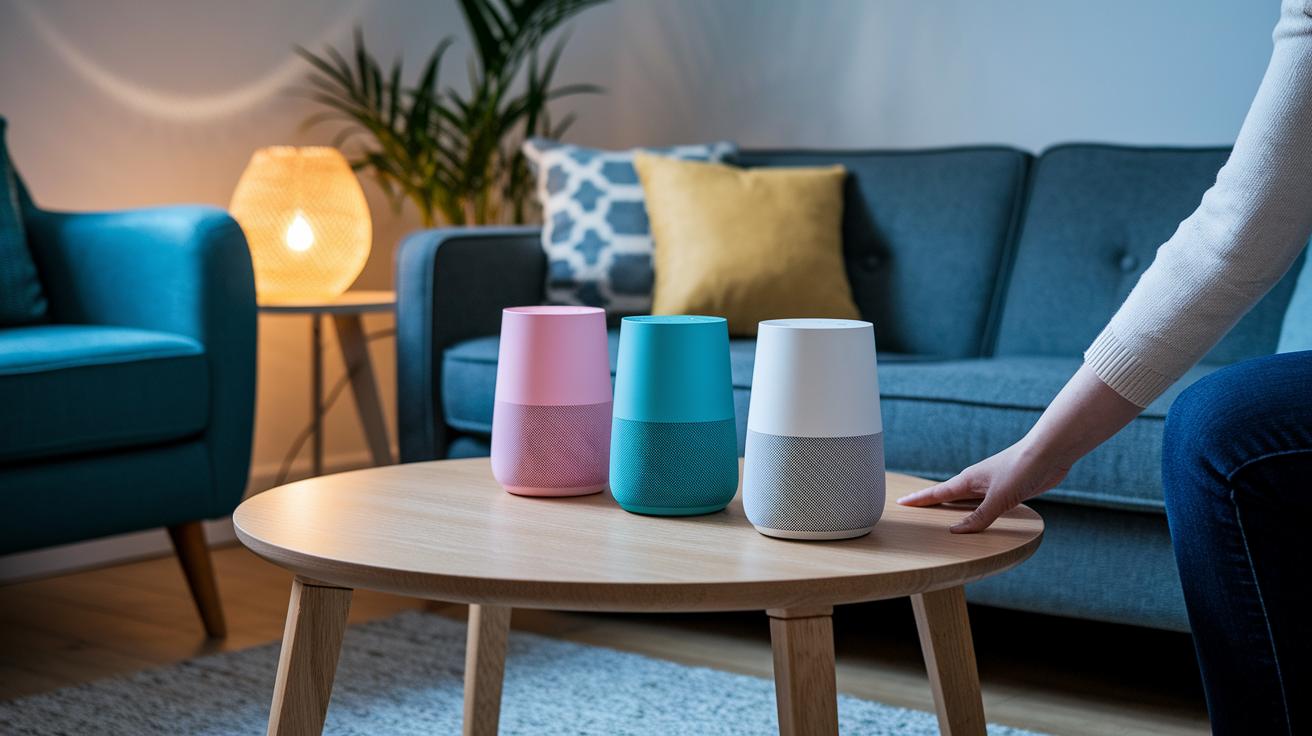
Audio clarity is key when it comes to enjoying your smart speaker. It makes your music fun and helps digital assistants catch your voice commands. When we test speakers, we focus on tone clarity and acoustic fidelity to see how they perform at different volumes and sound ranges. Even small changes in sound detail can turn an average experience into something special.
For example, many users say the Sonos Era 100 offers rich, open sound at mid frequencies. The Era 300 fills your space with audio that surrounds you. The Apple HomePod 2 spreads sound widely, and the Echo Dot 5th gen surprises with a punchy low end without a high price tag. Models like the Bang & Olufsen Beosound A1 (2nd gen) and JBL Authentics 300 stand out for clear vocals and true-to-life surround cues.
| Speaker Model | Key Audio Feature |
|---|---|
| Sonos Era 100 | Open sound at mid frequencies |
| Sonos Era 300 | Home spatial audio |
| Apple HomePod 2 | Deep bass, wide soundstage |
| Echo Dot 5th gen | Enhanced low-end |
| Beosound A1 2nd gen | Refined vocal clarity |
| JBL Authentics 300 | Surround-like cues |
We also check for distortion and echo cancellation during our tests. This helps us ensure that a speaker holds its clarity even at higher volumes or in noisy settings. These measurements are a great way to spot smart speakers that deliver smooth, clear audio and respond reliably to your commands.
Connectivity and Compatibility in a Smart Speaker Buying Checklist
Smart speakers connect to your home system through either WiFi or Bluetooth. WiFi speakers use your home network to stream content smoothly and let you control audio in multiple rooms. In contrast, Bluetooth speakers pair directly with a couple of devices, which makes them great for on-the-go use but limits their range compared to WiFi.
- WiFi speakers: Reliable streaming and multi-room coverage
- Bluetooth speakers: Easy pairing and portability, but shorter range
When streaming music, most smart speakers work with apps like Spotify, Apple Music, and Amazon Music. A stable wireless link ensures your tunes play without interruption no matter where you are in your home. It’s smart to test how well the speaker works with your favorite streaming apps and holds its connection through long play sessions. For more ideas on how to score connectivity and compatibility, check out this guide: how to compare tech products effectively.
Don’t forget device compatibility when you shop. While many speakers work with a variety of gadgets, some, like the Apple HomePod Mini, need an iOS device to get started. If you use a mix of devices, a speaker that isn’t tied to just one platform might be a better choice. Also, a modern router can boost multi-room audio so sound fills every corner of your home. Keeping these features in mind will help you pick the smart speaker that meets your connectivity and compatibility needs.
Voice Assistant Features in a Smart Speaker Buying Checklist

Your smart speaker's helper needs to understand your commands accurately and quickly. When it gets things right the first time, you save time and avoid hassle. The speed at which it hears your wake word can make all the difference between a smooth setup and a frustrating experience.
Assistant Response Accuracy
When you check a speaker's response, see how well it picks up your wake word and how often it gets things wrong. A strong wake-word detection means the speaker seldom misses your commands, even in a noisy room. For example, Google Nest Audio is known for its accurate recognition. Pay attention to how frequently it misinterprets phrases; this can help you decide if the digital helper is reliable for everyday use.
Command Latency and Efficiency
Command latency is simply how fast the speaker reacts, usually between 200 and 300 milliseconds. Firmware updates can sometimes make it even quicker. This speed is important if you use interactive features or switch between different digital assistants. Some models, like the JBL Authentics 300, can automatically switch between assistants to save you time when multitasking. Your choice might also depend on your current gadgets; for example, look at differences in visual feedback between Google Assistant and Alexa. Keep an eye on new options like Gemini for Home as they might offer even better performance down the road.
Design, Setup Simplicity and Ecosystem Integration in a Smart Speaker Buying Checklist
Getting your smart speaker up and running is simple with a dedicated app that walks you through installation and firmware updates. For instance, the HomePod Mini and HomePod 2 need an iOS device during setup, while many other speakers use cross-platform apps that work just as well on Android. A clear and easy-to-follow app streamlines the setup process and helps keep firmware updates smooth, ensuring the speaker performs reliably right from the start.
The physical design and interface of a smart speaker also play a key role in fitting it into your home. Consider the size, shape, and touch controls, which influence both comfort and sound quality from the ideal placement. Some portable options, like the Beosound A1 and Authentics 300, even offer built-in batteries for extra flexibility. Make sure the speaker’s look matches your interior style and that its control system and overall integration create a hassle-free daily experience.
Budget Alignment and After-Sales Considerations in a Smart Speaker Buying Checklist
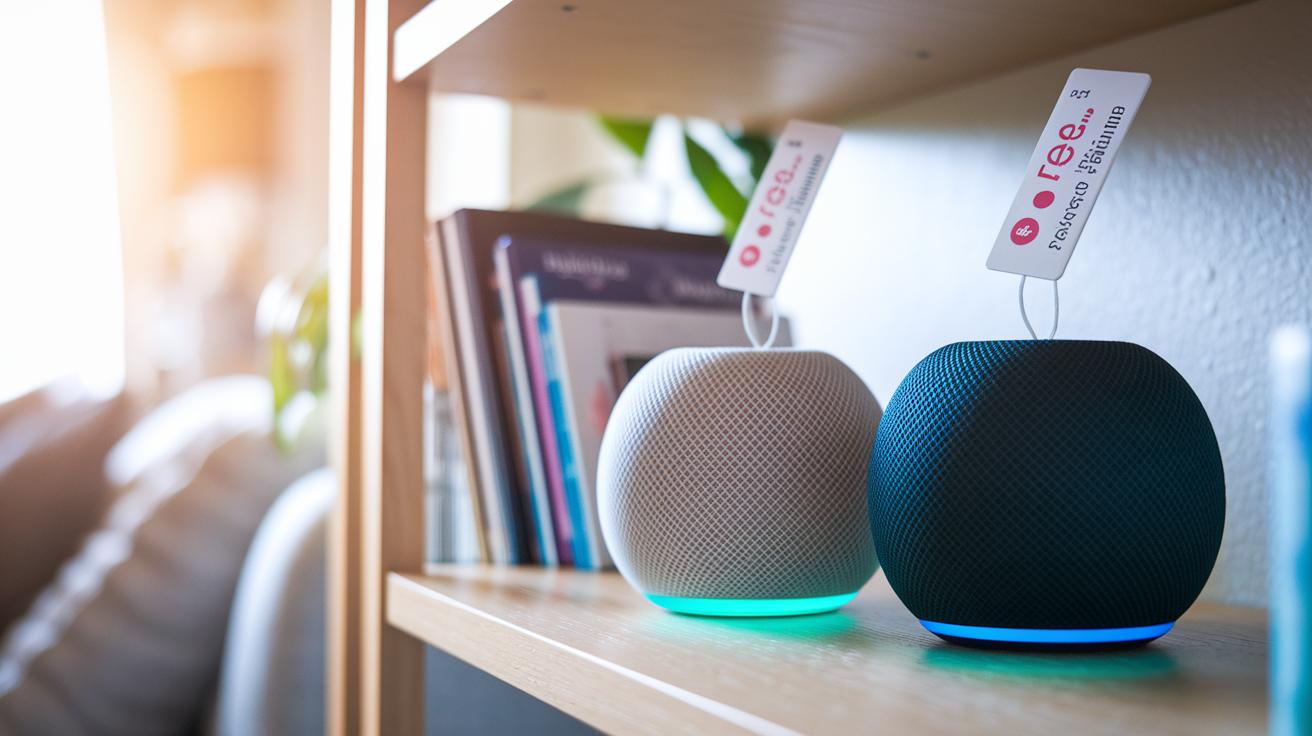
Today’s smart speaker market offers prices that suit every budget. You might pick up a budget-friendly Echo Dot 5th gen for around $49, while premium options like the HomePod 2 come in at about $299. Mid-range speakers like the Sonos Era 100 at $179 and the Era 300 at $249 pack competitive features for different needs. Another solid choice is the Bang & Olufsen Beosound A1, which costs roughly $150 and marries design with functionality. Most models include a one-year warranty, and many retailers offer a 30-day return window, so it’s smart to compare these details before deciding.
- Check the feature sets for each price range
- Look at warranty lengths and any extended-care options
- Be on the lookout for bundled deals or free shipping
- Keep an eye on seasonal discounts and promotions
Long-term savings matter too. Regular firmware updates keep your speaker running smoothly and can even add new features, extending its useful life. Plus, many brands and retailers offer trade-in programs that lower the cost of future upgrades. By planning your budget to include these after-sales benefits, you not only get the most from your initial purchase but also reduce future expenses, making your smart speaker a true win for your home setup.
Final Words
In the action, the guide broke down key criteria like sound quality, connectivity, digital assistant performance, design, and budget alignment. Each section offered clear steps that help compare features and price while considering real-world performance.
Using a structured smart speaker buying checklist can help prevent costly mistakes and lead to smart choices. This approach makes it easier to assess models based on core benefits without getting overwhelmed. Enjoy the process, and trust that careful research pays off in the long run.
FAQ
Frequently Asked Questions
What is a smart speaker buying checklist and why is it useful?
The smart speaker buying checklist outlines key factors—sound performance, connectivity, voice assistant accuracy, design, and budget—that help buyers avoid costly mistakes.
How does the smart speaker checklist for 2022 differ from earlier versions?
The smart speaker checklist for 2022 reflects updated criteria, including improved multi-room audio, better voice assistant integration, and refined connectivity options to match newer models.
What is the best smart speaker for music according to the checklist?
The best smart speaker for music stands out for its superior sound quality, delivering deep bass, clear vocals, and a balanced audio profile ideal for immersive listening.
How do smart speakers like Alexa work and what benefits do they offer?
Smart speakers like Alexa use Amazon’s voice assistant to provide instant responses, control smart home devices, and deliver hands-free convenience for daily tasks.
Which smart speakers include a screen and what advantages do they provide?
Smart speakers with screens offer visual feedback, adding capabilities like video calls, recipe displays, and enhanced interaction that complement their audio performance.
What distinguishes Sonos smart speakers for consumers?
Sonos smart speakers are distinguished by their robust sound quality, seamless multi-room streaming, and smooth integration with smart home systems, providing a balanced music and control experience.
Which features mark the best portable smart speaker options?
The best portable smart speakers are highlighted by compact designs, long-lasting battery life, and reliable wireless connectivity, making them ideal for on-the-go use without sacrificing audio quality.