
Looking into VR headsets? While many look impressive, some might have hidden issues you don’t notice at first glance. Our checklist cuts through the hype and lays out clear steps to help you choose the right one. We break down the key points, crisp visuals, smooth tracking, and lasting comfort, for sessions that go on and on. With hands-on tips on display quality, motion accuracy, and must-have features, you'll know what counts in no time. This guide is your roadmap to finding a headset that not only looks great but also delivers a truly immersive experience.
VR Headset Buying Checklist Overview
When shopping for a VR headset, use this checklist to simplify your decision. First, decide which type suits you best. Standalone headsets offer plug-and-play convenience with built-in sensors and screens, PC-powered ones deliver top-notch graphics with a gaming PC, and console-based systems provide a middle ground using a dedicated console.
Here are the key factors to consider:
- Display quality: Check the resolution, pixels per degree, refresh rate, and field of view to ensure the visuals are crisp and smooth.
- Motion tracking: Look for accurate tracking and low latency so your movements stay in sync with the virtual world.
- Compatibility: Make sure the headset works with your favorite platforms and software.
- Comfort and ergonomics: Find one with adjustable straps and good cushioning. Extras like improved face foam or battery straps can make long sessions more enjoyable.
- Battery life: For standalone devices, ensure the battery can last through your sessions or consider add-on battery packs.
- Audio integration: Compare built-in speakers with over-ear headphone options and see if it supports spatial audio.
- Price and support: Compare entry-level, mid-range, and premium models, check warranty and return policies, and buy from a trusted vendor.
For a more detailed guide on comparing tech products, check out our article on how to compare tech products effectively. This checklist covers all the basics so you can choose the VR headset that fits your needs and budget with confidence.
VR Headset Display & Visual Quality Checklist
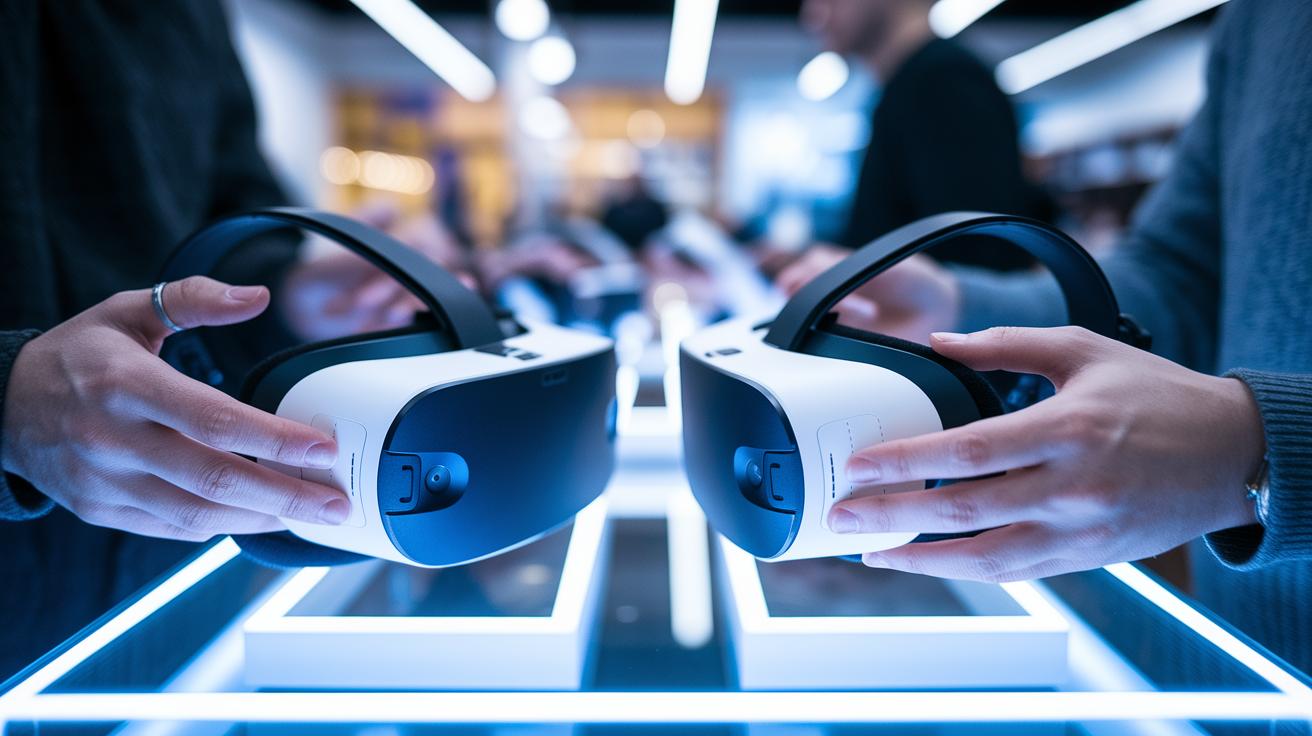
When choosing a VR headset, start with a look at its display specs. Sharp images and smooth motion can really boost your sense of presence. Here's an easy checklist to compare resolution, pixel density, refresh rate, and field of view.
-
Resolution per Eye:
Each headset shows its resolution as the product of width and height for each eye. Low numbers can make the image look pixelated. Look for a high resolution so images stay sharp.
Example: "A headset with 2160×1200 per eye keeps pixels small and pictures clear." -
Pixels Per Degree (PPD):
PPD is found by dividing the number of horizontal pixels by the horizontal field of view. When the PPD is high, you get finer details.
Example: "If a headset has 1440 horizontal pixels over a 90° field of view, you will see a good level of sharpness." -
Refresh Rate:
A refresh rate around 90 to 120 frames per second gives a steady image. This tells you how often the picture is updated, which helps reduce blur during quick movements.
Example: "Noticing smooth motion during fast scenes shows that the headset has a strong refresh rate." -
Field of View (FOV):
High-end models usually offer a field of view from 100° up to 110°. A wider field of view helps you see more of the virtual world, adding to a full and natural immersive experience.
Example: "A headset with a 110° field of view lets you take in more of the scene, making the experience feel more real." -
Visual Clarity Standards Lookup:
Use a side-by-side display resolution guide to compare these numbers and check if the headset meets advanced standards for visual quality.
These guidelines give you the basics for assessing VR headset visuals in everyday use.
VR Headset Motion Tracking & Latency Checklist
Start by checking the positional tracking system. This feature tracks your movements to make the virtual world feel real. Some high-end headsets use external base stations, while others depend on built-in cameras. A sensor with good accuracy will capture your actions precisely, for instance, if you feel a lag when swinging your arms, the sensor might need an upgrade.
Consider these points for a complete check:
-
Motion tracking setup:
Ensure that the tracking (whether from external base stations or built-in cameras) covers your play area without any dead zones. -
Sensor accuracy:
Test the headset under different lighting and movement conditions. A good sensor captures both slow and fast motions clearly. -
Latency check:
Look for headsets with low latency to avoid choppy or misaligned visuals. Try a quick test by turning your head swiftly and see if the image adjusts immediately. -
Controller pairing:
Confirm that your controller connects reliably. Accessories like grip enhancements can boost both stability and tracking performance. -
Accessory compatibility:
Verify that any additional gear, such as Saber Grips, integrates smoothly with your headset to support steady tracking.
Following these steps will help you enjoy a smoother, more responsive VR experience.
VR Headset Comfort & Ergonomics Checklist
-
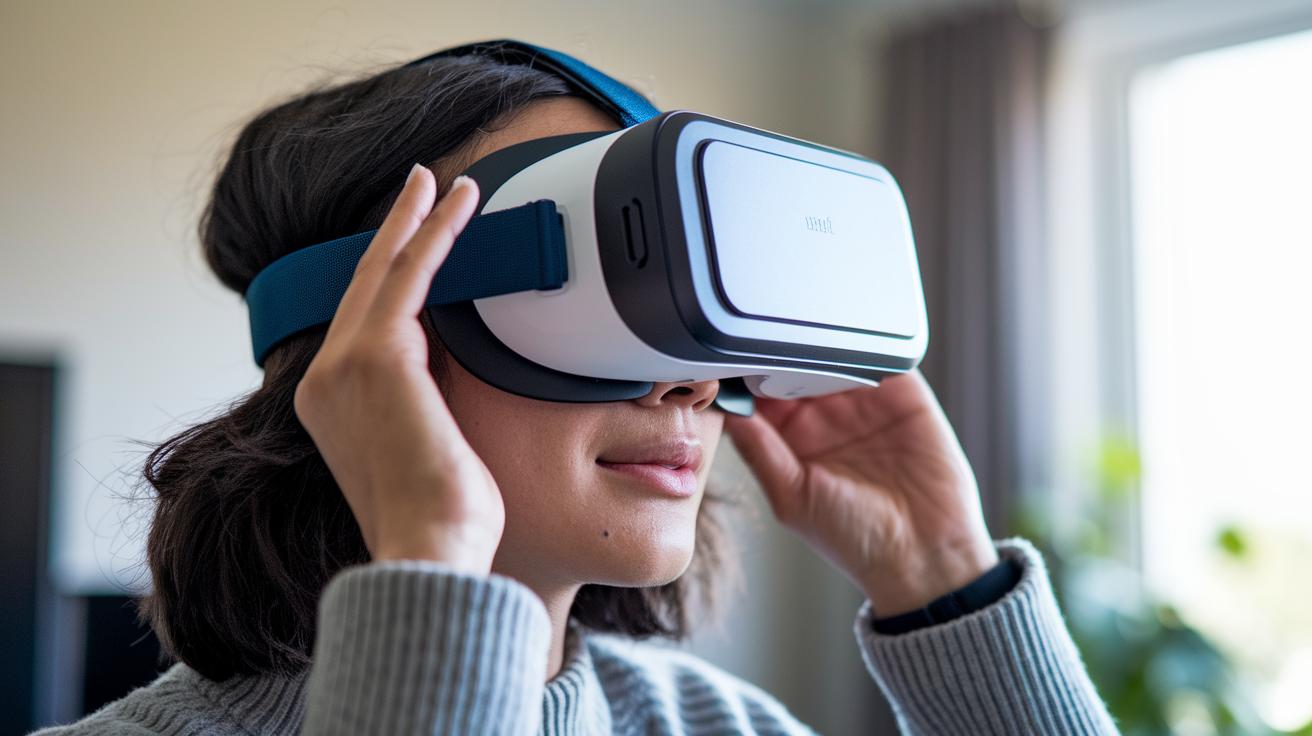
Try different adjustable head straps to get the perfect fit. Upgrading to a soft face foam set spreads the weight evenly, so you feel less pressure even after long sessions. For example, after switching to a softer foam, the headset felt notably lighter even after an hour.
-
Test the face cushion to check how it feels on your skin. Look for padding that is both soft and tough, which helps reduce discomfort as you use the headset longer.
-
Make sure the adjustable straps work well to give you a secure, personalized fit. A firm fit keeps the headset from moving around during active gameplay, which is key for a true immersive experience.
-
Consider add-ons like the VR Power 2 Battery Strap. This accessory adds counterweight to balance front-heavy headsets, providing better stability during extended use.
-
Check the materials on the cushions and headbands for proper thermal management. Breathable, heat-wicking fabrics help keep you cool, ensuring a comfortable experience during long sessions.
-
Use supportive items such as VR mats and grip socks. These extras not only help maintain good posture but also prevent any slippage, so both you and your headset stay in place throughout your session.
VR Headset Audio, Controllers & Accessories Checklist
Audio
Test the headset’s built-in speakers to see how clear the sound is and compare them with over-ear headphones. Check for features like spatial audio and any options to tweak the sound. For example, the built-in speakers delivered clear sound, almost matching the quality of good over-ear headphones.
Controllers
Make sure the controllers connect quickly and feel natural in your hands. Also, confirm that extra devices like Saber Grips work well with the headset. For instance, pairing the controllers was quick and any add-on accessories connected without delay.
Accessories
Examine the accessory bundle to ensure it includes everything you need, such as track straps, USB hubs, VR mats, and grip socks. Verify that any external peripherals integrate smoothly with the headset. For example, the VR mat helped keep the play area safe while all accessories synced perfectly.
VR Headset Power, Battery & Connectivity Checklist
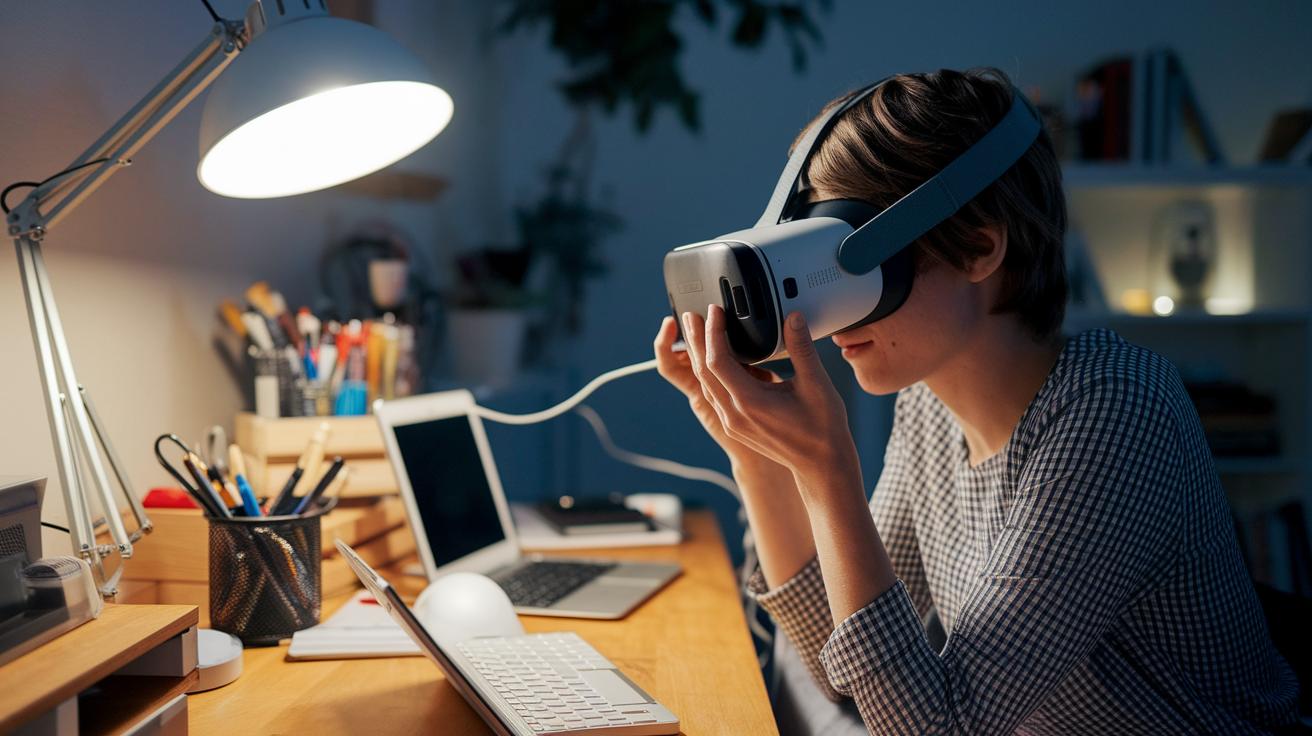
When you shop for a VR headset, start by looking at its battery life. Standalone headsets such as the Meta Quest 2 offer the freedom of wireless play, but they usually last only 2 to 3 hours on a single charge. If you want a longer session without interruptions, check if a battery accessory like the VR Power 2 Battery Strap is an option.
Next, consider if the headset uses cables or supports wireless streaming. PC-powered headsets often require cables, which might limit your movement. Wireless casting to other displays is a handy feature, but it can sometimes bring a slight delay in control or video feed.
Finally, pay attention to the connectivity protocols. Solid connectivity means a smoother experience and fewer interruptions when linking the headset to other devices. A lightweight and well-balanced headset with strong battery performance can make a big difference during long VR sessions.
- Battery life: Find a headset that suits your session length.
- Charging solutions: See if you can extend playtime with extra battery accessories.
- Connectivity methods: Check how easily the headset pairs with other devices.
- Portability: Choose a design that stays comfortable even during long sessions.
VR headset buying checklist: Brilliant Options Await
When shopping for VR headsets, comparing prices is key. It helps you decide if you need a budget-friendly model for casual use or a more advanced setup for serious gaming or professional work. You can choose from entry-level headsets starting at $15 up to high-end systems over $6,000. Always check warranty details and return policies, a typical 30-day return window with a one-year warranty is a solid safety net. Keep an eye out for seasonal discounts and be sure to buy from authorized sellers to get the best value and dependable support.
Here’s a simple checklist to help with your decision:
- Make sure the price range matches your planned use. Entry-level options work for casual trials, while more expensive models are best for enthusiasts or professionals.
- Factor in any extra costs for accessories that might be needed.
- Review the return policies and warranty coverage to protect your investment.
- Look for seasonal promotions to save a bit more.
- Consider if bundled accessories add extra value.
- Read customer support reviews to see how well they handle post-purchase help.
| Category | Model(s) | Price Range | Use Case |
|---|---|---|---|
| Entry-Level | Basic VR, Google Cardboard | $15–$20 | Casual, trial experiences |
| Portable Mobile VR | FreeFly | $29.99 | Smartphone-based immersion |
| Standalone VR | Meta Quest 2 | $399.99–$429.99 | Wireless gaming and apps |
| Console VR | PSVR 2 | $549 | PlayStation 5 gaming |
| PC-Powered Mid-Range | HP Reverb G2, Pimax 5K SUPER | $599–$620 | High-resolution visuals |
| Enthusiast PC VR | Valve Index, HTC Vive Pro 2 | $799–$1,399 | Immersive premium experience |
| Professional/Enterprise | Varjo Aero, Varjo VR-3, Varjo XR-3, Magic Leap 2 | $1,999–$6,495 | Simulation and training |
Final Words
In the action, we walked you through the VR headset buying checklist. We broke down each section, from display and motion tracking to comfort, audio, power, and price. This guide helps you compare key features side-by-side so you can pick the system that fits your needs and budget. Our step-by-step review aims to save you time and money while ensuring you make a smart purchase. Enjoy an improved VR experience with confidence and ease.
FAQ
Frequently Asked Questions
What does the phrase “VR headset buying checklist reddit” refer to?
The phrase VR headset buying checklist reddit refers to community-curated lists found on Reddit that offer tips and shared experiences for evaluating key factors like display quality and comfort when choosing a headset.
What does the best VR headset buying checklist include?
The best VR headset buying checklist includes factors such as display quality, motion tracking, comfort, battery life, audio integration, and price, helping you compare options effectively for an informed decision.
What is the best VR headset for PC?
The best VR headset for PC delivers high-fidelity graphics when paired with a gaming PC, featuring robust tracking and responsive controllers to enhance overall immersion.
How do VR headset comparisons work?
VR headset comparisons evaluate differences between standalone, PC-powered, and console-based models by assessing criteria like display, tracking, comfort, and price, guiding you towards the most suitable option.
What characterizes a cheap VR headset for PC?
A cheap VR headset for PC offers essential features at a budget-friendly price, balancing decent display quality and reliable tracking without sacrificing the basic immersive experience.
What defines the best VR headset for PS4?
The best VR headset for PS4 pairs seamlessly with PlayStation systems, delivering balanced performance, ease of setup, and immersive visuals tailored for console gaming.
How can I get a VR headset for free?
You can get a VR headset for free by entering giveaways, contests, or promotional deals offered by manufacturers and tech forums, keeping an eye out for opportunities in community channels.
How do VR headsets work?
VR headsets work by using mounted display screens and motion sensors to track head movements, creating immersive 3D visuals and a wide field of view that changes with your perspective.
What do I need to use a VR headset?
To use a VR headset, you need the headset unit, compatible controllers, necessary cables or wireless adapters, and, depending on the model, a gaming PC or console to power the experience.
Is Oculus Quest 2 or 3 better?
The choice between Oculus Quest 2 and 3 depends on your needs; the newer model typically offers improved performance, better display quality, and enhanced tracking for a more immersive VR experience.
Is there a monthly fee for VR usage?
Generally, using a VR headset does not incur a monthly fee; however, certain premium apps or subscription services may charge for access to exclusive content.